 DayHeart
UA
RU
Open
DayHeart
UA
RU
Open
Home › DayHeart in Telegram
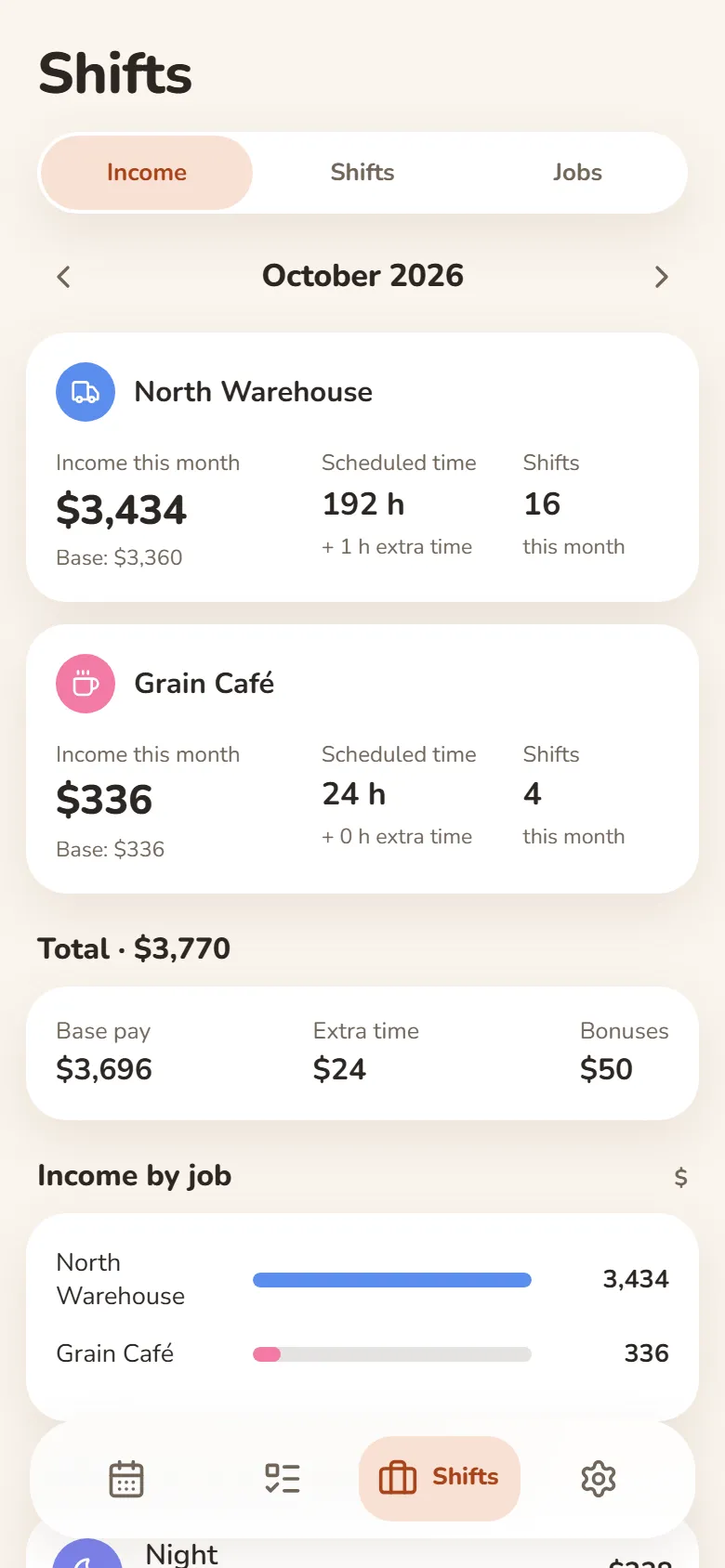
A Telegram planner for shifts, classes and tasks
Open @dayheartbot and DayHeart starts right inside Telegram, with nothing to install and no sign-up. Reminders about shifts, classes, habits and medication arrive in the same chat.
Free · No sign-up needed · English, Ukrainian and Russian
How to start
Open the bot
Find @dayheartbot in Telegram search or tap “Open in Telegram” on this page.
Tap “My calendar”
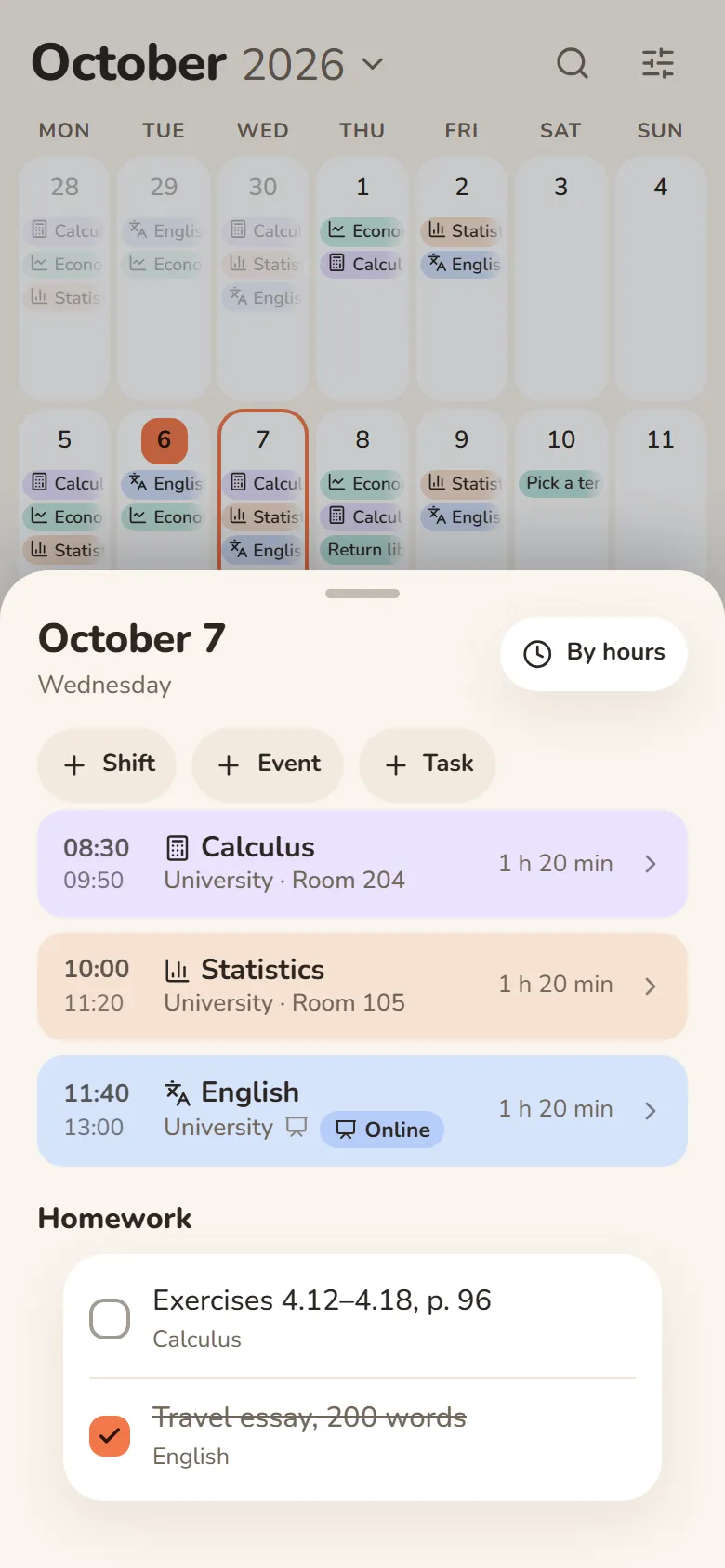
The button next to the message field opens DayHeart right inside Telegram — with all the sections you get on the website.
Write straight into the chat
“Call mom tomorrow at 10” — and the task is already in the app. /today — your day, /week — the week ahead.
Get reminders
About shifts, classes, tasks, habits, medication and birthdays — in the same chat. Mark them or put them off right from the message.
What DayHeart does in Telegram
Reminders in the chat
An hour before a shift, about classes (online ones come with the lecture link), tasks, habits, medication and birthdays.
Mark from the message
Mark a habit or a medication right in the reminder, or put a task off for 15 minutes, an hour, until tonight or tomorrow.
Group and friends
A shared class schedule for a group of up to 50 people and shared tasks with friends. The bot can send a digest of what others changed.
“How was your day?”
Turn it on in Settings → Reminders and the bot asks about your mood in the evening. One tap and the day is logged.
The same entries everywhere
Sign in on the website with Telegram and your Telegram entries are in your browser, on your phone and on your computer.
Quick commands
/today — today’s plan, /week — the week ahead, /add — jot down a task, /support — write to support.
Questions and answers
Do I need to install anything?
No. DayHeart opens right inside Telegram as a mini app — no separate app needed.
Does it work without Telegram?
Yes: in the browser at dayheart.app. Sign in there with Telegram and your entries are the same.
Will my group see my entries?
No. A shared place shares only classes, homework and links, and a group shares its tasks. “Done” marks, reminders and notes stay personal.
How much does it cost?
It’s free — every feature.
Other sections
Shifts and earningsStudy: classes and homeworkHabits and moodStudy and workWhat is DayHeartShift pay calculatorShift schedule makerHome