 DayHeart
Home › Friends and groups
Friends
Friends and things together
Invite friends with a link: each other’s calendars, plans and tasks together, and shared task groups with family and friends.
Core features free · No sign-up needed · 24 languages
Highlights
Each other’s calendars
A friend sees your shifts and events — you choose which jobs and what exactly. Your earnings and notes always stay private.
Highlights
Things together
The “Together with” field on a task or event: your friend gets an invitation in the app and in Telegram, and after “I’m in” you both have it.
Highlights
Task groups
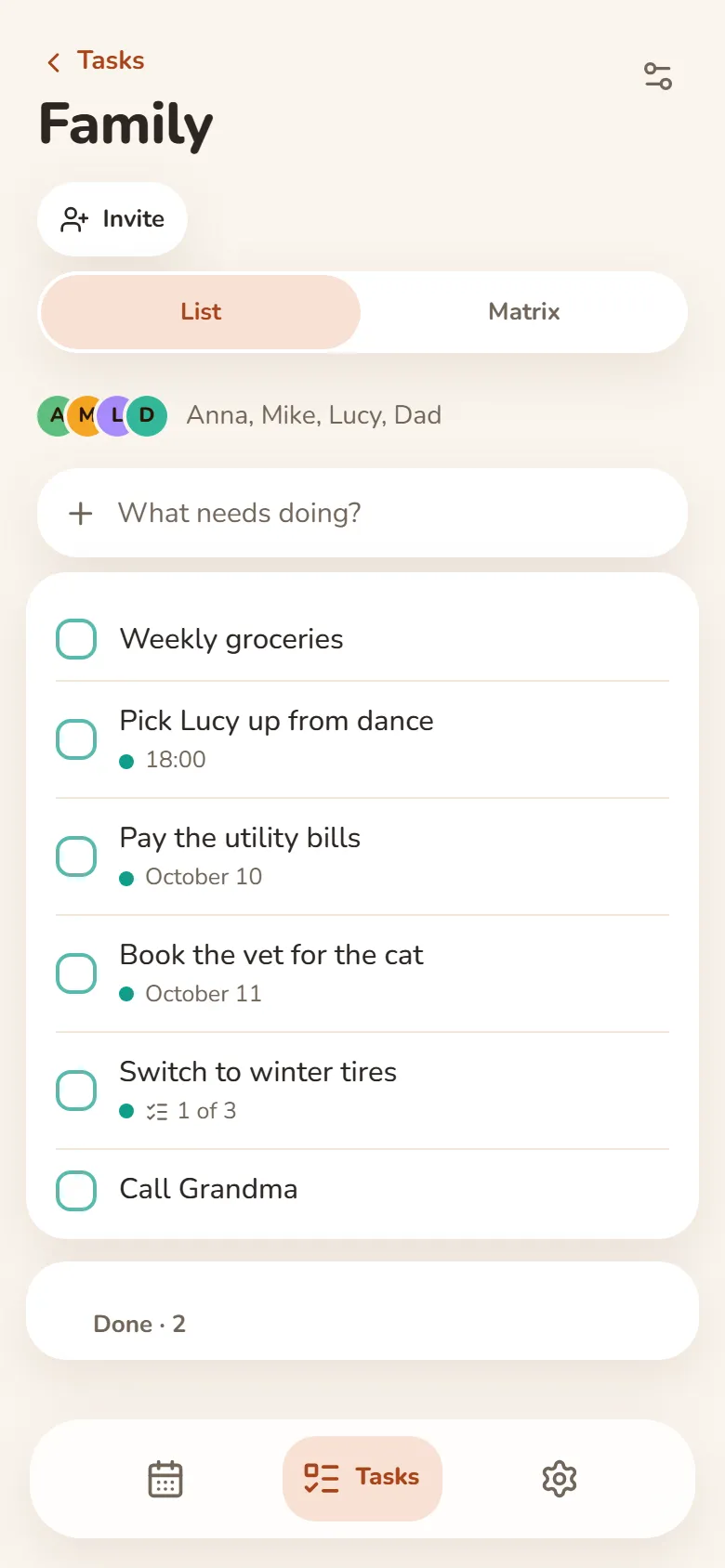
Shared tasks with family and friends — up to 50 people. Everyone adds, edits, ticks off and reorders tasks, and each person sets their own reminders.
How to start
- Sign inWith Telegram or Google — friends and groups need an account.
- Invite a friendFriends → Invite a friend: a link or a code for 7 days; any number of friends can join with it.
- Choose what your friend seesIn “What your friend will see” — shifts (all or specific jobs), events, tasks and “Sharing my mood”.
- Start a task groupTasks → + Group → Create the group → Invite: friends from your list or a link for 7 days.
Everything it does
- Your own name for a friendLike “Mom” — only you see it.
- Your friend’s moodIf your friend turns on “Sharing my mood” — a face on their avatar.
- “Friend” and “Friends” widgetsOn Android and in the Windows app: your friend’s mood and upcoming entries.
- “Only for me”Hide any task from friends — only you see it.
- One shared orderMove a task in a group — the order changes for everyone.
- A matrix for each groupImportant and urgent — separately for each task group.
- Tick off in TelegramA reminder about a group task has a “✅ Done” button — the task is ticked off for everyone.
- Join by linkA 7-day link invites people to a task group without making them friends.
Questions and answers
What does a friend see?
What you turn on in “What your friend will see”: shifts (all or specific jobs), events, tasks and mood. Earnings, notes and “Only for me” entries stay hidden.
How many friends can I add?
As many as you like. Many people can join with one invite link; the link works for 7 days.
Do I need Telegram?
No: you can sign in with Telegram or Google, and the link opens in the browser. Invitations to do things together also show in the app.
How many people can be in a task group?
Up to 50, including whoever created it. You can create up to 50 groups of your own.
How do I stop sharing?
Remove a friend from your friends or leave a task group. The name, the members and deleting the group are up to whoever created it.
How much does it cost?
Core features are free. Friends and task groups need a sign-in with Telegram or Google.
Other sections
Study: classes and homeworkHabits and moodDayHeart in TelegramHome