 DayHeart
UA
RU
Open
DayHeart
UA
RU
Open
Home › Shifts and earnings
A shift schedule that adds up your hours and earnings
Mark your shifts on the calendar and DayHeart works out your hours and earnings for the day, the month and the year. Several jobs, overnight shifts, extra pay and bonuses too.
Free · No sign-up needed · English, Ukrainian and Russian
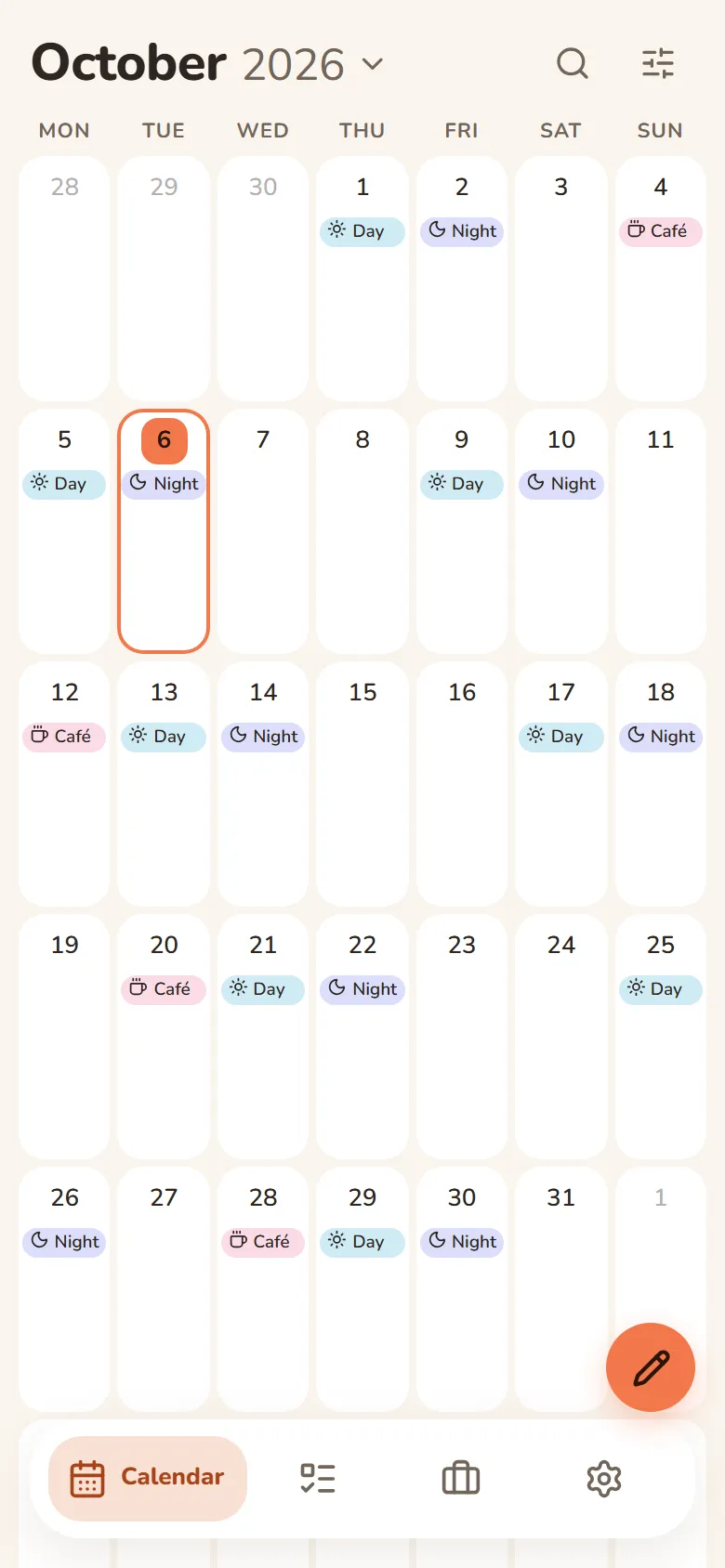
How to set up your schedule
Add your job
Create ready-made shifts — say, “Morning” from 8:00 AM to 4:00 PM: times, break and hourly rate.
Mark the days
Tap “Mark”, pick a shift and tap the days — the shifts appear right away. Tap a day again to remove its shift.
Or fill a whole month
In “Place shifts”, choose a shift, weekdays and a period, and all your shifts are in place. Repeats work too: every day, every week, 5/2 or 2 on, 2 off.
See your totals
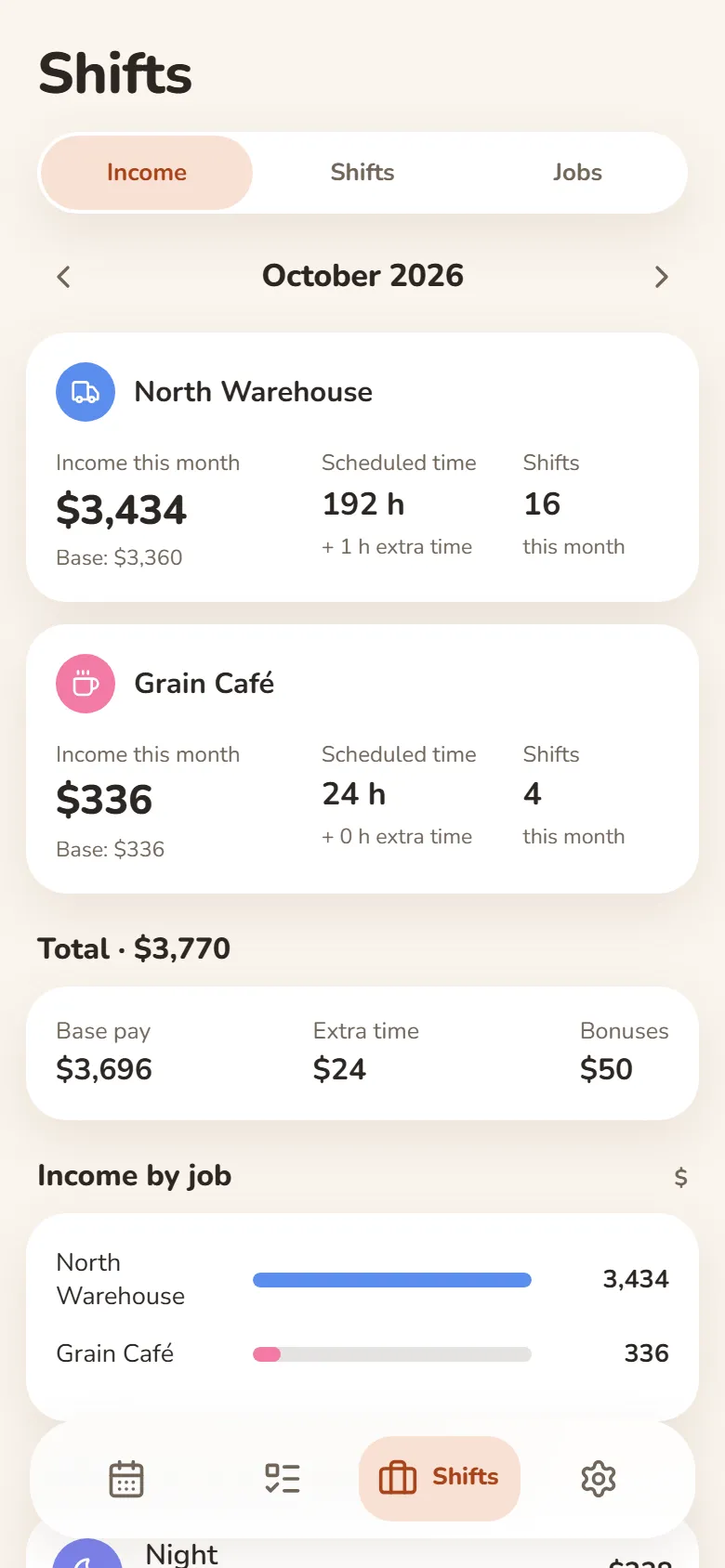
“Income” shows the month’s earnings for each job, your hours and the number of shifts; the year report shows earnings by month.
What adds up automatically
Hours
End minus start minus the break. A shift past midnight counts in full.
Earnings
Hours × hourly rate. A ready-made shift can have its own rate — for a night shift, say.
Extra pay and bonuses
Extra time paid by the hour or as a fixed sum; bonuses as a share of revenue, per client or for hitting a target; a one-off bonus on any shift.
Several jobs
Each with its own shifts and rates, with totals for every job.
Export to Excel
A month of shifts as a CSV file that opens in Excel — and you can import it back.
Reminders and friends
A Telegram reminder an hour before a shift. A friend you allow sees your shift names and times — your earnings and notes stay private.
Questions and answers
How much does it cost?
It’s free. You can use it without signing up; sign in with Telegram or Google to have your shifts on all your devices.
How are night shifts counted?
A shift past midnight counts in full. DayHeart doesn’t add a night premium on its own — give your night shift its own rate.
Which currency?
One currency for the whole app, chosen from 12. At first it follows your phone or computer region: hryvnia in Ukraine, dollar in the US, złoty in Poland, euro in the eurozone. Change it in Settings → Language, format, currency.
What if I’m on a salary?
Add your fixed salary in Finance → Recurring with the type Salary — it’s added every month alongside your shift earnings.
Does it work offline?
Yes: your entries live on your device and sync with your account once you’re back online.