 DayHeart
Dein ganzer Tag an einem Ort
Kalender, Aufgaben, Gewohnheiten und Stimmung. Wenn du im Schichtdienst arbeitest, ist dein Plan mit ein paar Fingertipps fertig, und Stunden und Verdienst rechnen sich von selbst.
Kostenlos · Keine Registrierung nötig · 24 Sprachen
So installierst du die App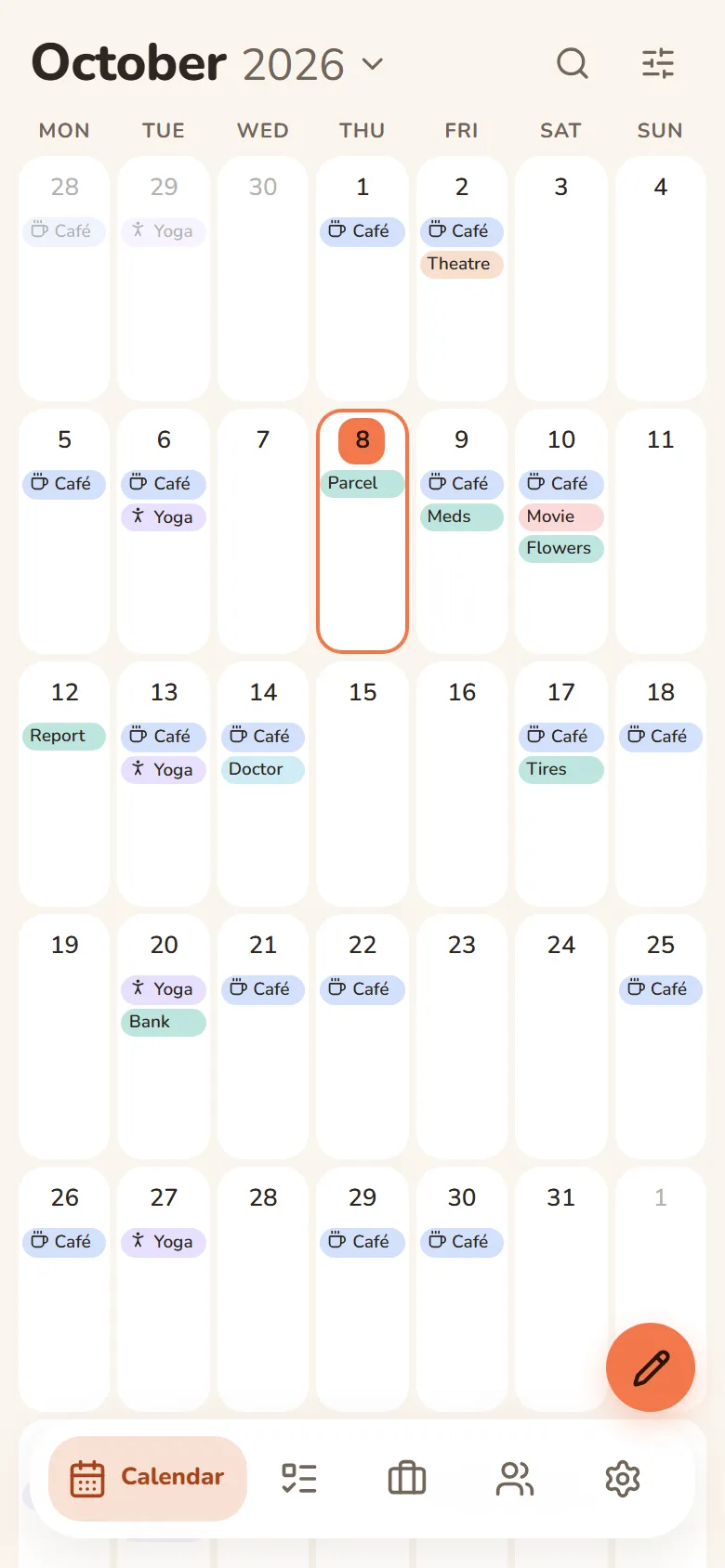
Was DayHeart kann
Schalte nur ein, was du brauchst — der Rest bleibt dir aus dem Weg.
Tap a section to see more
Calendar
Month, week and day in one place
- Always opens to today
- Shifts, tasks, events and birthdays on one grid
- Repeats: daily, weekly, monthly or yearly
- Search across every section at once
Work & study
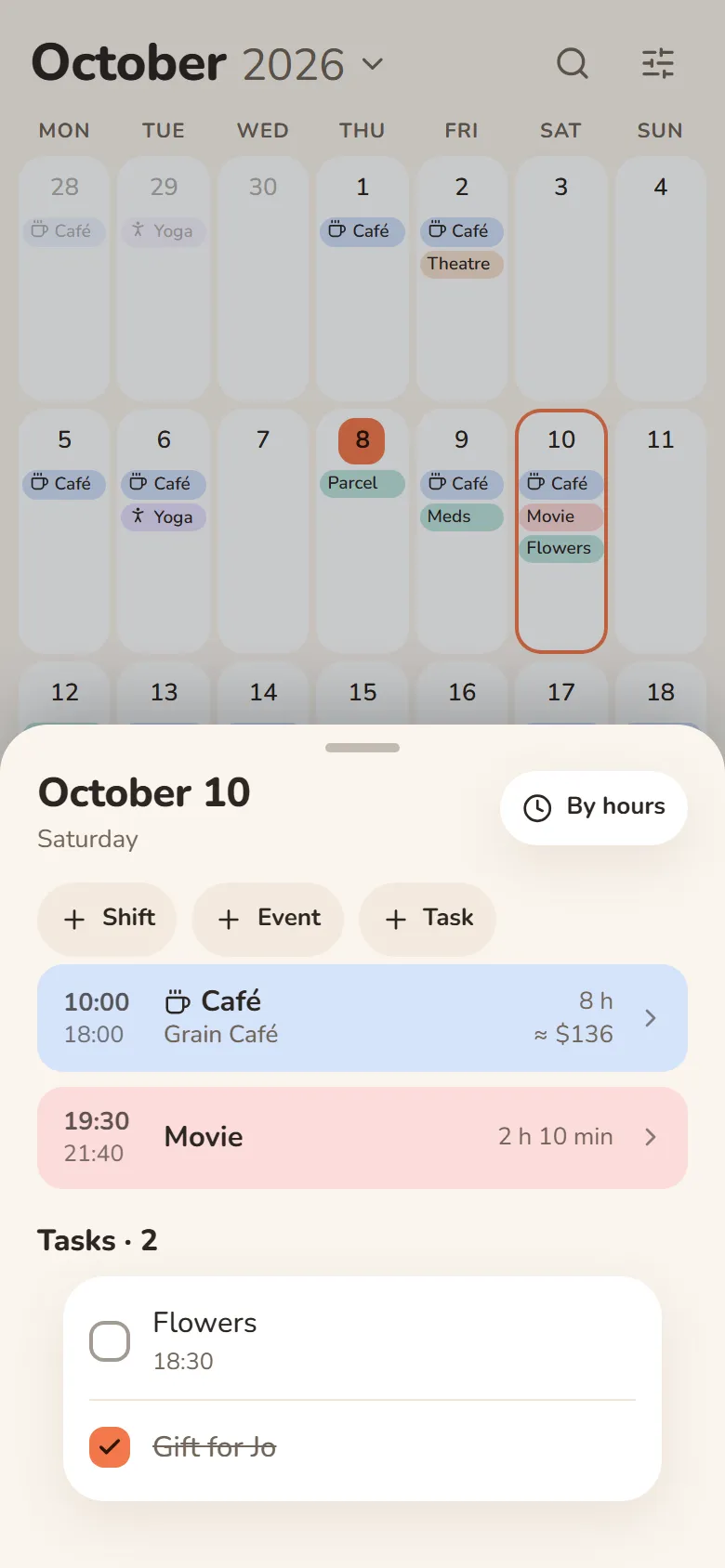
Shifts, classes and earnings
- Pick a shift and tap the days — your schedule is ready
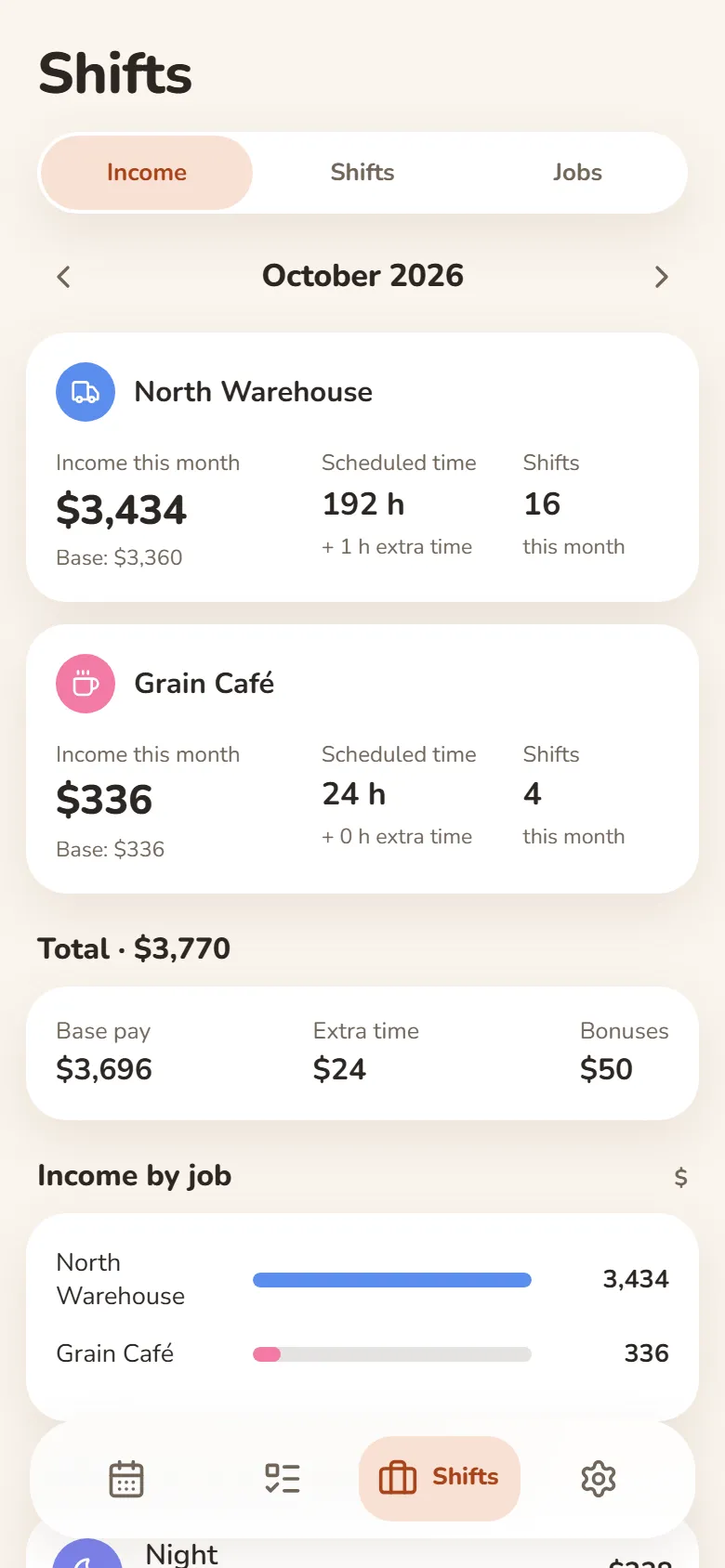
- Hours and earnings add up automatically — breaks, extra pay and bonuses included
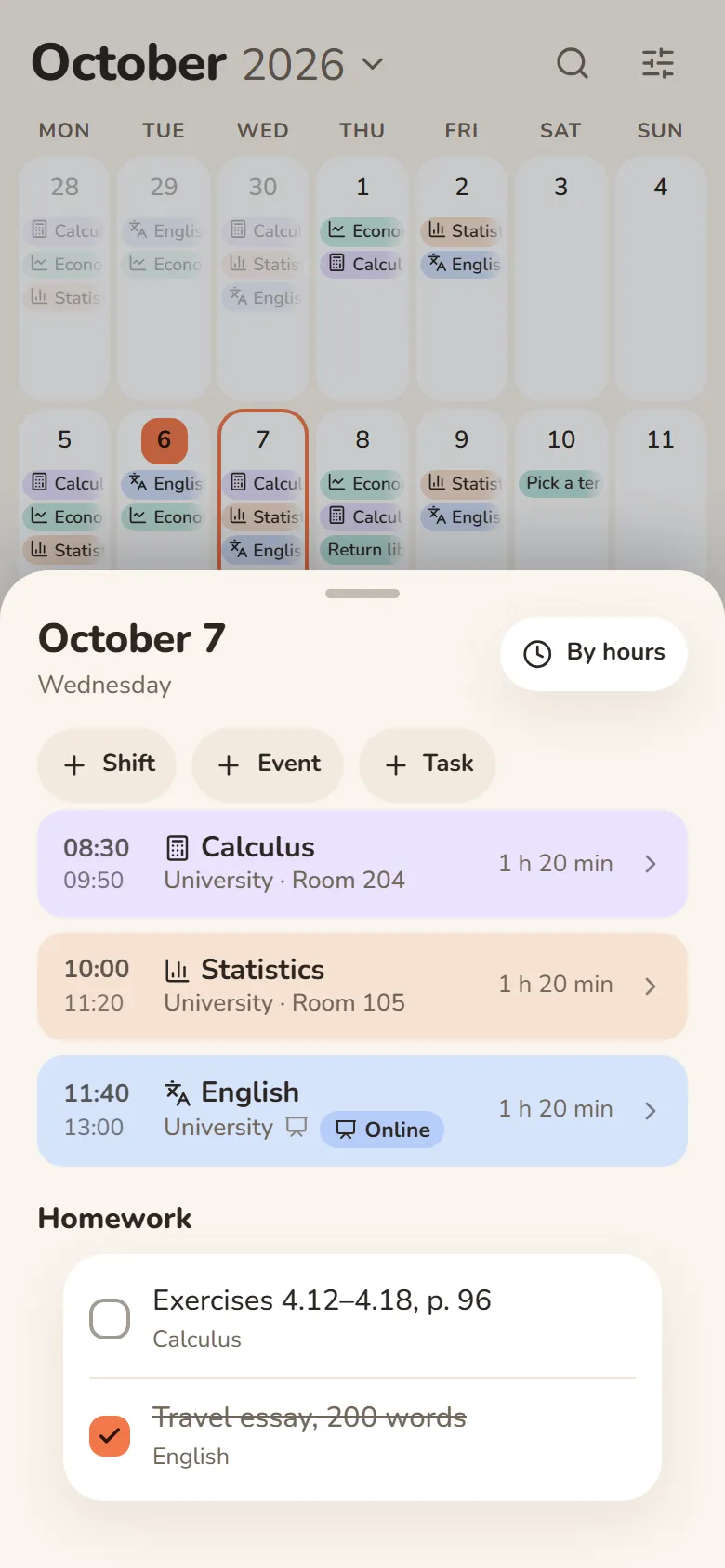
- Classes with rooms, lecture links and homework
- Several jobs, and one shared schedule for your class
Schichten und VerdienstStudium: Kurse und HausaufgabenStudium und Arbeit
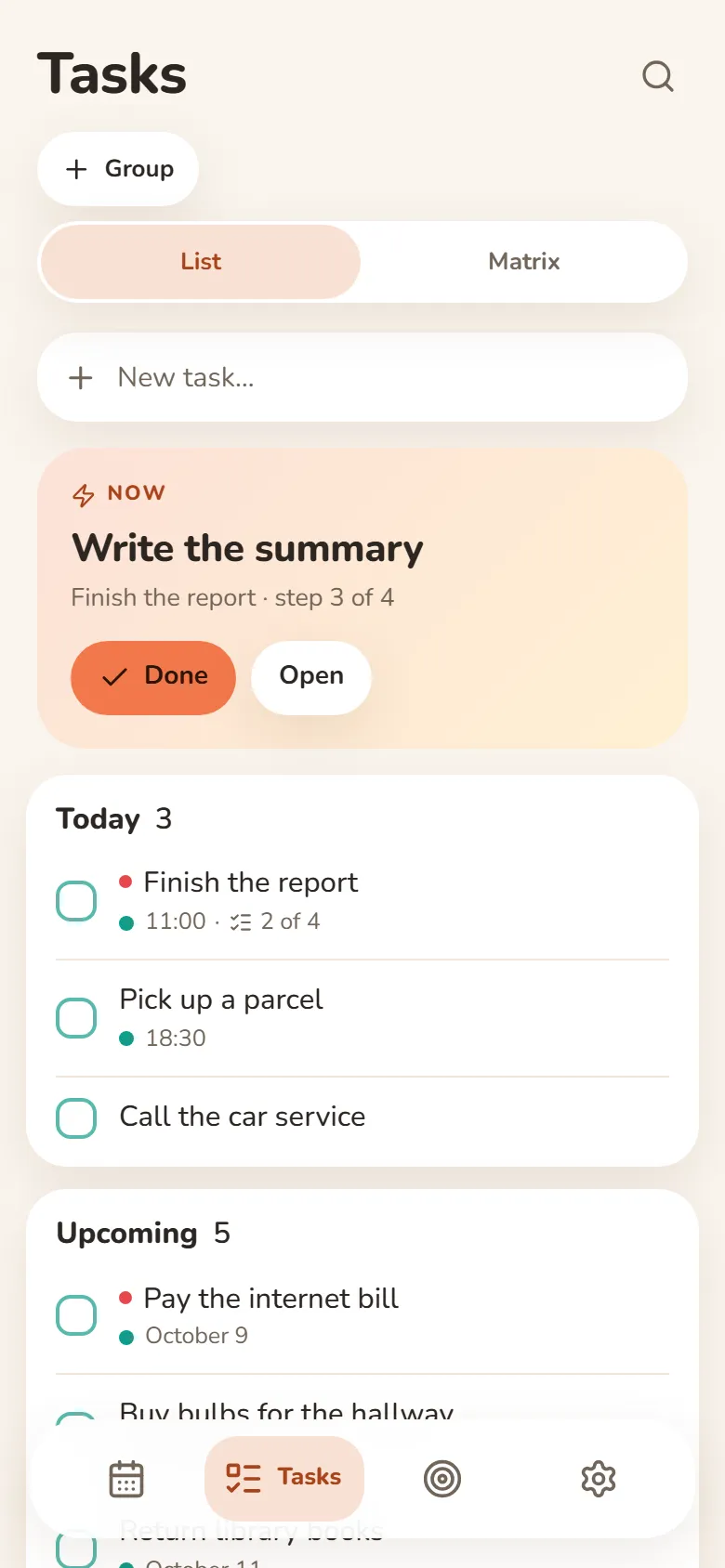
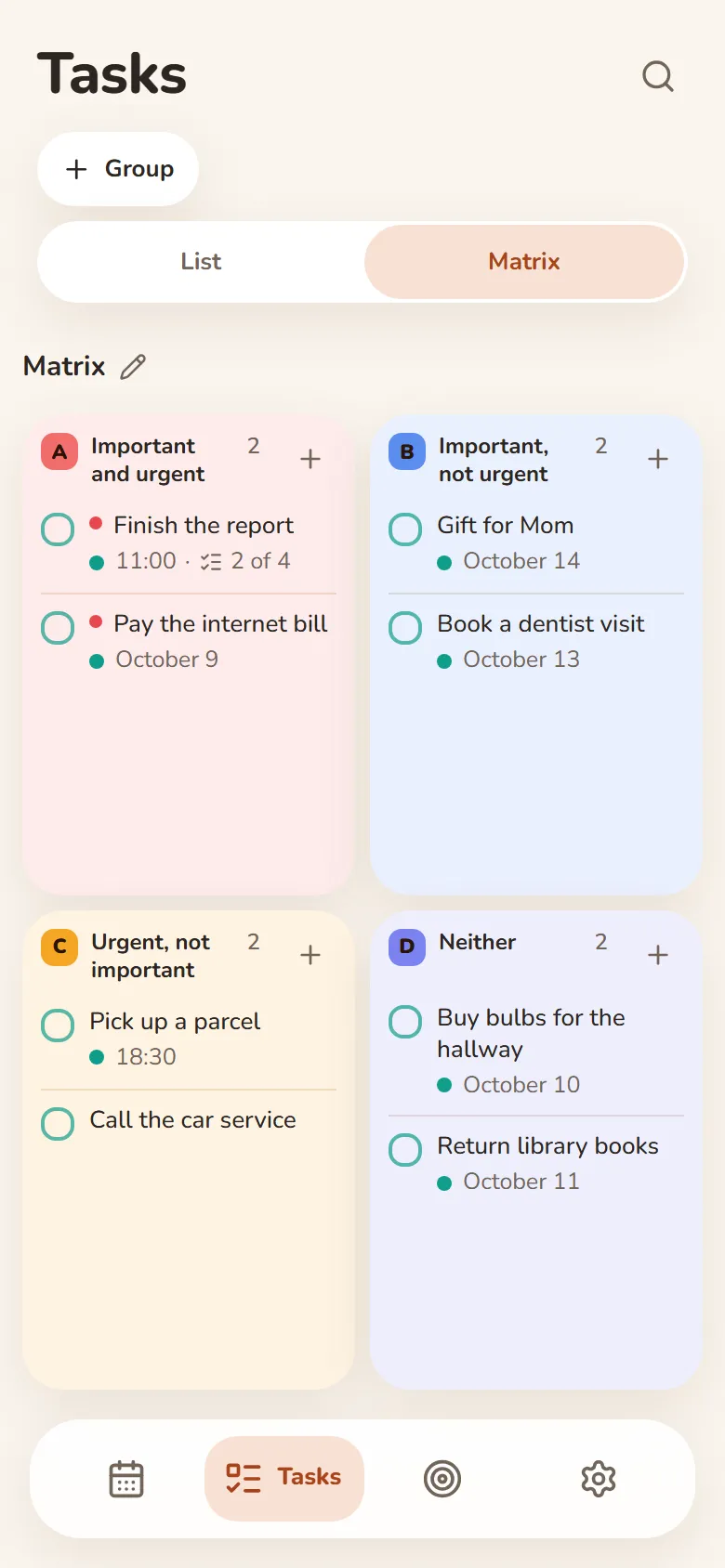
Tasks
Write it down and let it go
- Quick add understands “tomorrow at 3pm”
- Steps inside a task show what’s next
- An urgent–important matrix
- Swipe right — done, swipe left — tomorrow
Finance
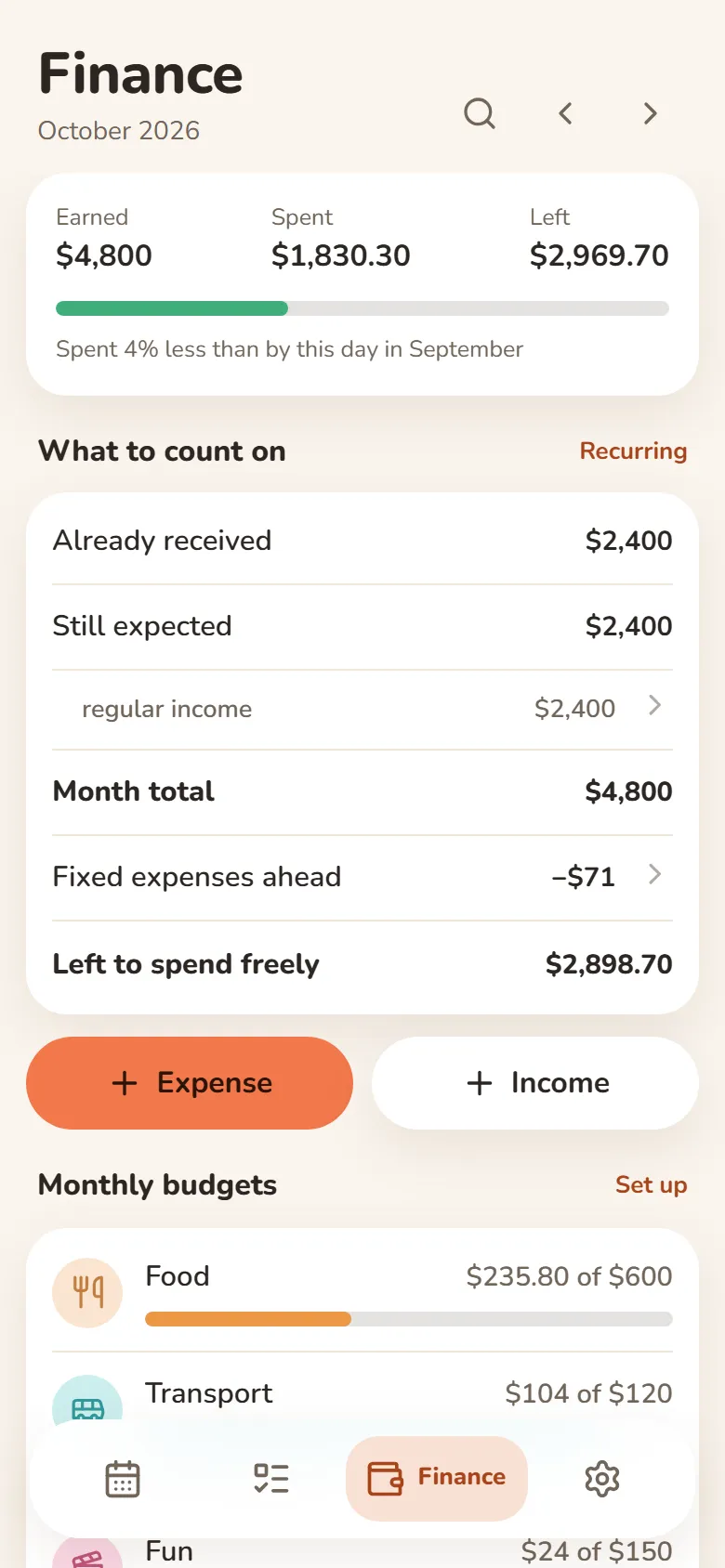
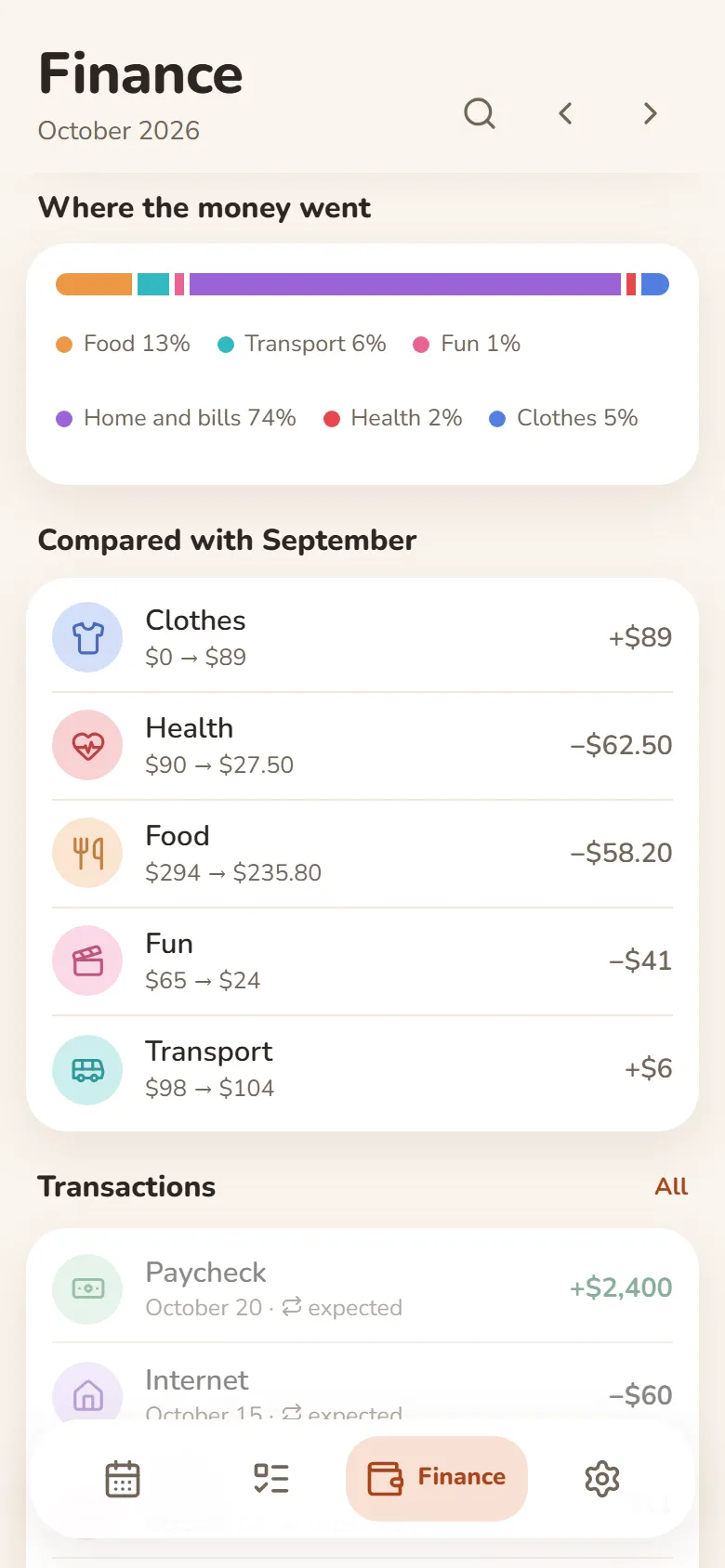
What came in, what went out, what’s left
- Earnings from your shifts come in by themselves
- Category budgets that warn you when you’re close to the limit
- Rent, subscriptions and salary are counted every month automatically
- Import a bank statement (Excel or CSV) and spending sorts into categories
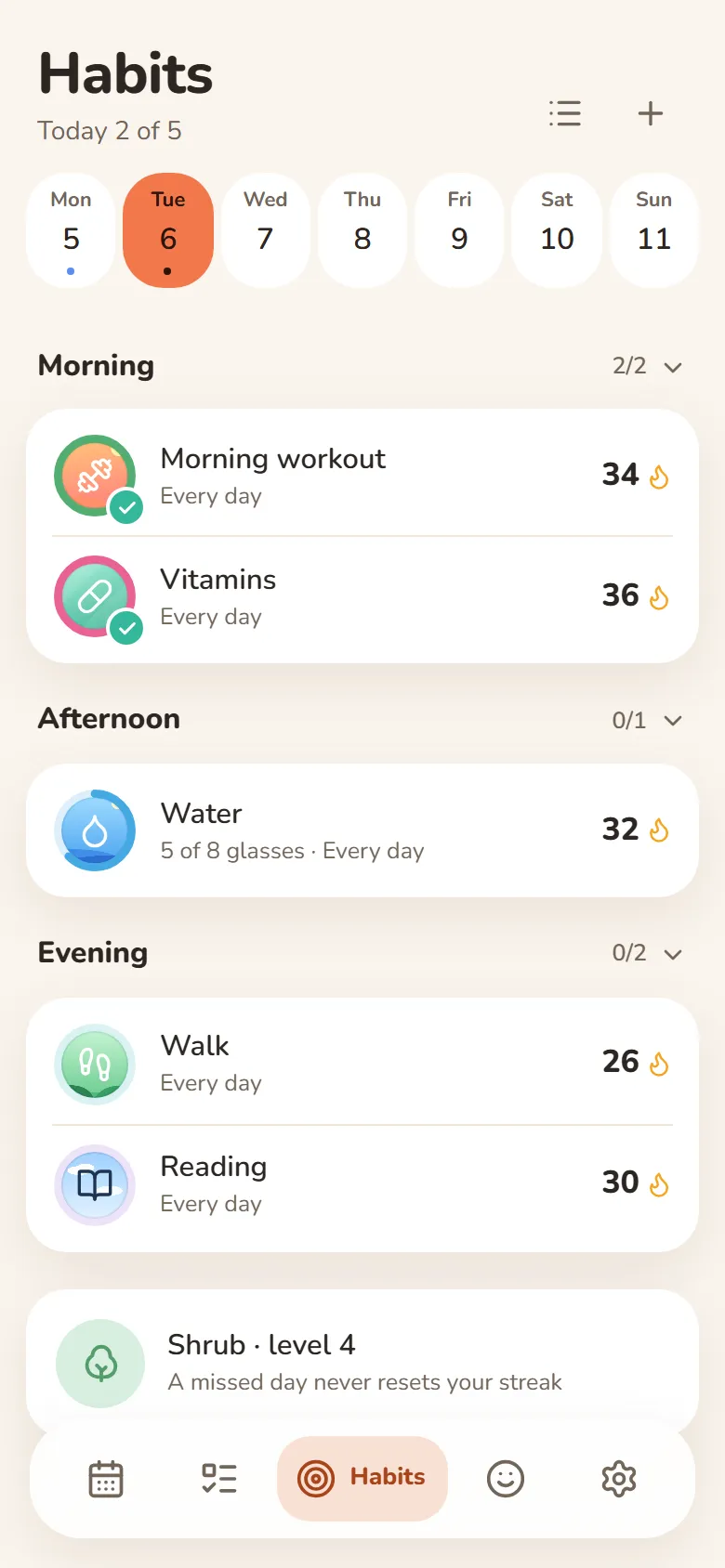
Habits
One tap and it’s marked
- A missed day never resets your streak
- Done or not, or a daily goal — “5 of 8 glasses”
- Morning, afternoon or evening — only on the days you pick
- Telegram reminders you can mark done right from the message
Mood
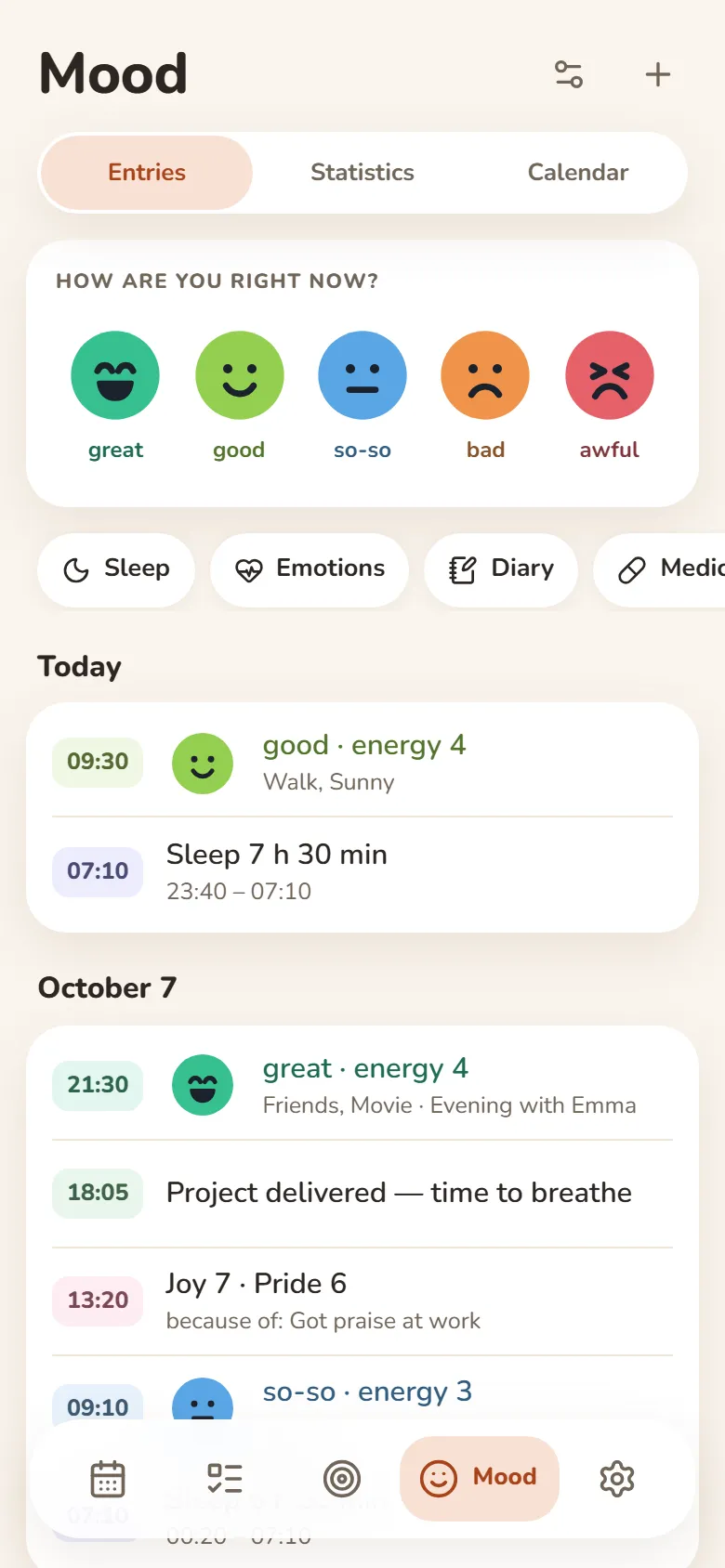
Your mood in a few seconds
- Tap one of five faces and save
- Sleep, energy, emotions and a journal — if you want them
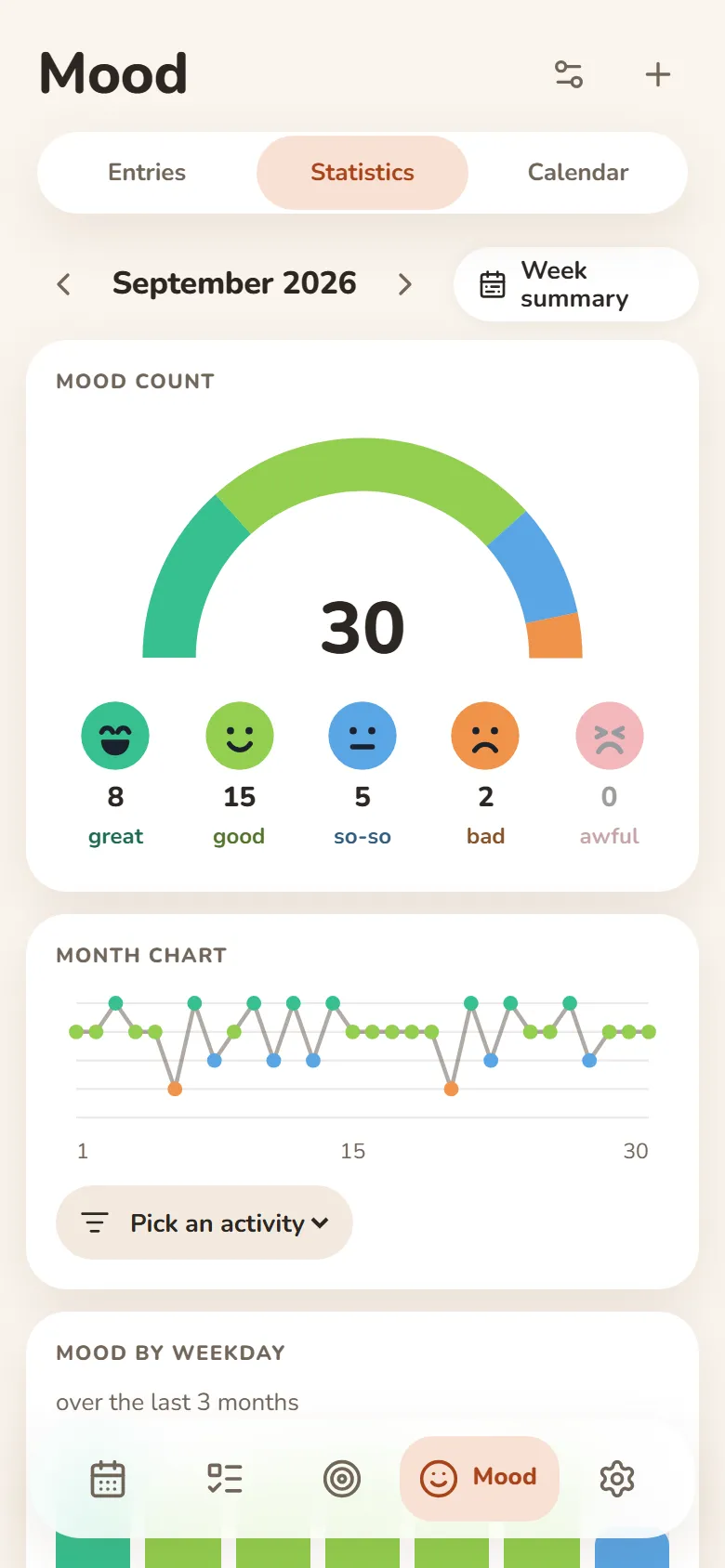
- A weekly summary and a PDF report
- Most entries can be encrypted — then not even we can read them
People
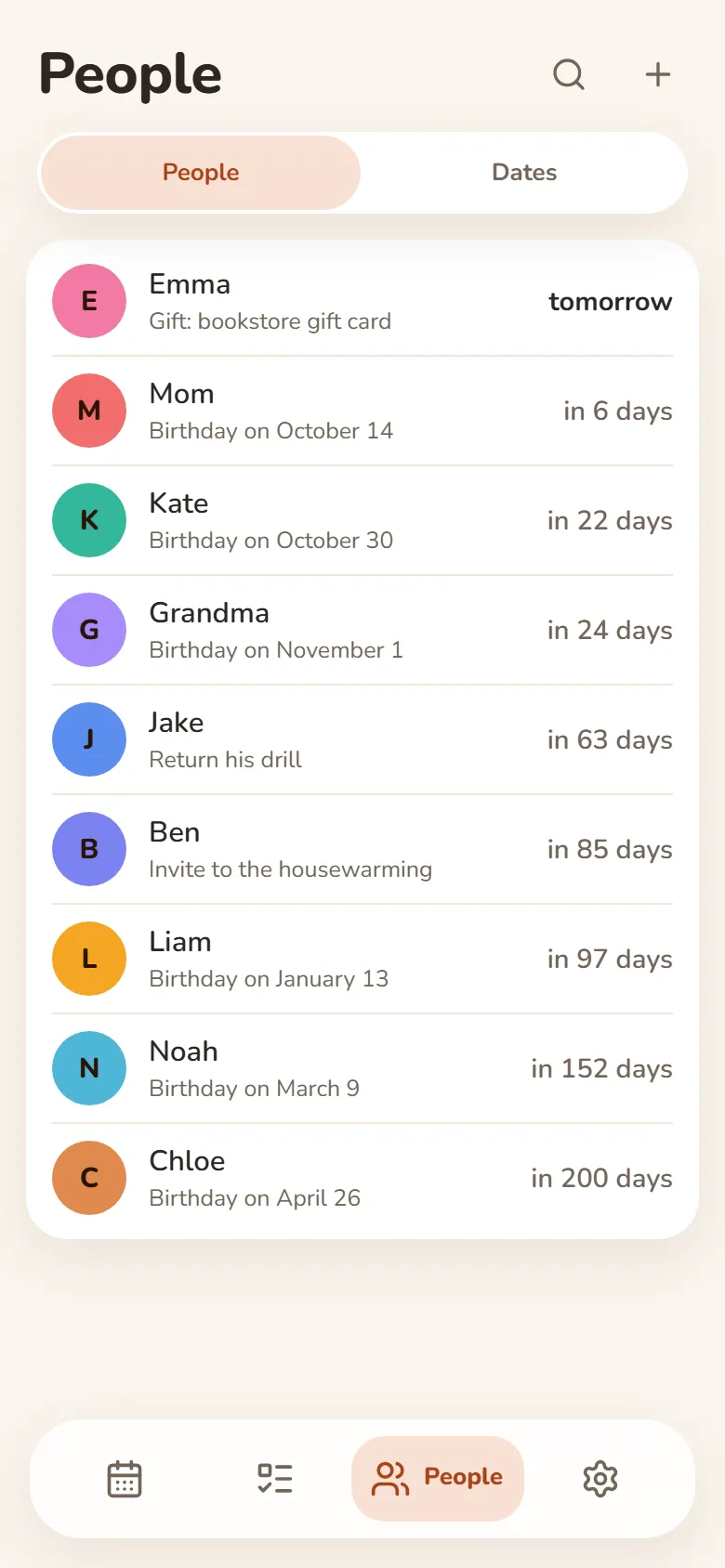
Your people and their birthdays
- Birthday reminders in Telegram — on the day or ahead of time
- Shows how old they’re turning
- Notes: what you promised, what they asked for
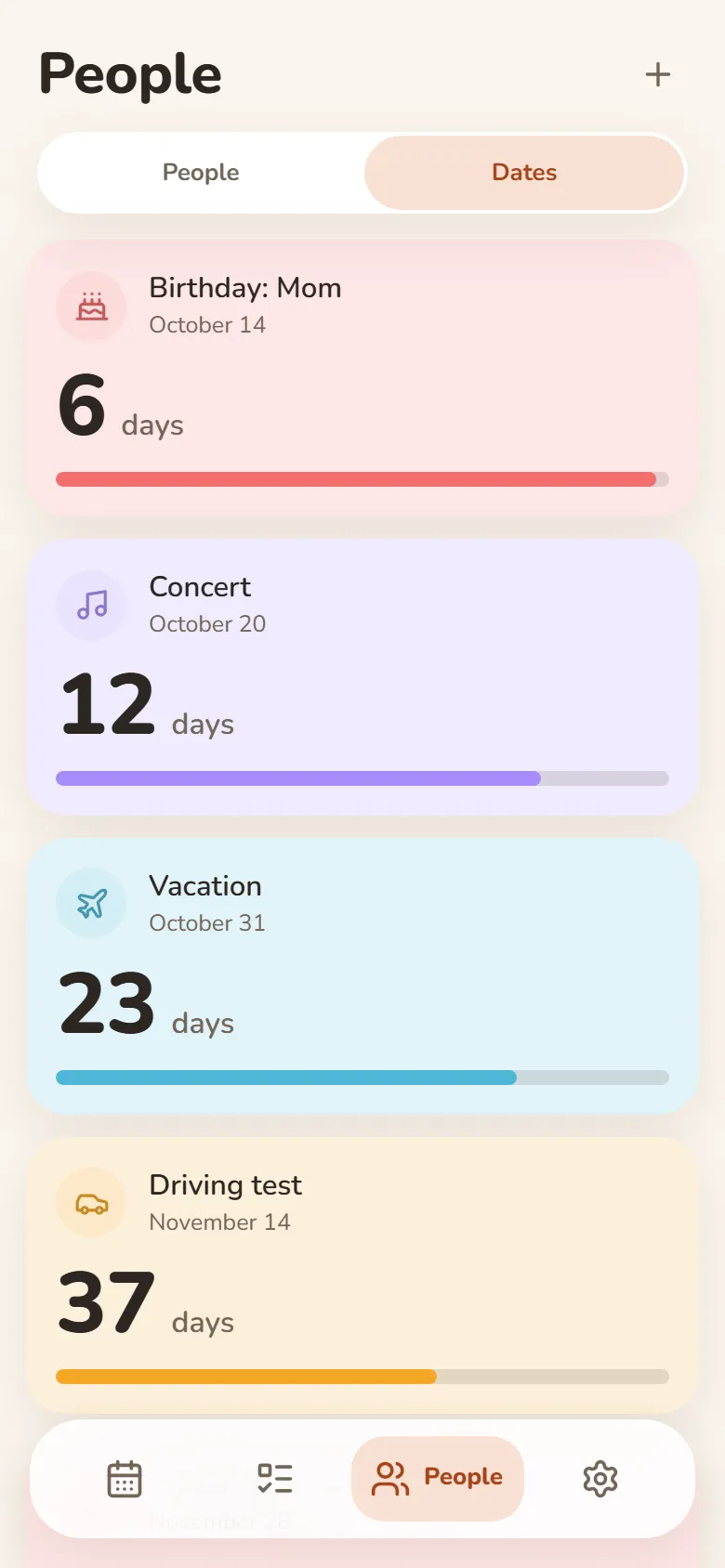
Dates
Days until what matters
- Vacation, exam, concert — counted down in days
- “Every year” for anniversaries and holidays
- Past dates show how long it’s been
- Telegram reminders on the day, a day or a week before
Friends & groups
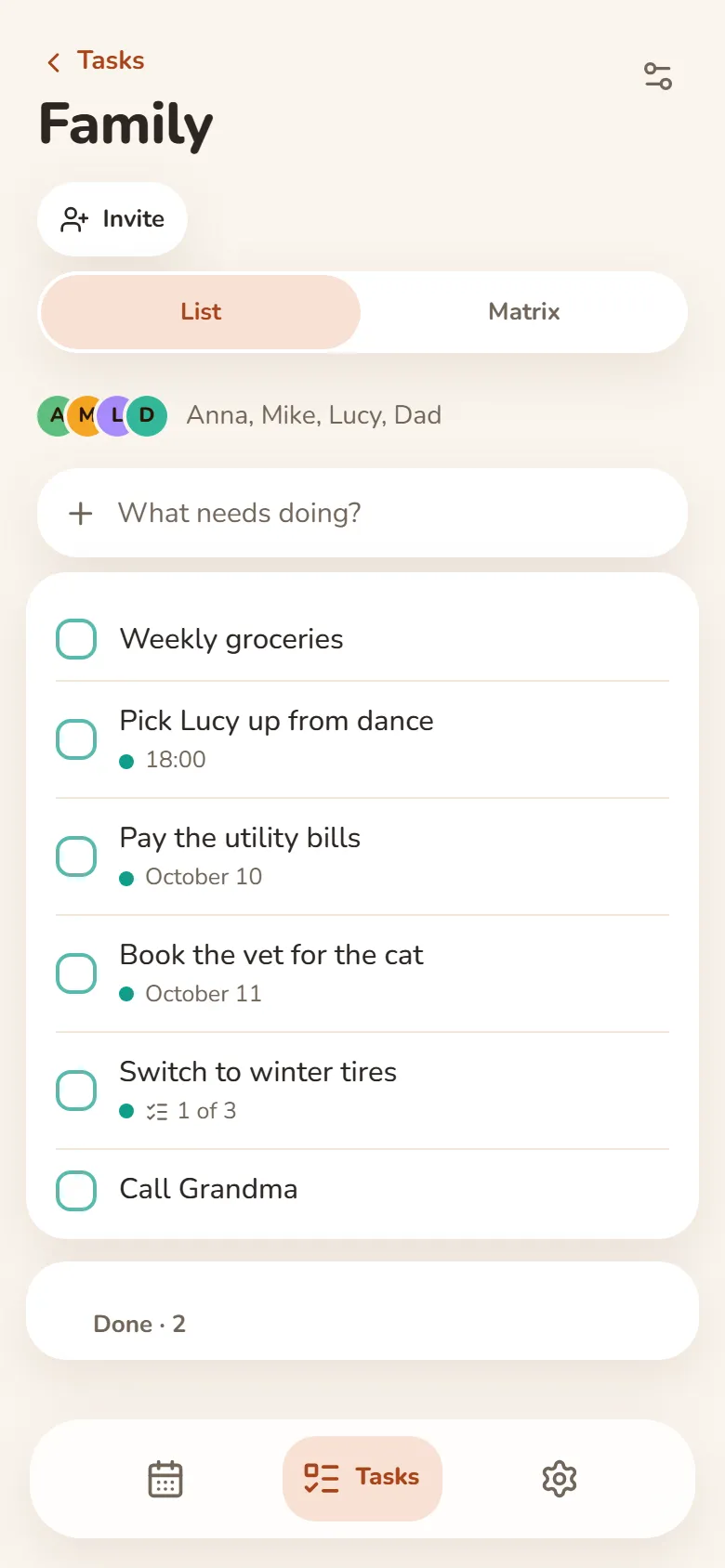
Shared tasks and schedules
- Shared task groups — everyone adds and ticks things off
- One class schedule for your whole group — up to 50 people
- A friend you allow sees your shift times — your earnings stay private
- Invite friends by link after signing in with Telegram or Google
Auf all deinen Geräten
Melde dich mit Telegram oder Google an, und deine Einträge sind auf Handy und Computer. Funktioniert auch offline.
Aufgaben im neuen Tab
Der Plan für heute im neuen Tab deines Browsers mit der Erweiterung Bonjourr.
So installierst du die App
Es ist eine Web-App: Du brauchst keinen App Store — füge sie direkt aus dem Browser zu deinem Handy oder Computer hinzu.
Im Browser
Nichts zu installieren — öffne sie einfach auf jedem Gerät.
Im Browser öffneniPhone und iPad
- Öffne DayHeart in Safari
- Tippe auf Teilen (unter iOS 26 findest du es im Menü „…“)
- Wähle „Zum Home-Bildschirm“
Android
- Öffne DayHeart in Chrome
- Tippe oben rechts auf ⋮
- Wähle „App installieren“
Computer
- Öffne DayHeart in Chrome oder Edge
- Klicke in der Adressleiste auf das Installationssymbol
Windows
Die DayHeart-App für Windows — mit Desktop-Widgets.
Im Microsoft Store herunterladenTelegram
Öffne den Bot @dayheartbot — die App öffnet sich direkt in Telegram.
In Telegram öffnenApp-Stores sind geplant
App Store — geplantGoogle Play — geplant
Deine Daten
Deine Einträge liegen auf deinem Gerät und, sobald du dich anmeldest, auch in deinem Konto — so sind sie auf all deinen Geräten.
Die meisten Einträge aus „Stimmung“ lassen sich auf deinem Gerät verschlüsseln — dann können nicht einmal wir sie lesen. Medikamente und das, was das Teilen der Stimmung mit Freunden braucht, bleiben für den Server sichtbar; der Schlüssel aus deinem Wiederherstellungscode mit 12 Wörtern erreicht ihn nie.
Keine Werbung. Wir verkaufen keine Daten und geben sie nicht an Dritte weiter, außer wie in der Datenschutzerklärung beschrieben.