 DayHeart
하루의 모든 것을 한곳에
캘린더, 할 일, 습관, 기분. 교대로 일한다면 몇 번만 눌러 근무표를 만들 수 있고, 근무 시간과 수입은 자동으로 합산돼요.
무료 · 가입 불필요 · 24개 언어 지원
설치 방법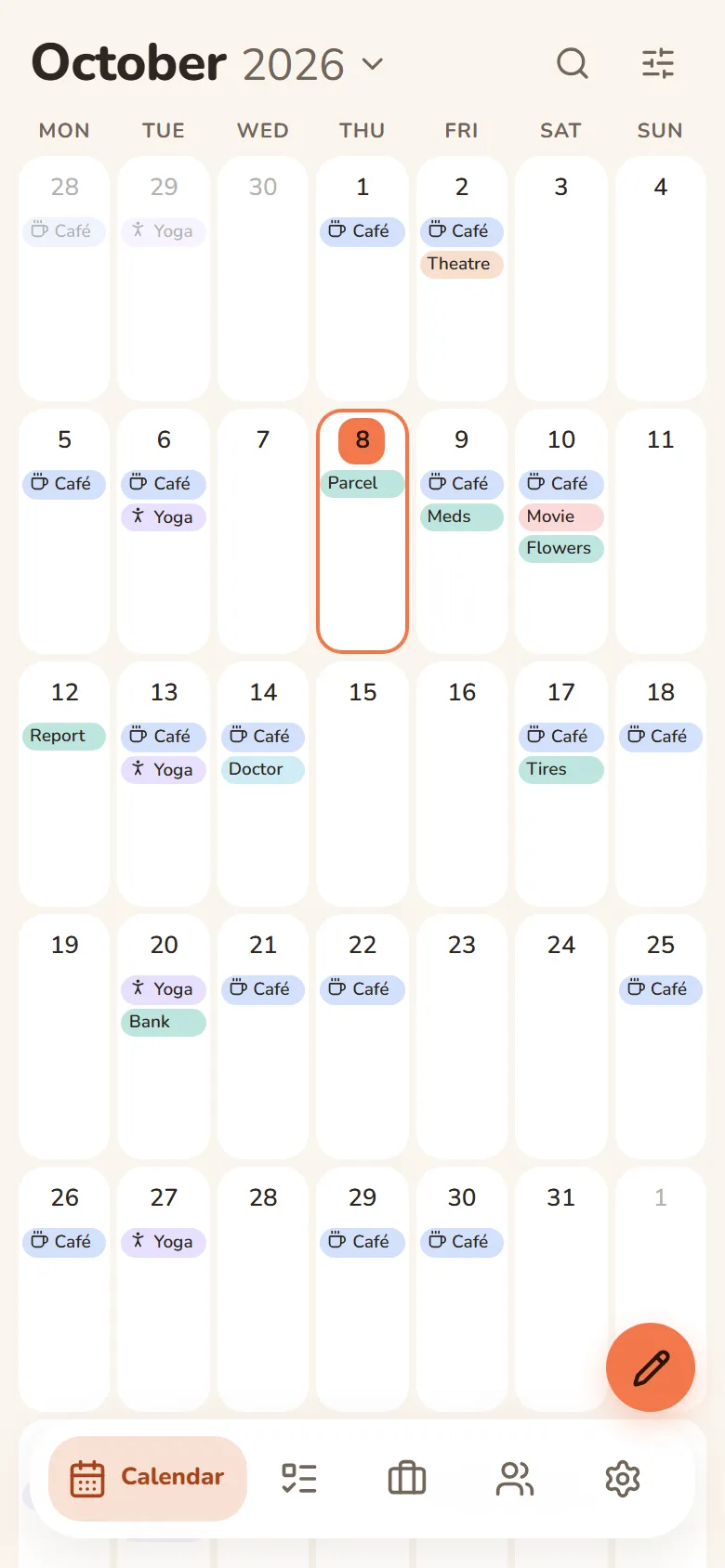
DayHeart에서 할 수 있는 일
필요한 것만 켜세요. 나머지는 방해하지 않아요.
Tap a section to see more
Calendar
Month, week and day in one place
- Always opens to today
- Shifts, tasks, events and birthdays on one grid
- Repeats: daily, weekly, monthly or yearly
- Search across every section at once
Work & study
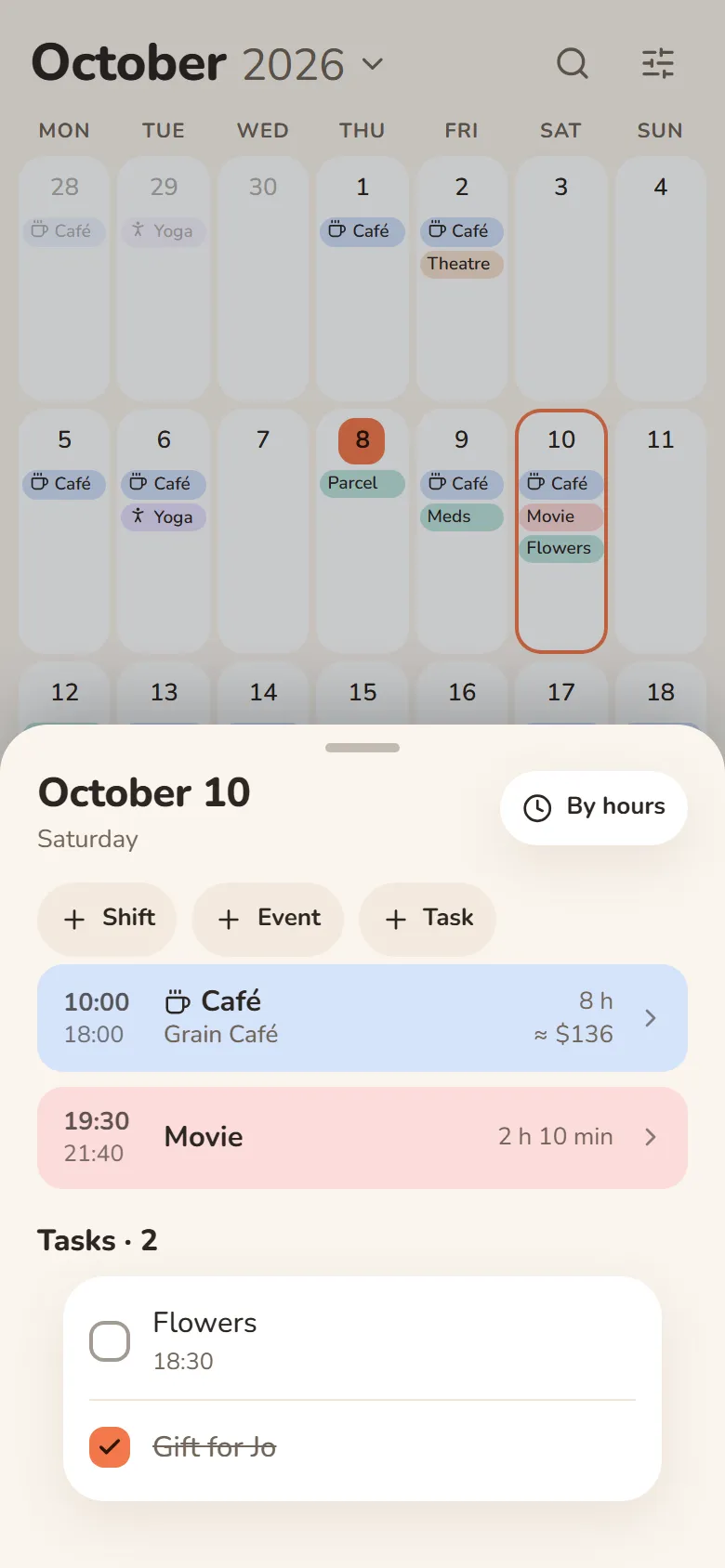
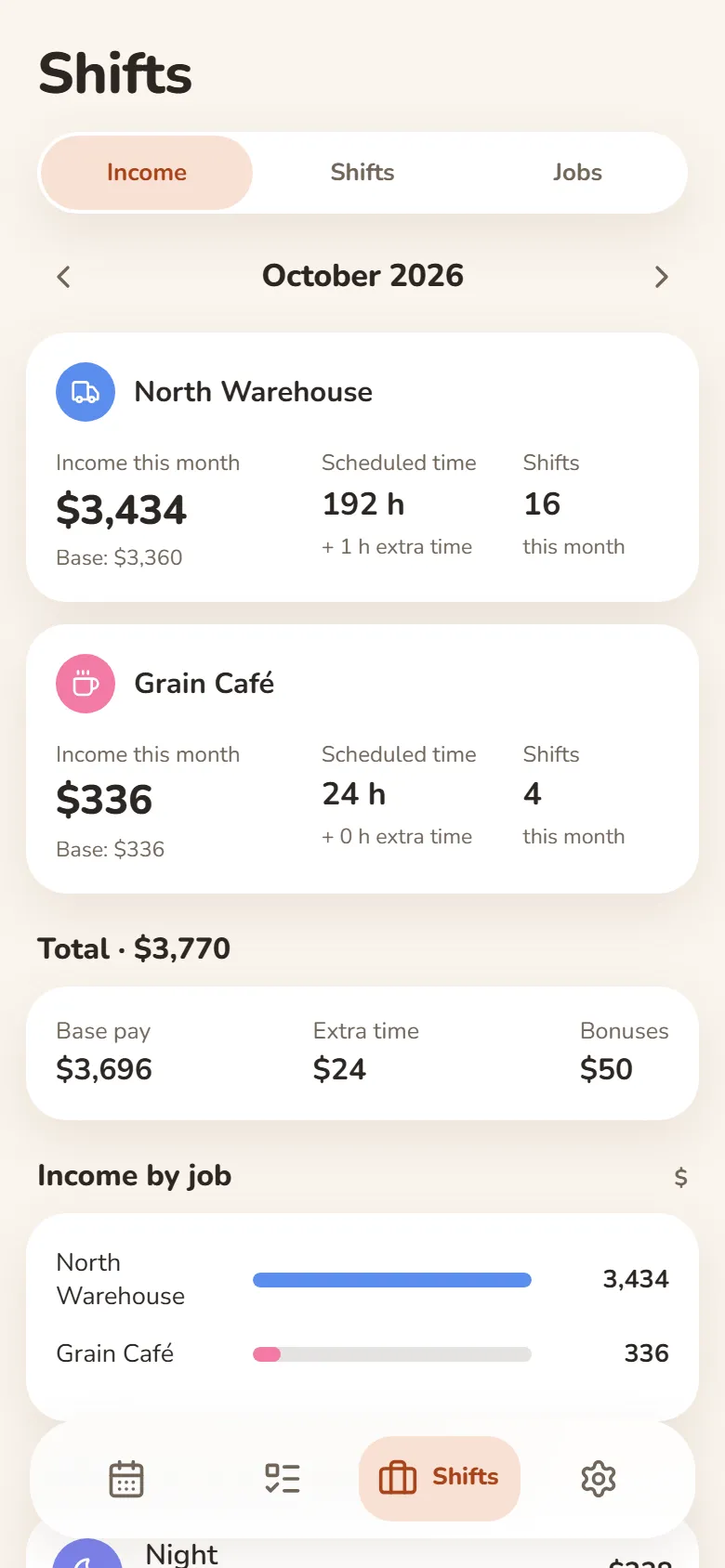
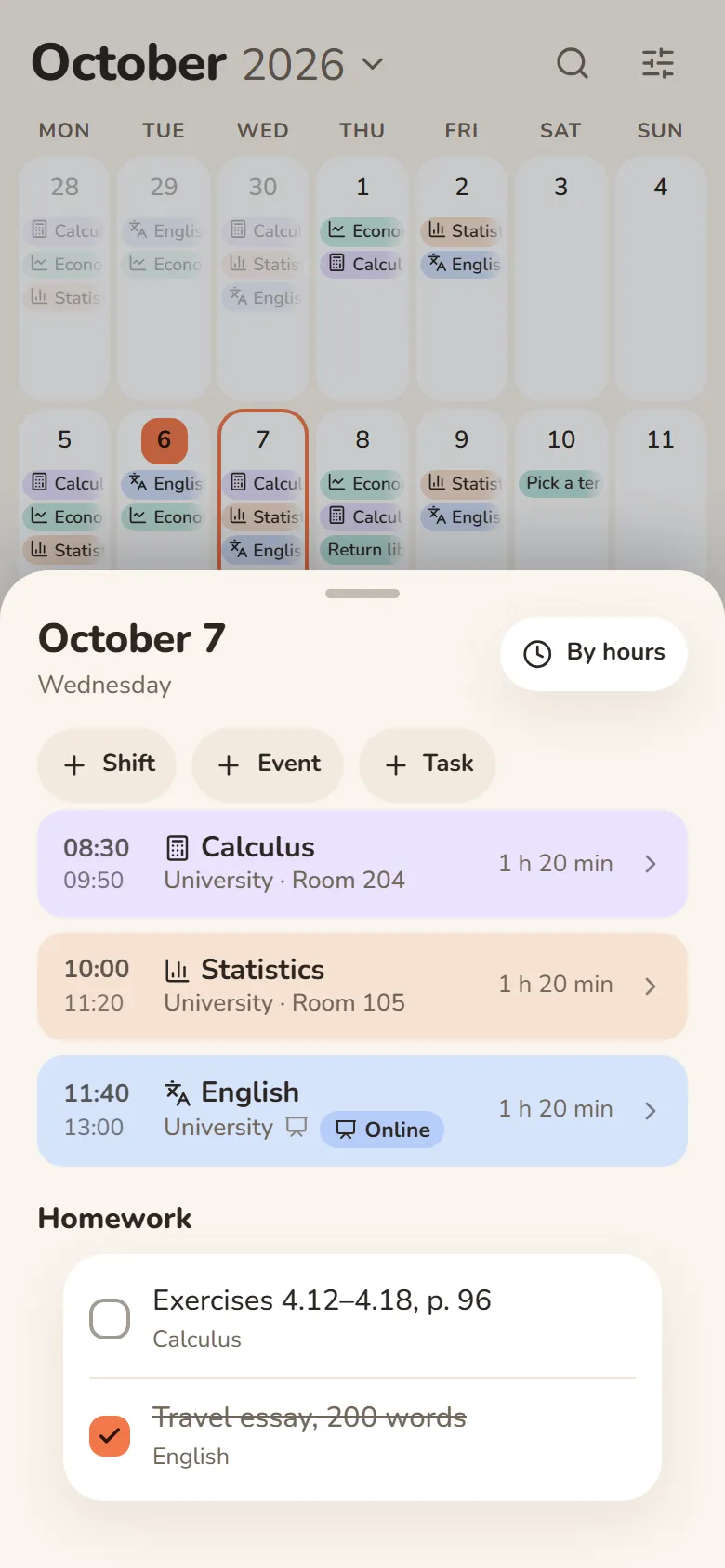
Shifts, classes and earnings
- Pick a shift and tap the days — your schedule is ready
- Hours and earnings add up automatically — breaks, extra pay and bonuses included
- Classes with rooms, lecture links and homework
- Several jobs, and one shared schedule for your class
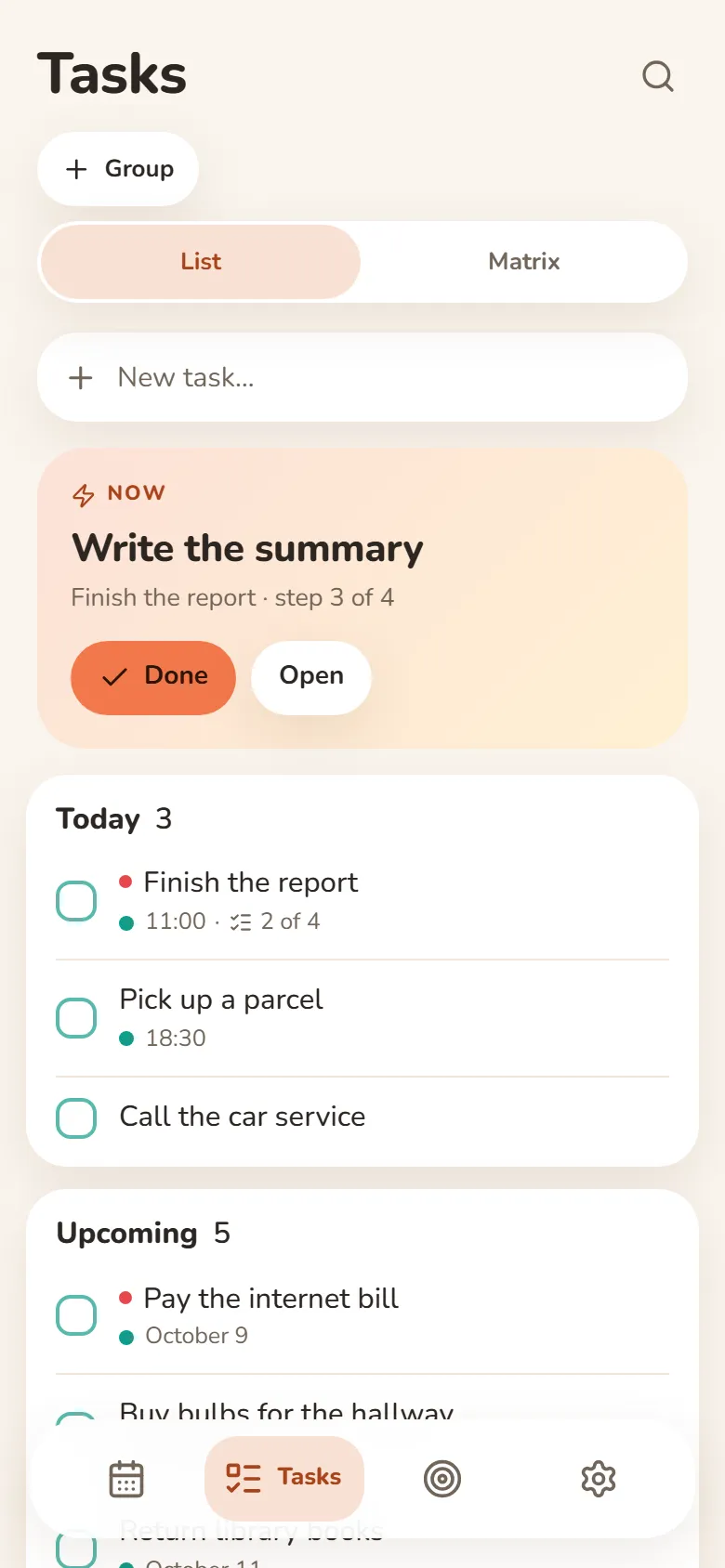
Tasks
Write it down and let it go
- Quick add understands “tomorrow at 3pm”
- Steps inside a task show what’s next
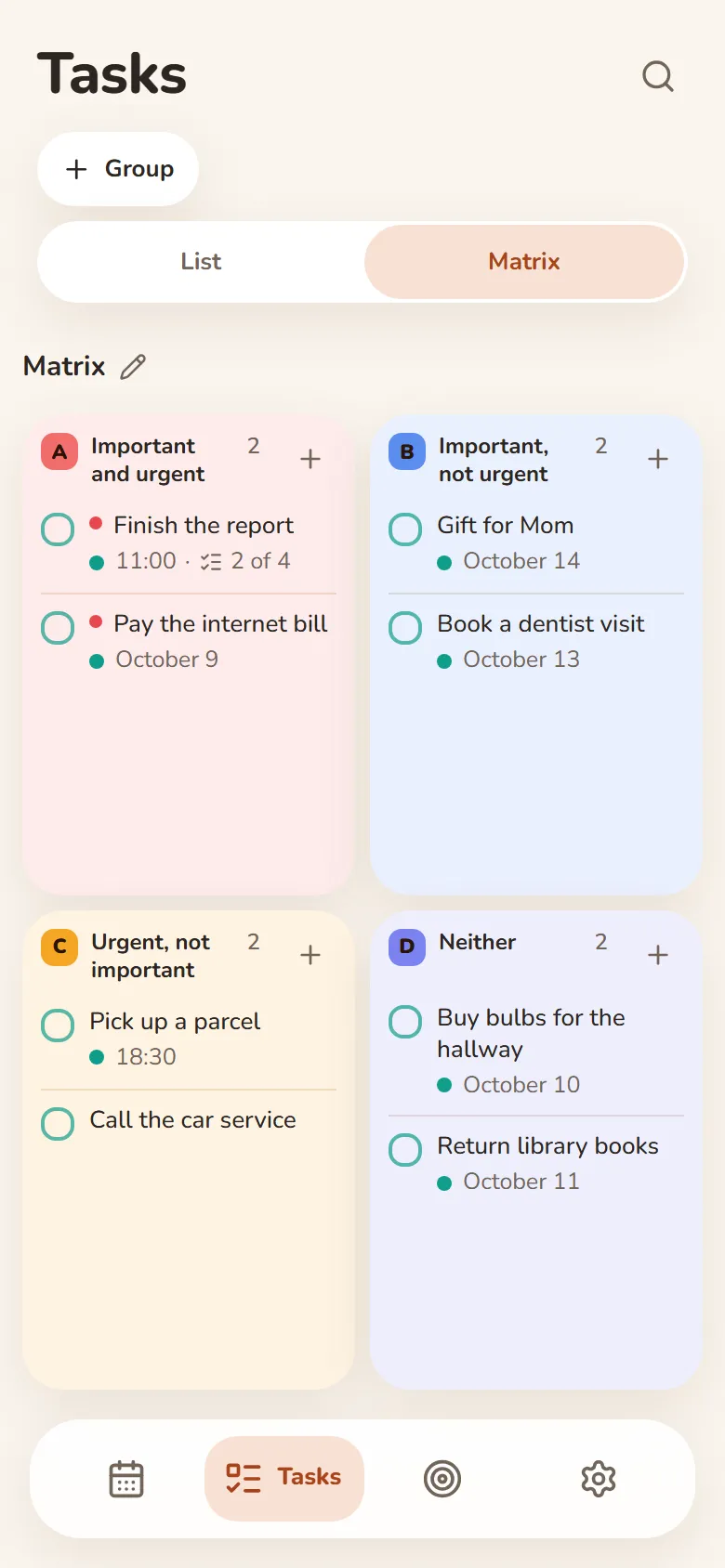
- An urgent–important matrix
- Swipe right — done, swipe left — tomorrow
Finance
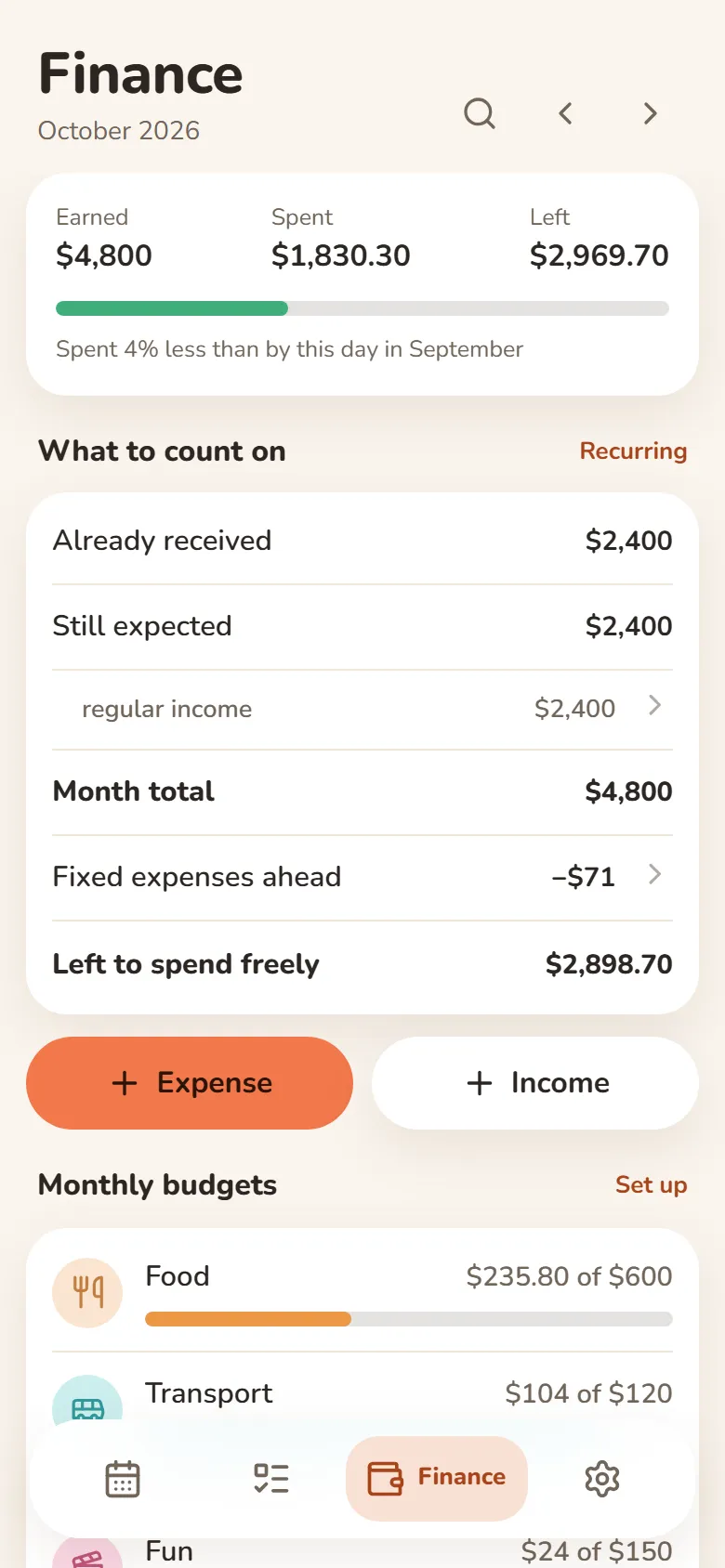
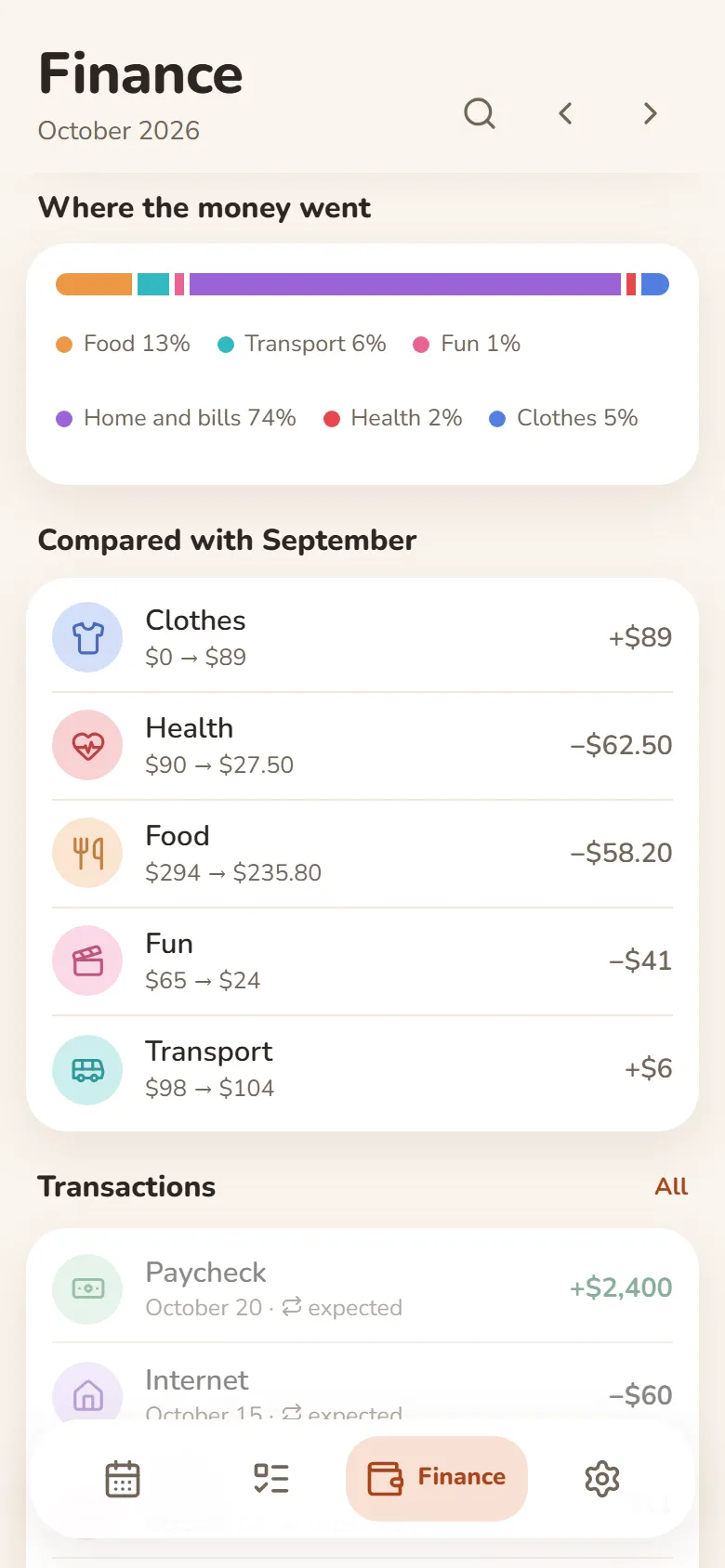
What came in, what went out, what’s left
- Earnings from your shifts come in by themselves
- Category budgets that warn you when you’re close to the limit
- Rent, subscriptions and salary are counted every month automatically
- Import a bank statement (Excel or CSV) and spending sorts into categories
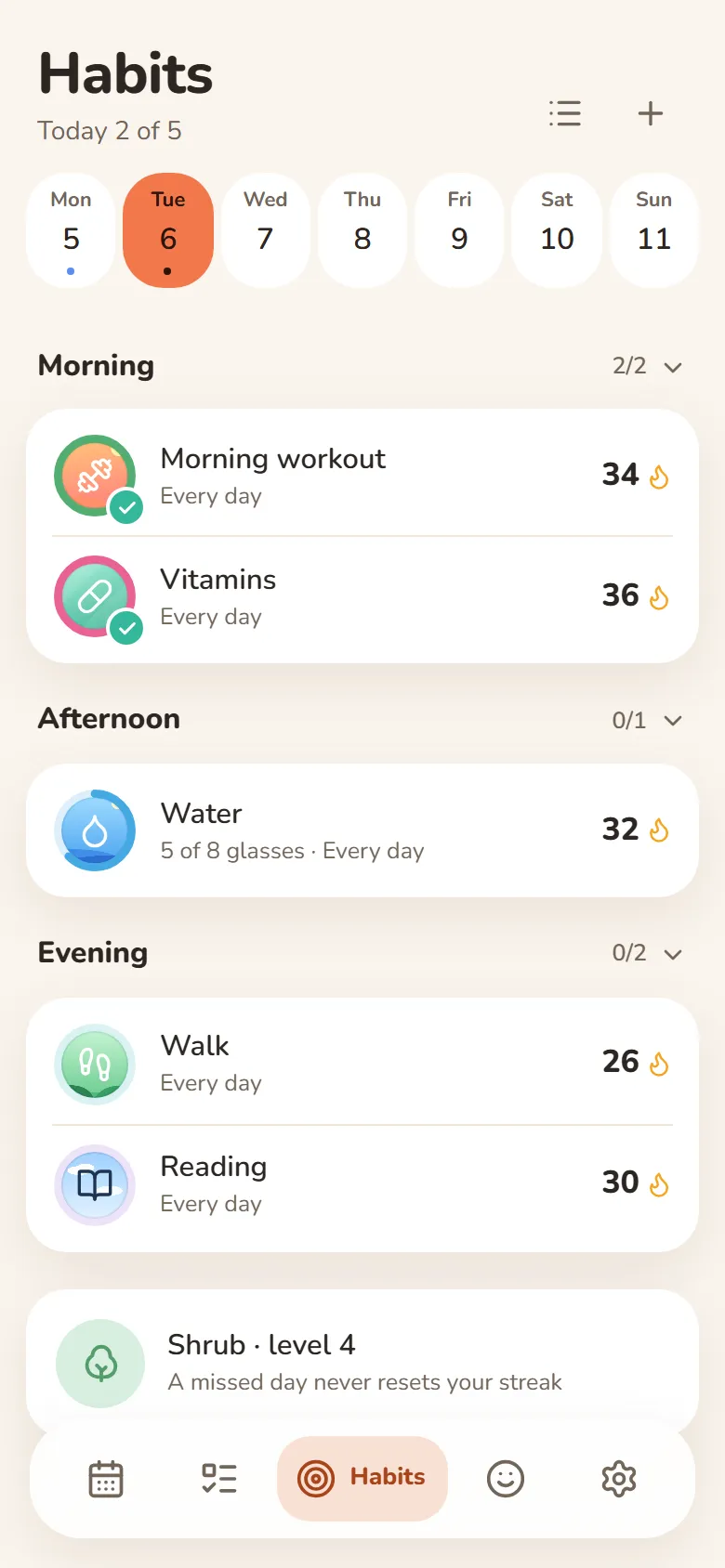
Habits
One tap and it’s marked
- A missed day never resets your streak
- Done or not, or a daily goal — “5 of 8 glasses”
- Morning, afternoon or evening — only on the days you pick
- Telegram reminders you can mark done right from the message
Mood
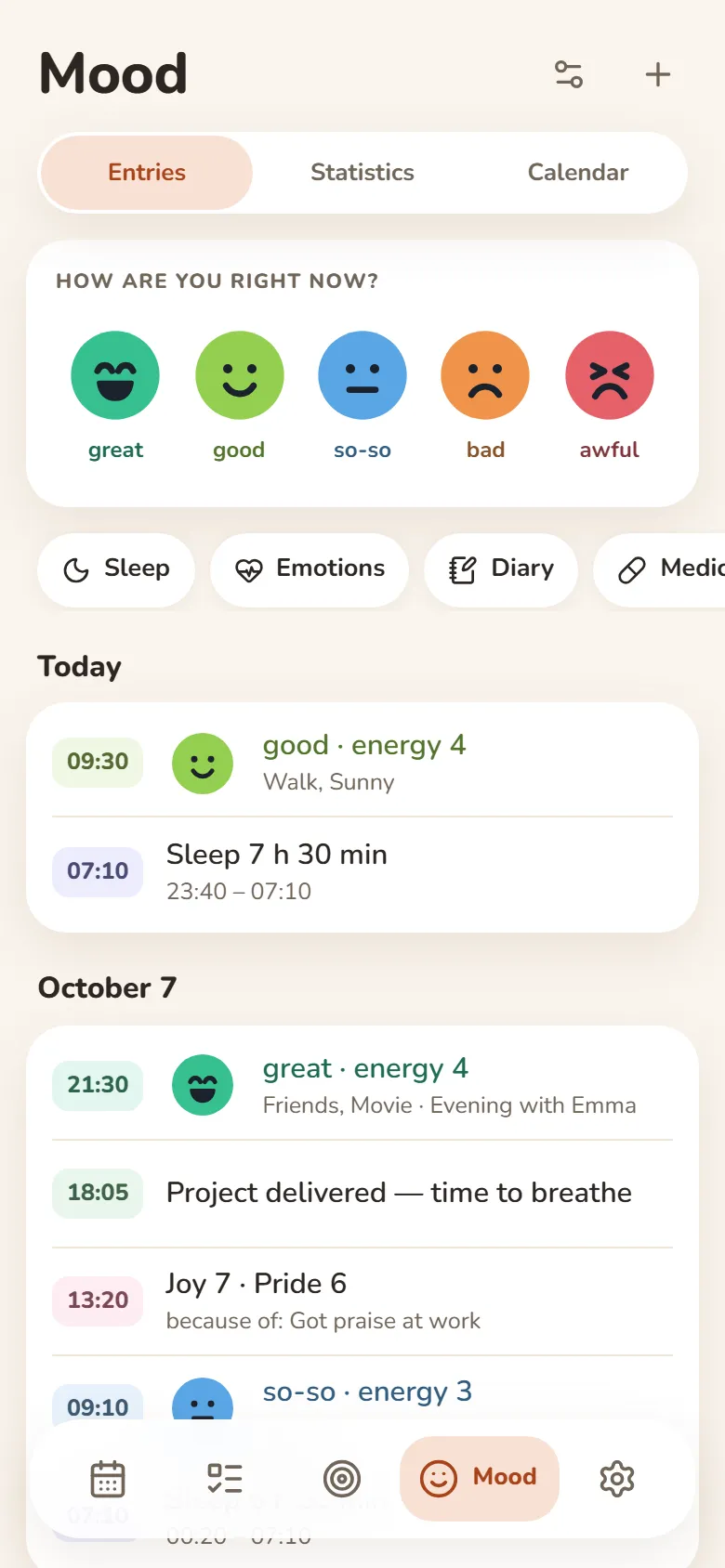
Your mood in a few seconds
- Tap one of five faces and save
- Sleep, energy, emotions and a journal — if you want them
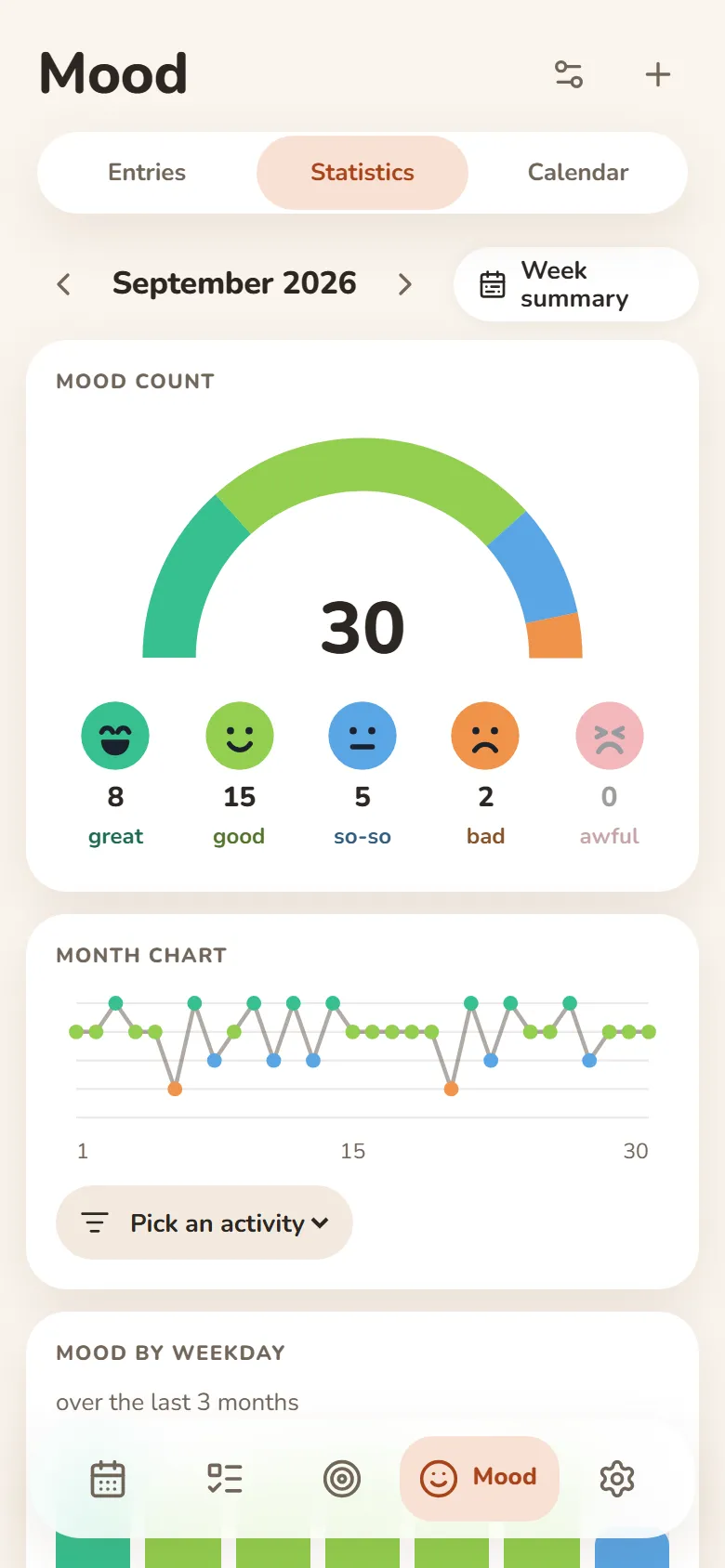
- A weekly summary and a PDF report
- Most entries can be encrypted — then not even we can read them
People
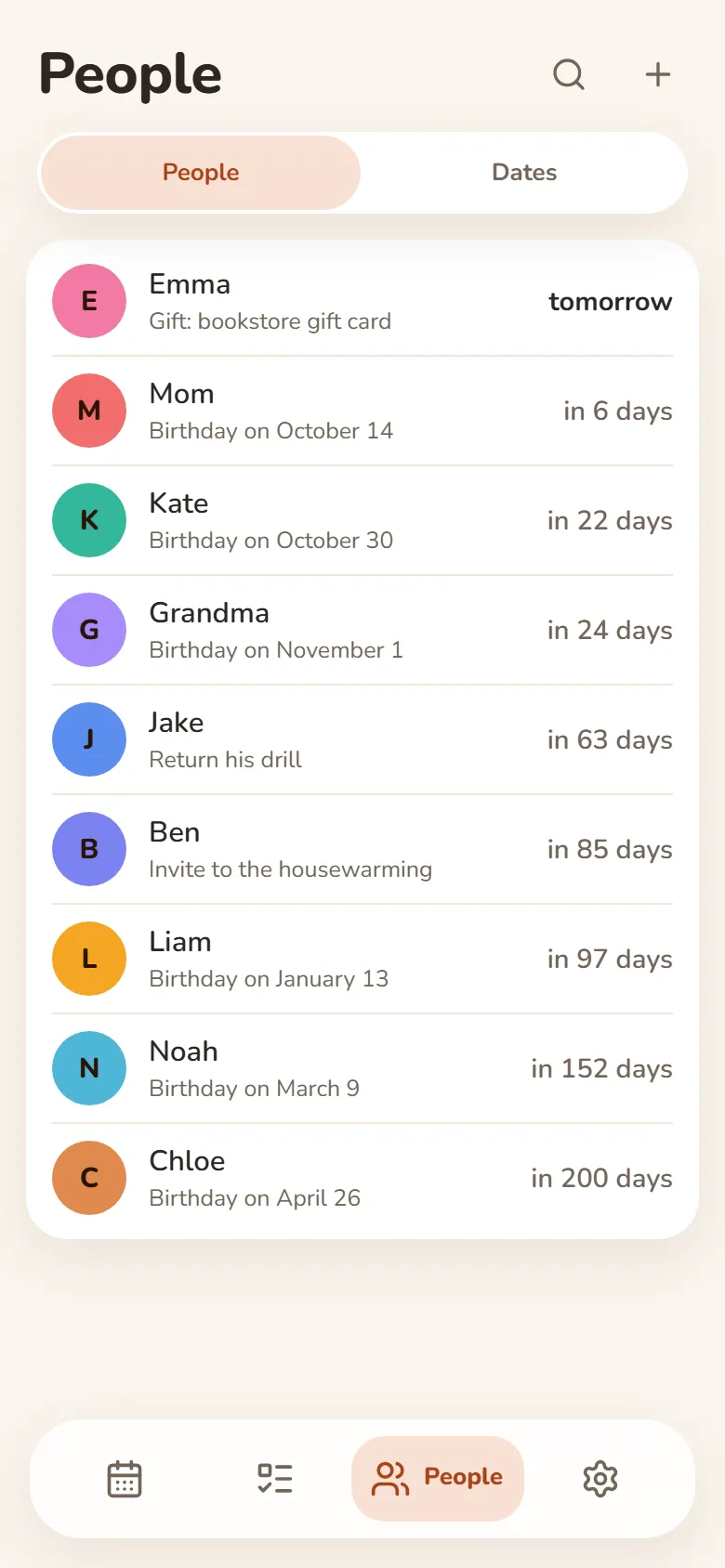
Your people and their birthdays
- Birthday reminders in Telegram — on the day or ahead of time
- Shows how old they’re turning
- Notes: what you promised, what they asked for
Dates
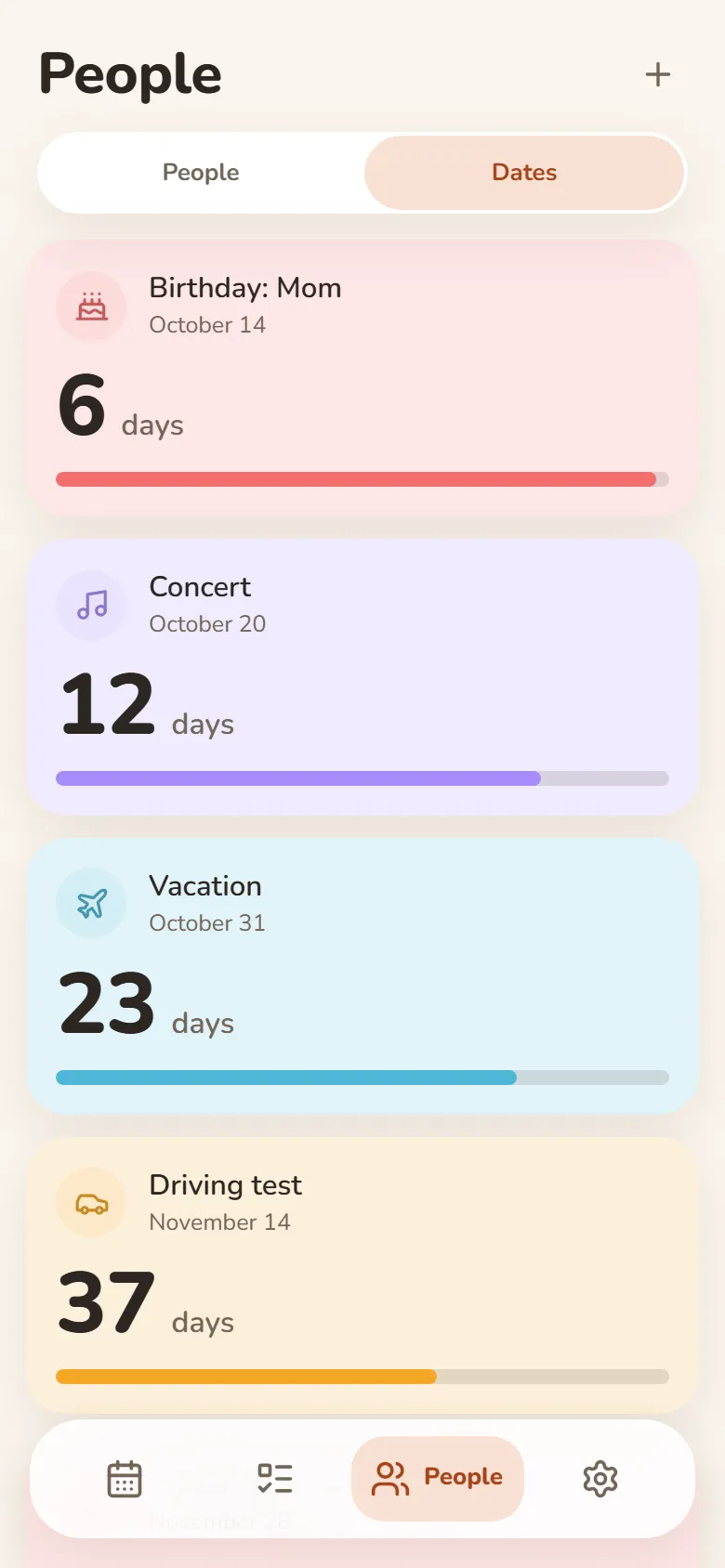
Days until what matters
- Vacation, exam, concert — counted down in days
- “Every year” for anniversaries and holidays
- Past dates show how long it’s been
- Telegram reminders on the day, a day or a week before
Friends & groups
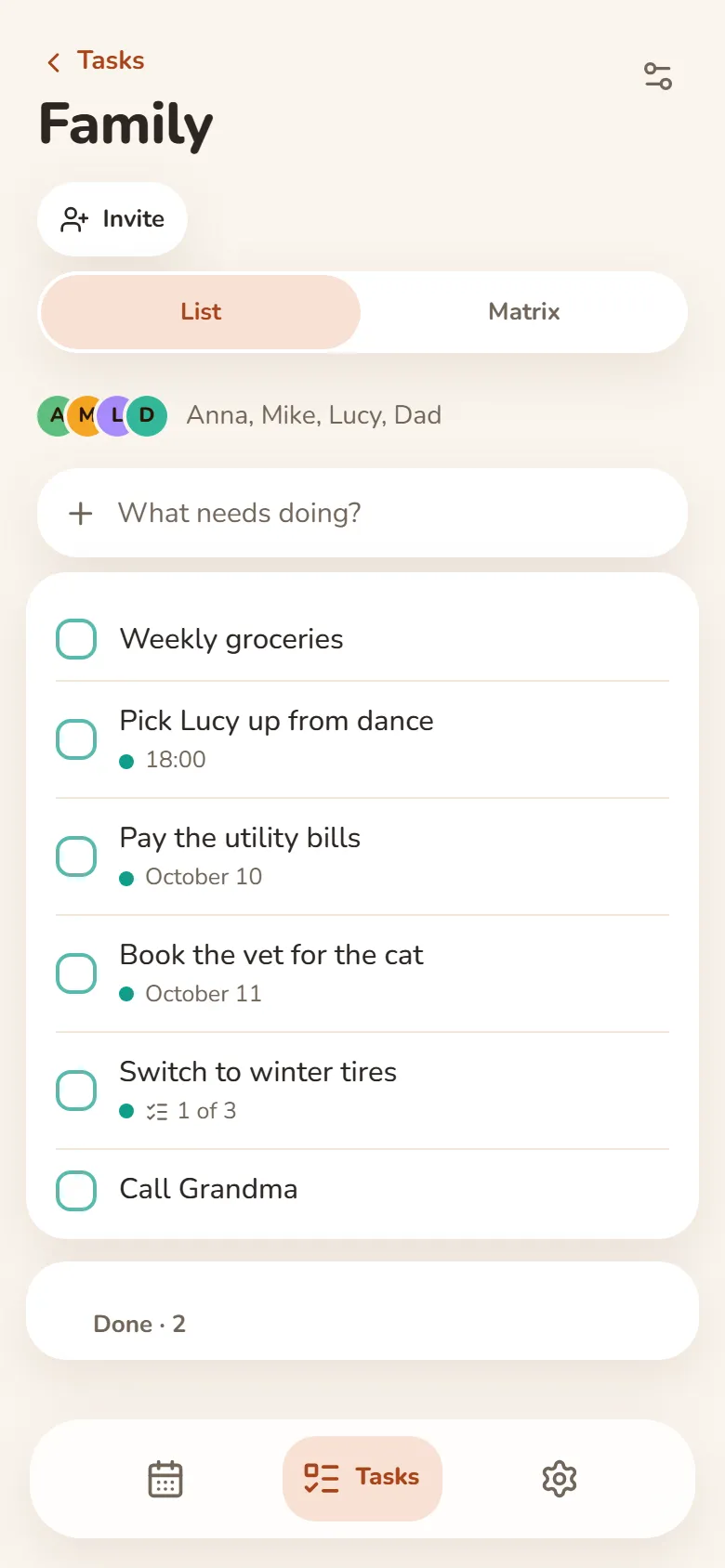
Shared tasks and schedules
- Shared task groups — everyone adds and ticks things off
- One class schedule for your whole group — up to 50 people
- A friend you allow sees your shift times — your earnings stay private
- Invite friends by link after signing in with Telegram or Google
모든 기기에서
Telegram이나 Google로 로그인하면 기록이 휴대폰과 컴퓨터에 모두 있어요. 오프라인에서도 쓸 수 있어요.
새 탭에서 할 일 보기
Bonjourr 확장 프로그램을 쓰면 브라우저 새 탭에서 오늘 계획을 볼 수 있어요.
설치 방법
웹 앱이라서 앱 스토어가 필요 없어요. 브라우저에서 바로 휴대폰이나 컴퓨터에 추가할 수 있어요.
브라우저에서
설치할 필요 없이 어떤 기기에서나 열기만 하면 돼요.
브라우저에서 열기iPhone과 iPad
- Safari에서 DayHeart 열기
- 공유를 누르세요(iOS 26에서는 “…” 메뉴 안에 있어요)
- “홈 화면에 추가”를 선택하세요
Android
- Chrome에서 DayHeart 열기
- 오른쪽 위 모서리의 ⋮ 버튼을 누르세요
- “앱 설치”를 선택하세요
컴퓨터
- Chrome이나 Edge에서 DayHeart 열기
- 주소 표시줄의 설치 아이콘을 클릭하세요
Windows
바탕 화면 위젯이 있는 Windows용 DayHeart 앱.
Microsoft Store에서 다운로드Telegram
@dayheartbot 봇을 열면 앱이 Telegram 안에서 바로 열려요.
Telegram에서 열기앱 스토어 출시를 계획하고 있어요
App Store — 출시 예정Google Play — 출시 예정
내 데이터
기록은 내 기기에 저장되고, 로그인하면 계정에도 저장돼서 모든 기기에서 볼 수 있어요.
“기분” 기록 대부분은 내 기기에서 암호화할 수 있어요. 그러면 저희도 읽을 수 없어요. 약 정보와, 친구와 기분을 공유하는 데 필요한 정보는 서버에서 볼 수 있는 상태로 남아요. 단어 12개로 된 복구 코드에서 만든 키는 서버로 전송되지 않아요.
광고가 없어요. 데이터를 판매하거나 제3자와 공유하지 않아요. 개인정보 처리방침에 설명된 경우는 예외예요.