 DayHeart
DayHeart能做什么
只开启你需要的,其余的不会打扰你。
Tap a section to see more
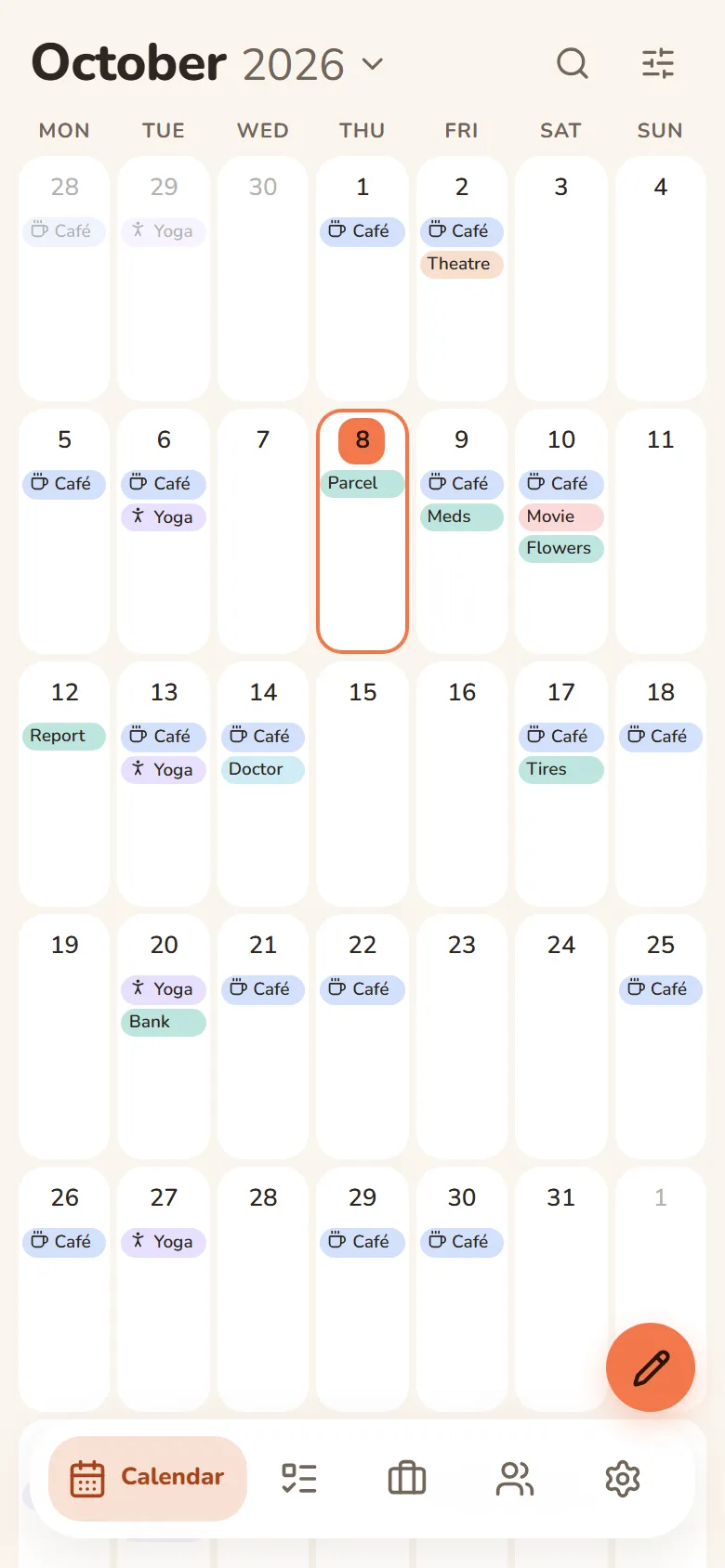
Calendar
Month, week and day in one place
- Always opens to today
- Shifts, tasks, events and birthdays on one grid
- Repeats: daily, weekly, monthly or yearly
- Search across every section at once
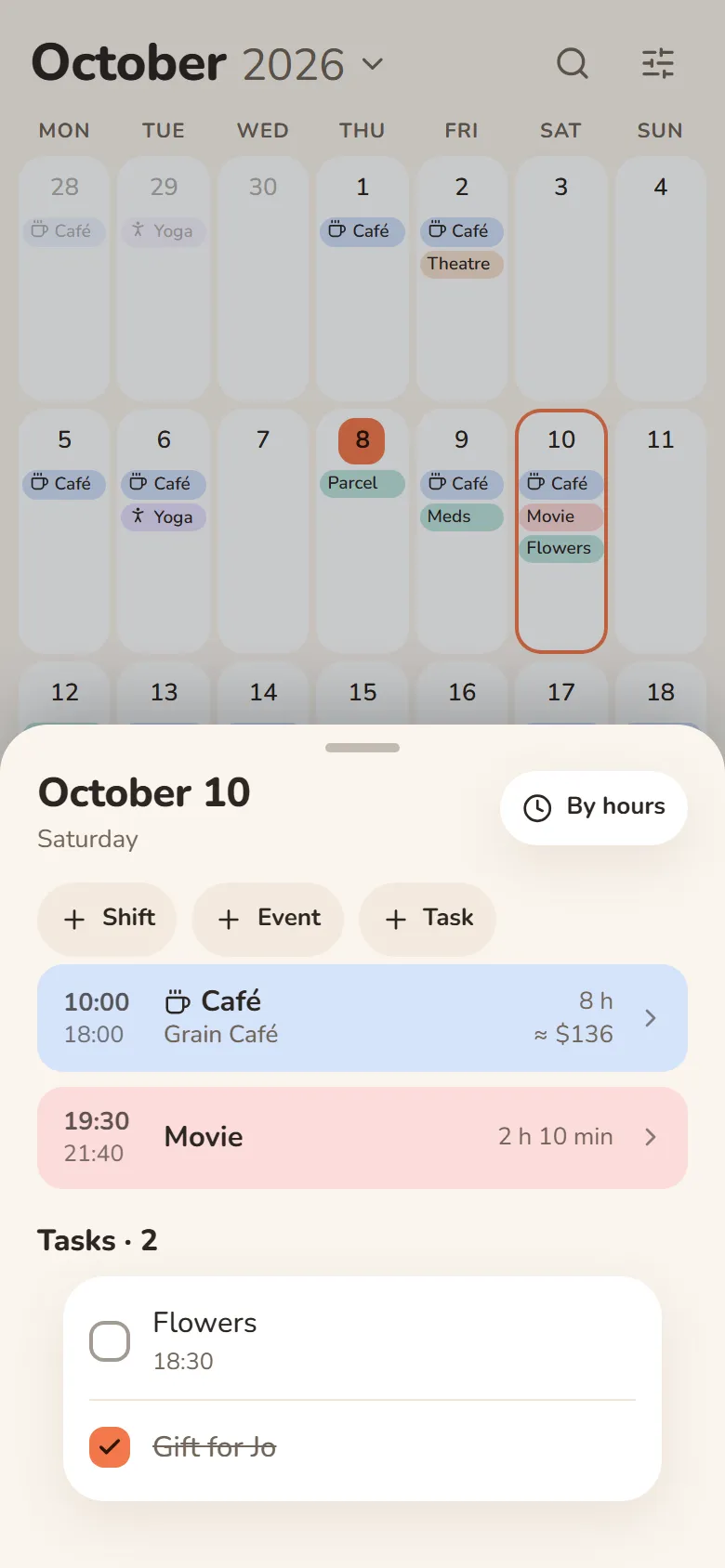
Work & study
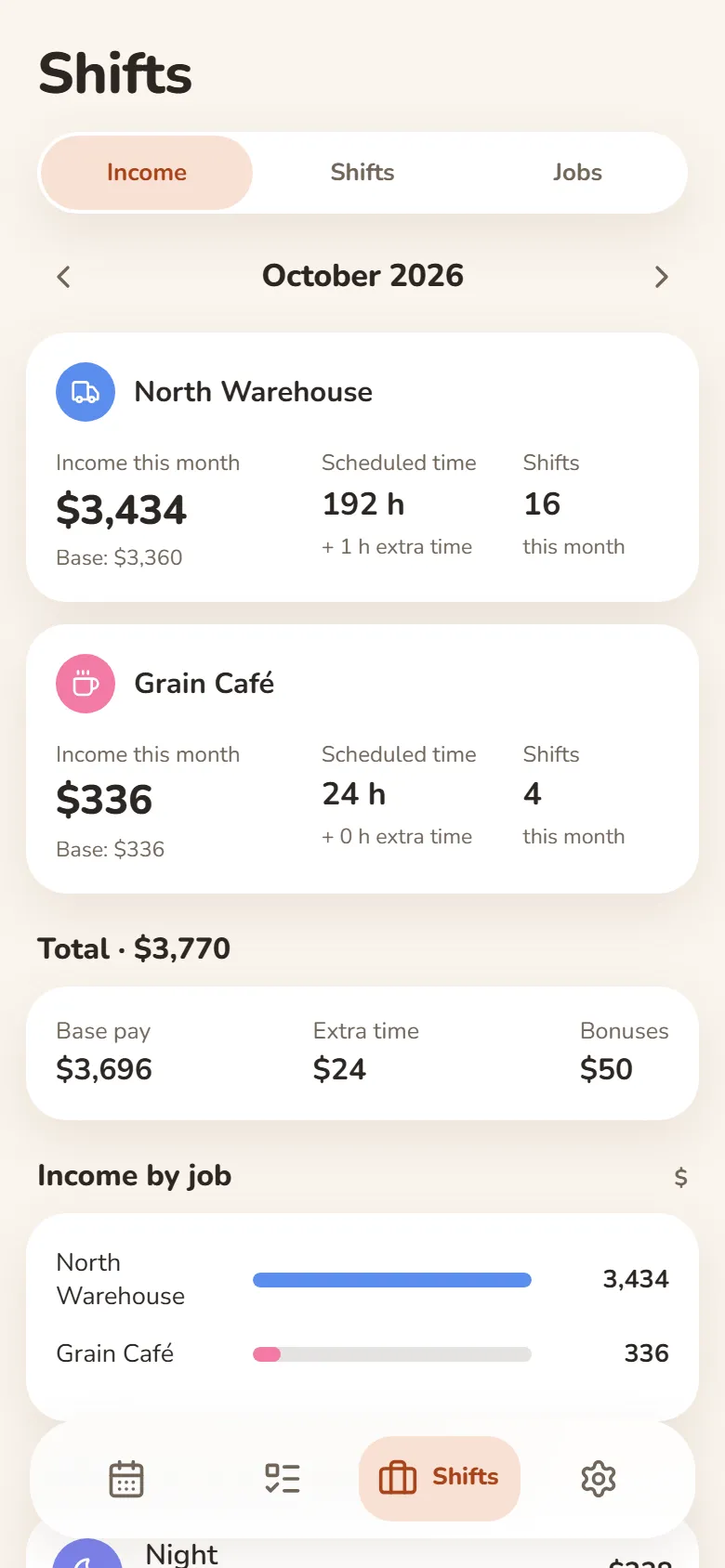
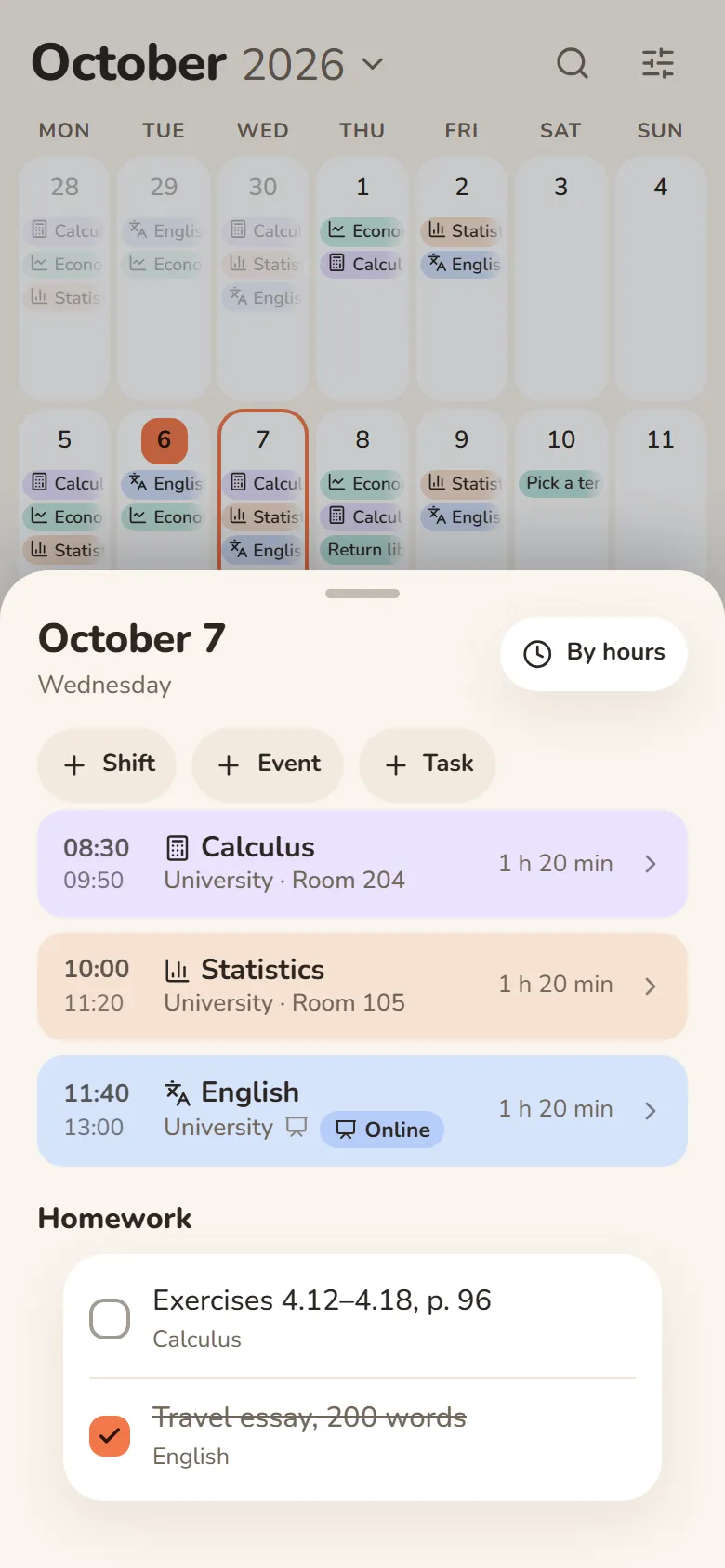
Shifts, classes and earnings
- Pick a shift and tap the days — your schedule is ready
- Hours and earnings add up automatically — breaks, extra pay and bonuses included
- Classes with rooms, lecture links and homework
- Several jobs, and one shared schedule for your class
Tasks
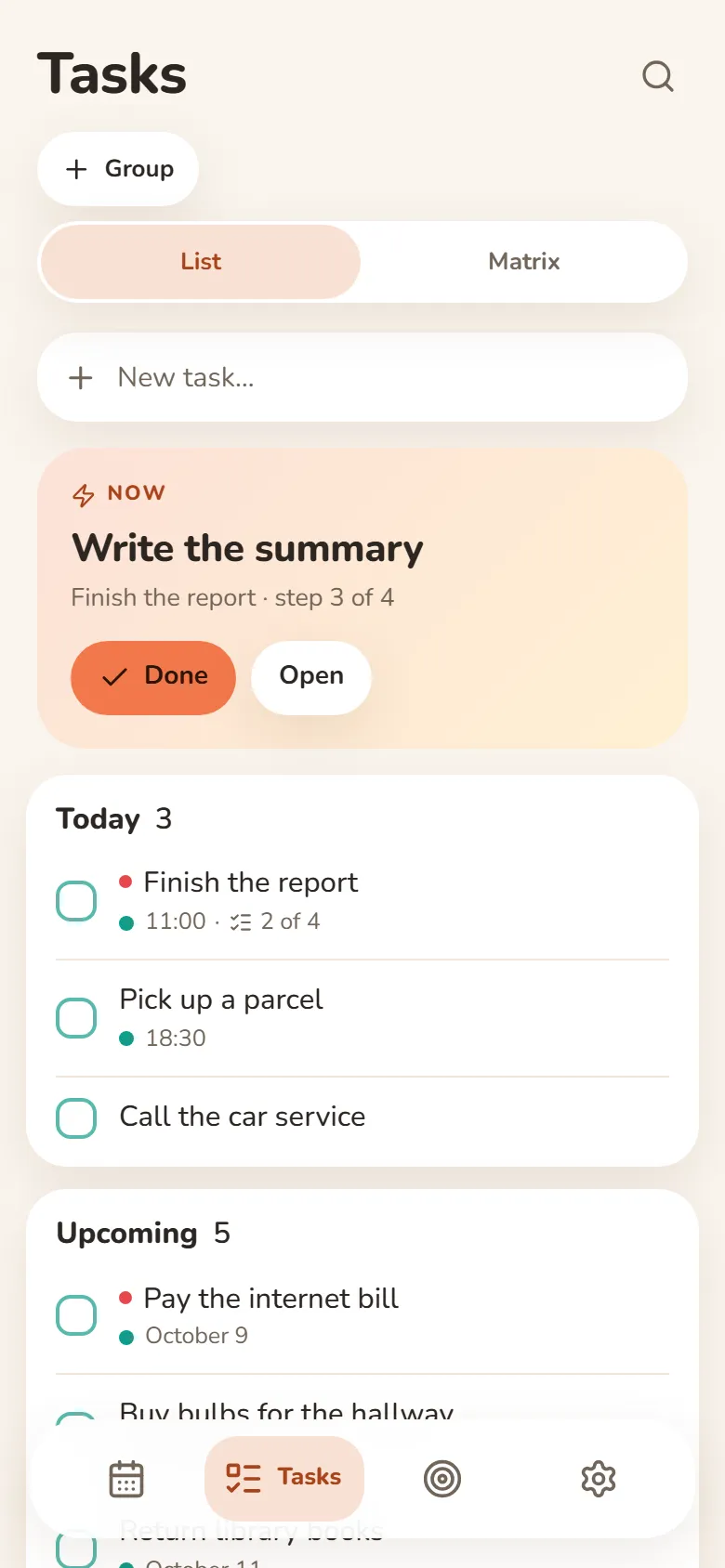
Write it down and let it go
- Quick add understands “tomorrow at 3pm”
- Steps inside a task show what’s next
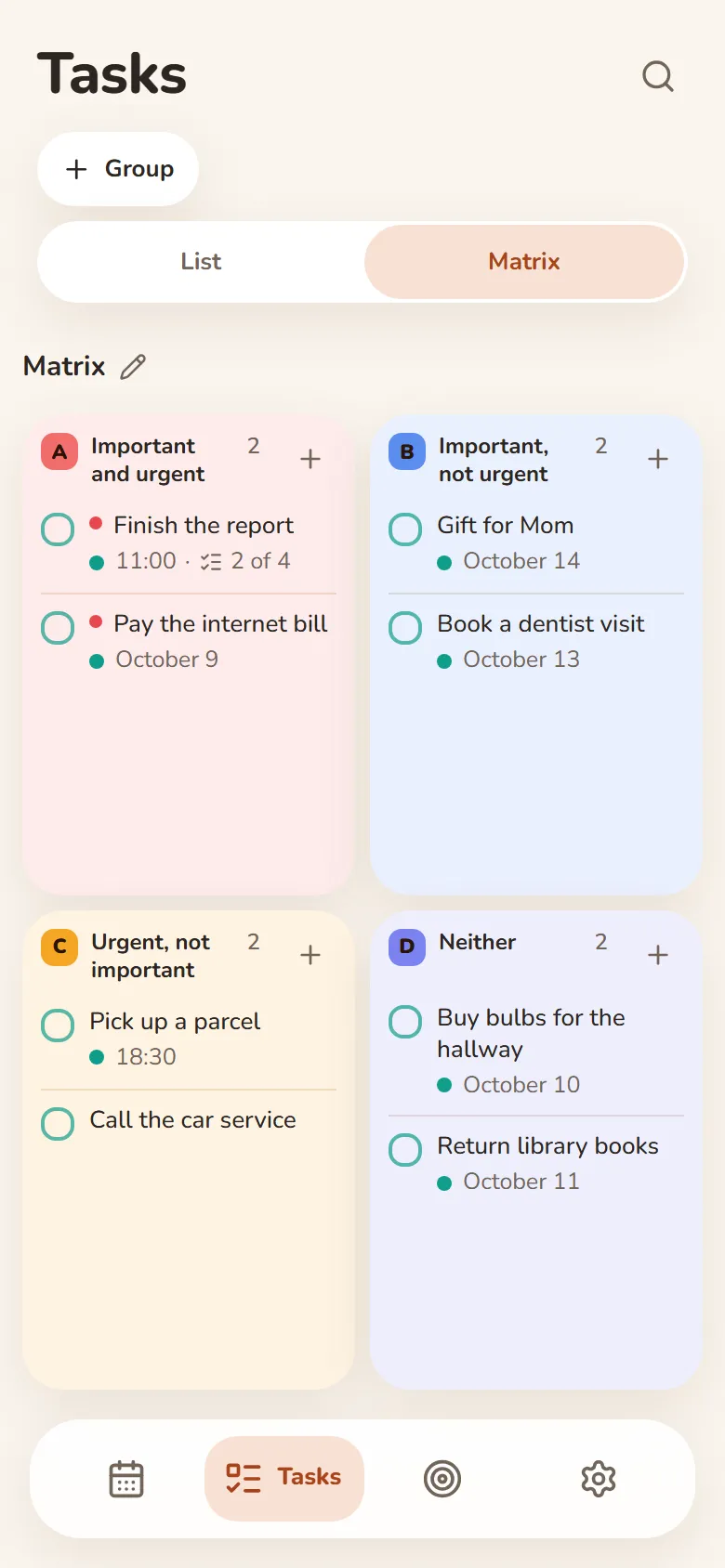
- An urgent–important matrix
- Swipe right — done, swipe left — tomorrow
Finance
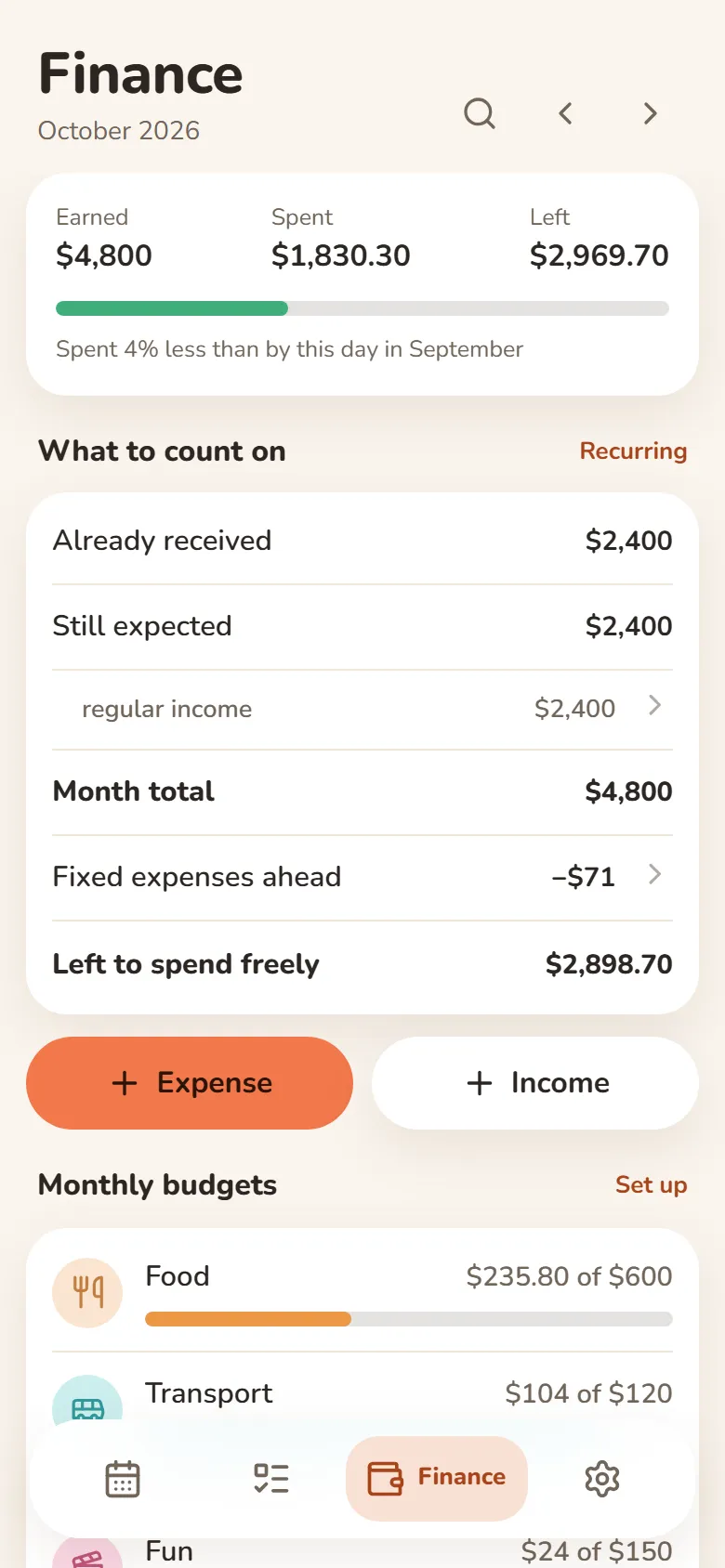
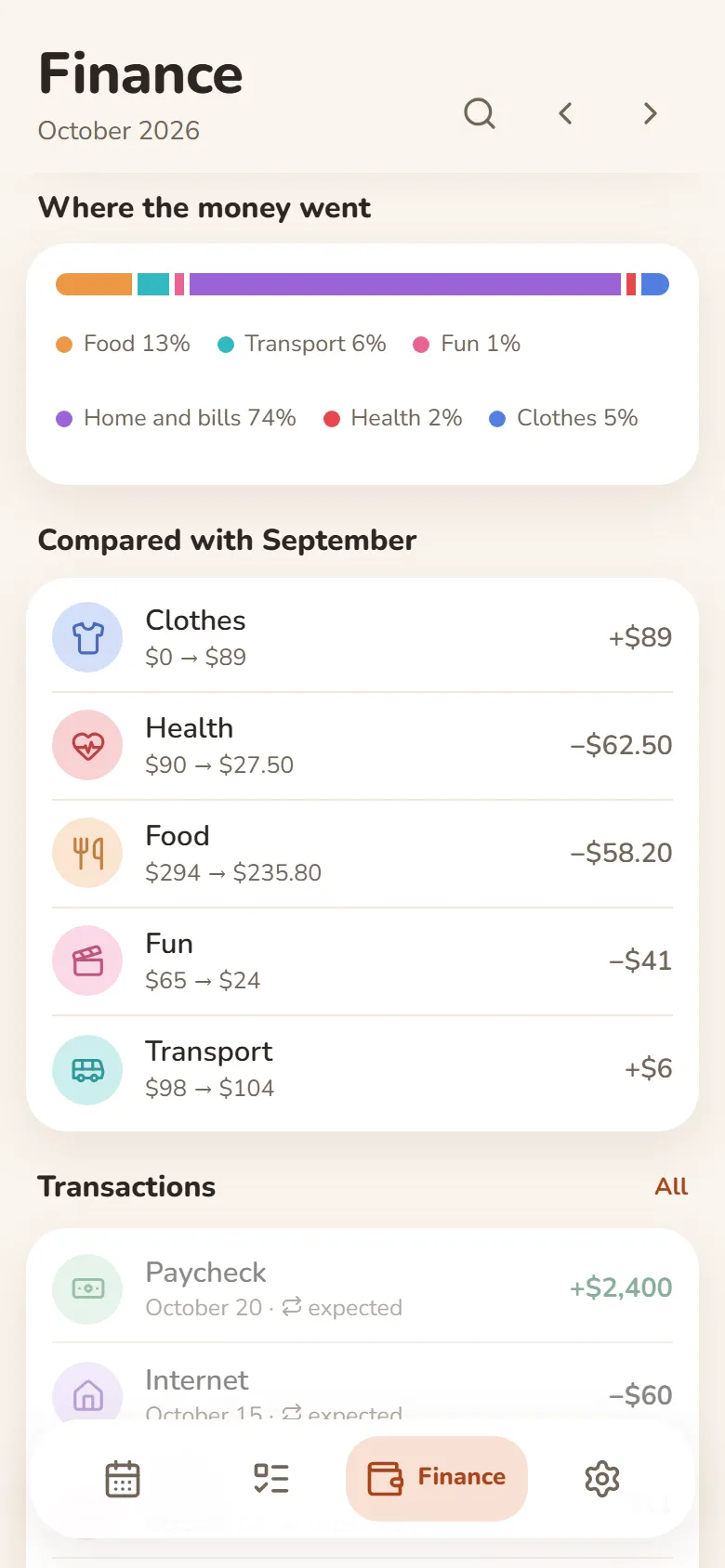
What came in, what went out, what’s left
- Earnings from your shifts come in by themselves
- Category budgets that warn you when you’re close to the limit
- Rent, subscriptions and salary are counted every month automatically
- Import a bank statement (Excel or CSV) and spending sorts into categories
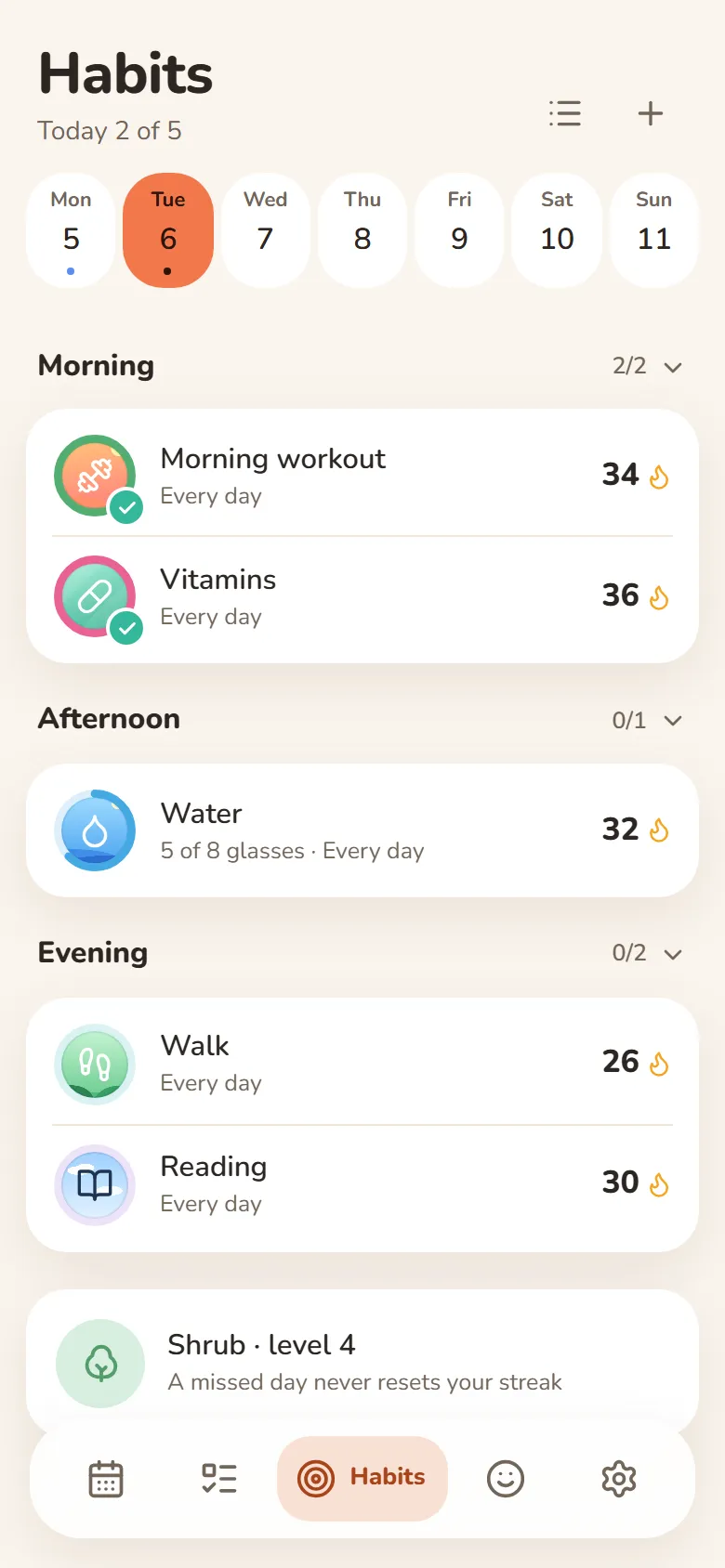
Habits
One tap and it’s marked
- A missed day never resets your streak
- Done or not, or a daily goal — “5 of 8 glasses”
- Morning, afternoon or evening — only on the days you pick
- Telegram reminders you can mark done right from the message
Mood
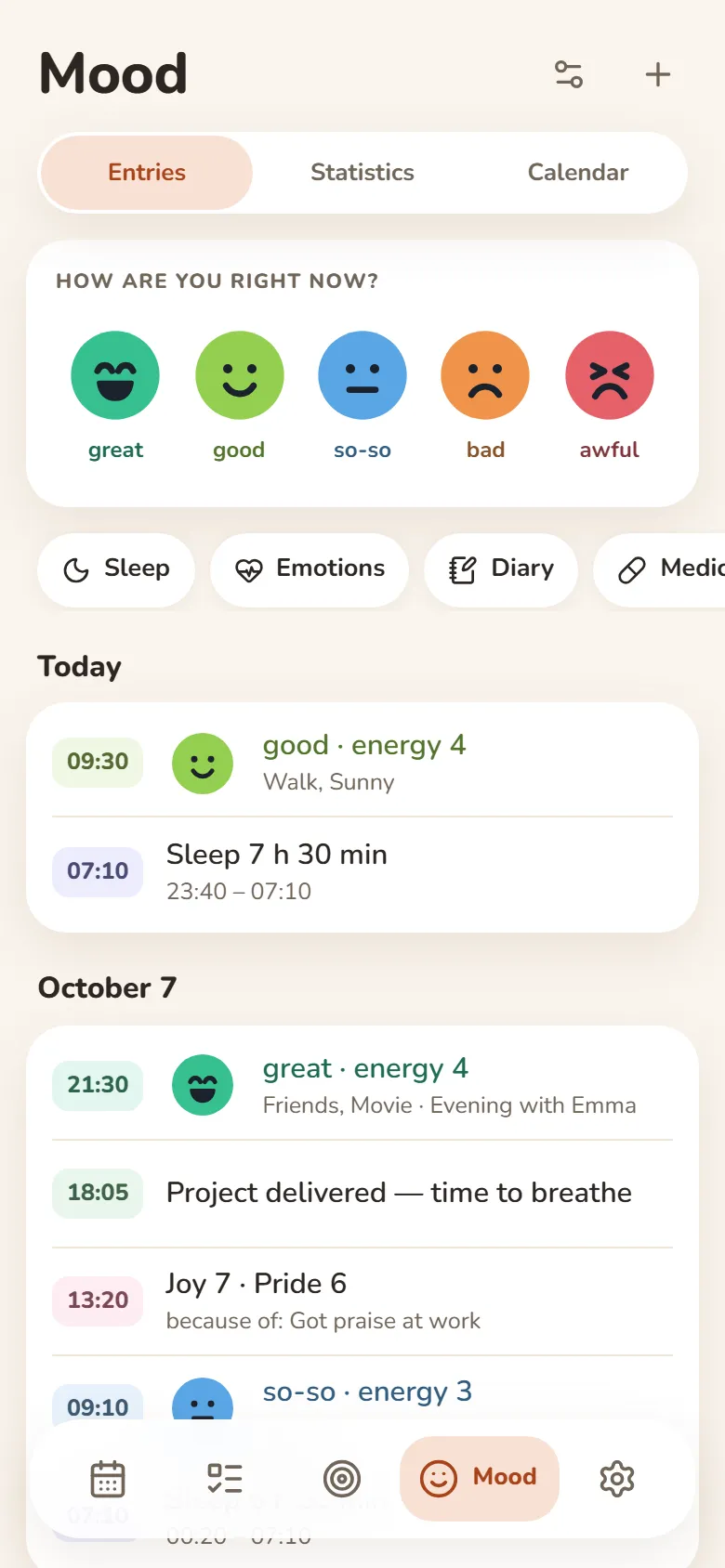
Your mood in a few seconds
- Tap one of five faces and save
- Sleep, energy, emotions and a journal — if you want them
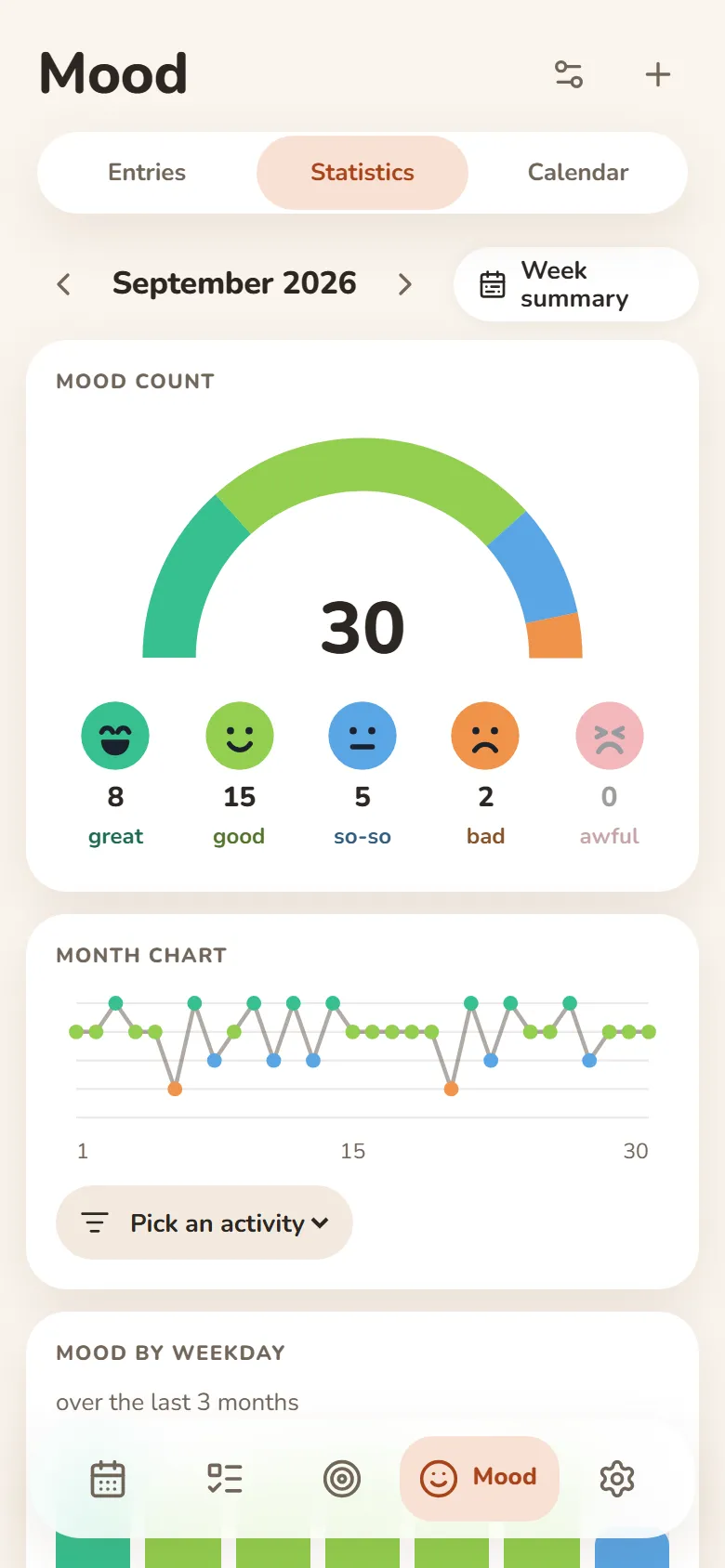
- A weekly summary and a PDF report
- Most entries can be encrypted — then not even we can read them
People
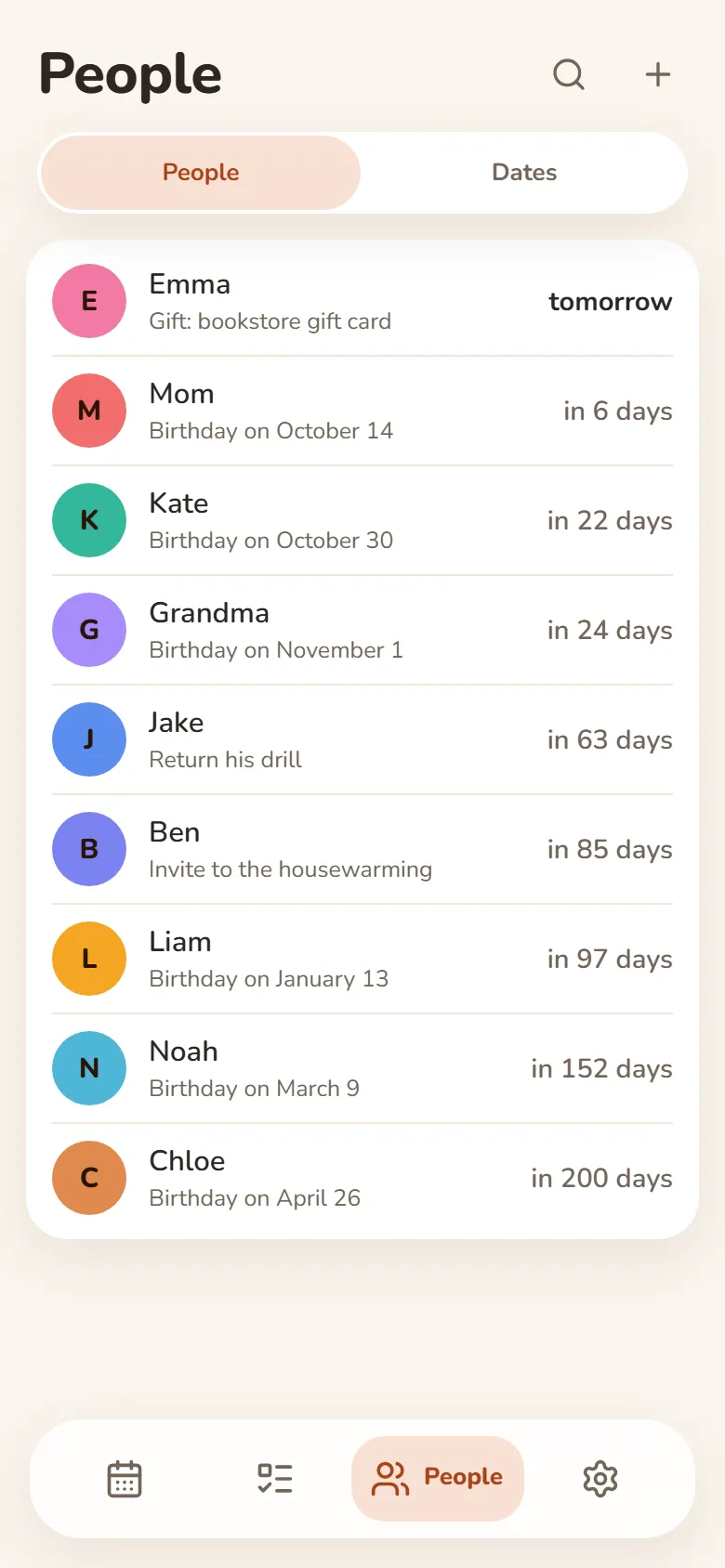
Your people and their birthdays
- Birthday reminders in Telegram — on the day or ahead of time
- Shows how old they’re turning
- Notes: what you promised, what they asked for
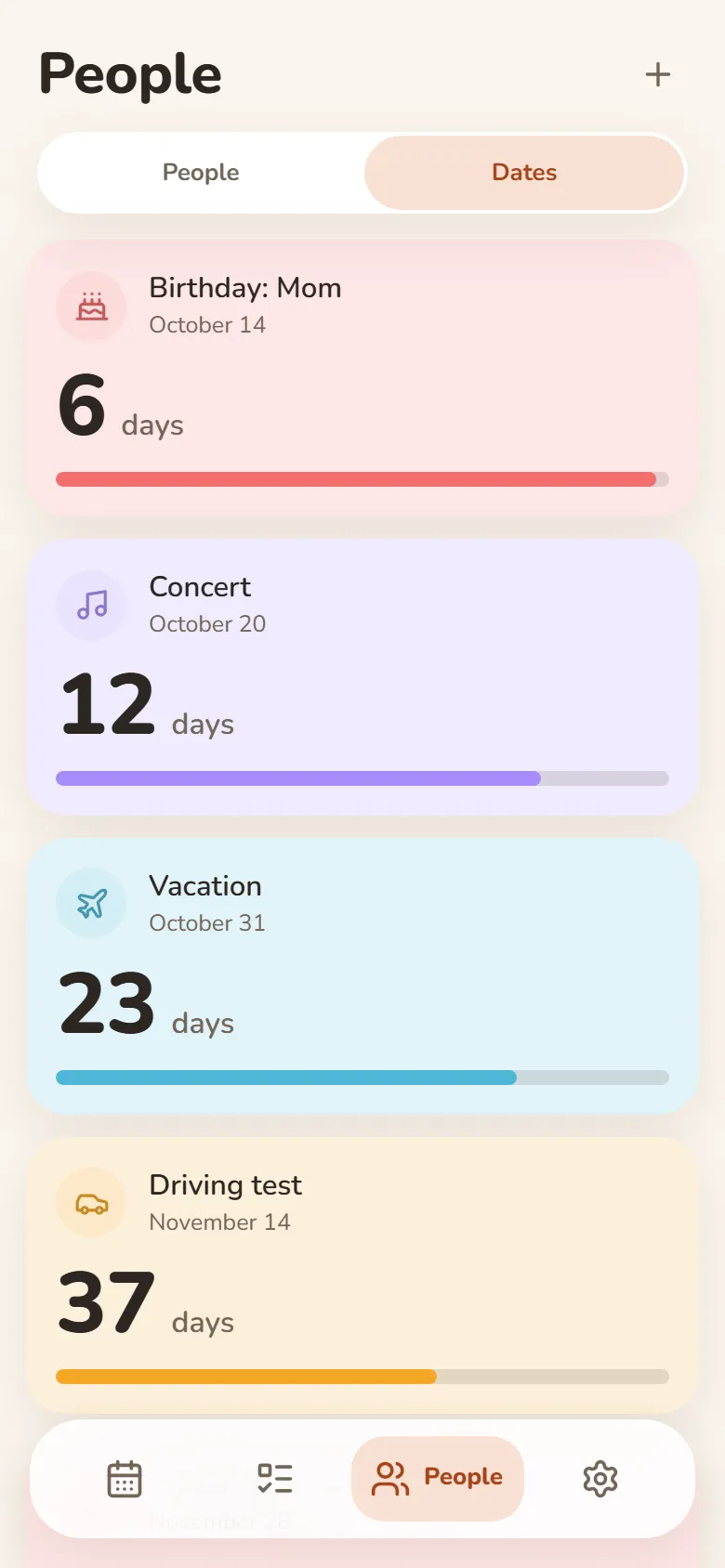
Dates
Days until what matters
- Vacation, exam, concert — counted down in days
- “Every year” for anniversaries and holidays
- Past dates show how long it’s been
- Telegram reminders on the day, a day or a week before
Friends & groups
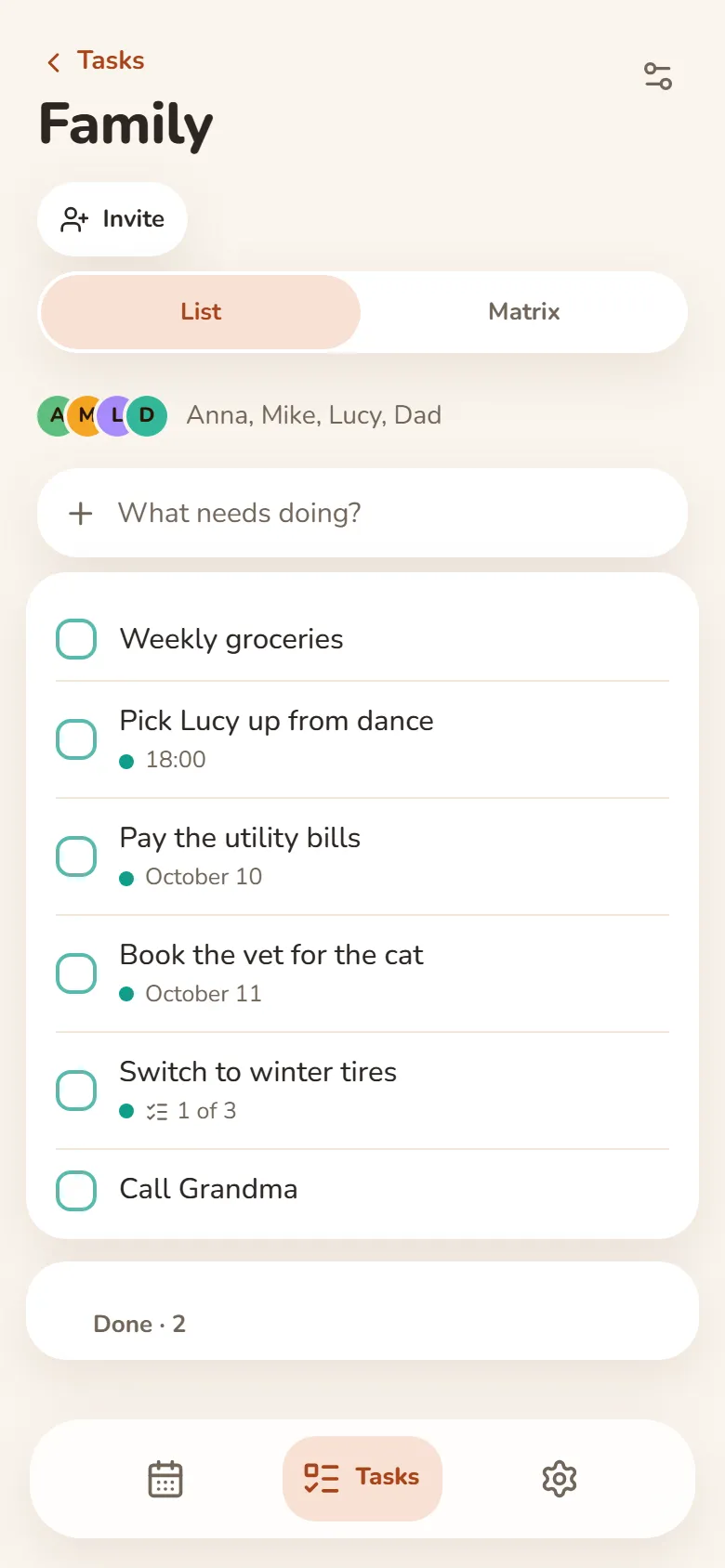
Shared tasks and schedules
- Shared task groups — everyone adds and ticks things off
- One class schedule for your whole group — up to 50 people
- A friend you allow sees your shift times — your earnings stay private
- Invite friends by link after signing in with Telegram or Google
所有设备通用
用Telegram或Google登录,记录就会同步到手机和电脑。离线时也能使用。
新标签页里的任务
借助Bonjourr扩展,在浏览器的新标签页里看到今天的计划。
如何安装
它是网页应用,不需要应用商店,直接在浏览器里就能添加到手机或电脑。
在浏览器中
无需安装,在任何设备上直接打开即可。
在浏览器中打开iPhone和iPad
- 在Safari中打开DayHeart in Safari
- 点按“分享”(iOS 26中在“…”菜单里)
- 选择“添加到主屏幕”
Android
- 在Chrome中打开DayHeart in Chrome
- 点右上角的⋮
- 选择“安装应用”
电脑
- 在Chrome或Edge中打开DayHeart in Chrome or Edge
- 点击地址栏中的安装图标
Windows
Windows版DayHeart应用,带桌面小组件。
从Microsoft Store下载Telegram
打开 @dayheartbot 机器人,应用会直接在Telegram里打开。
在Telegram中打开应用商店版本正在计划中
App Store — 计划中Google Play — 计划中
你的数据
你的记录保存在设备上;登录后也会保存在你的账号里,所以所有设备上都能看到。
“心情”里的大部分记录可以在你的设备上加密,这样连我们也无法读取。用药信息,以及向好友共享心情所需的内容,服务器仍然可见;由12个词的恢复码生成的密钥永远不会发送到服务器。
没有广告。我们不会出售数据,也不会与第三方共享,隐私政策中说明的情况除外。