 DayHeart
Увесь ваш дзень — у адным месцы
Каляндар, задачы, звычкі і настрой. А калі вы працуеце па змінах, графік складаецца за некалькі дотыкаў, а гадзіны і заробак лічацца самі.
Бясплатна · Без рэгістрацыі · 24 мовы
Як усталяваць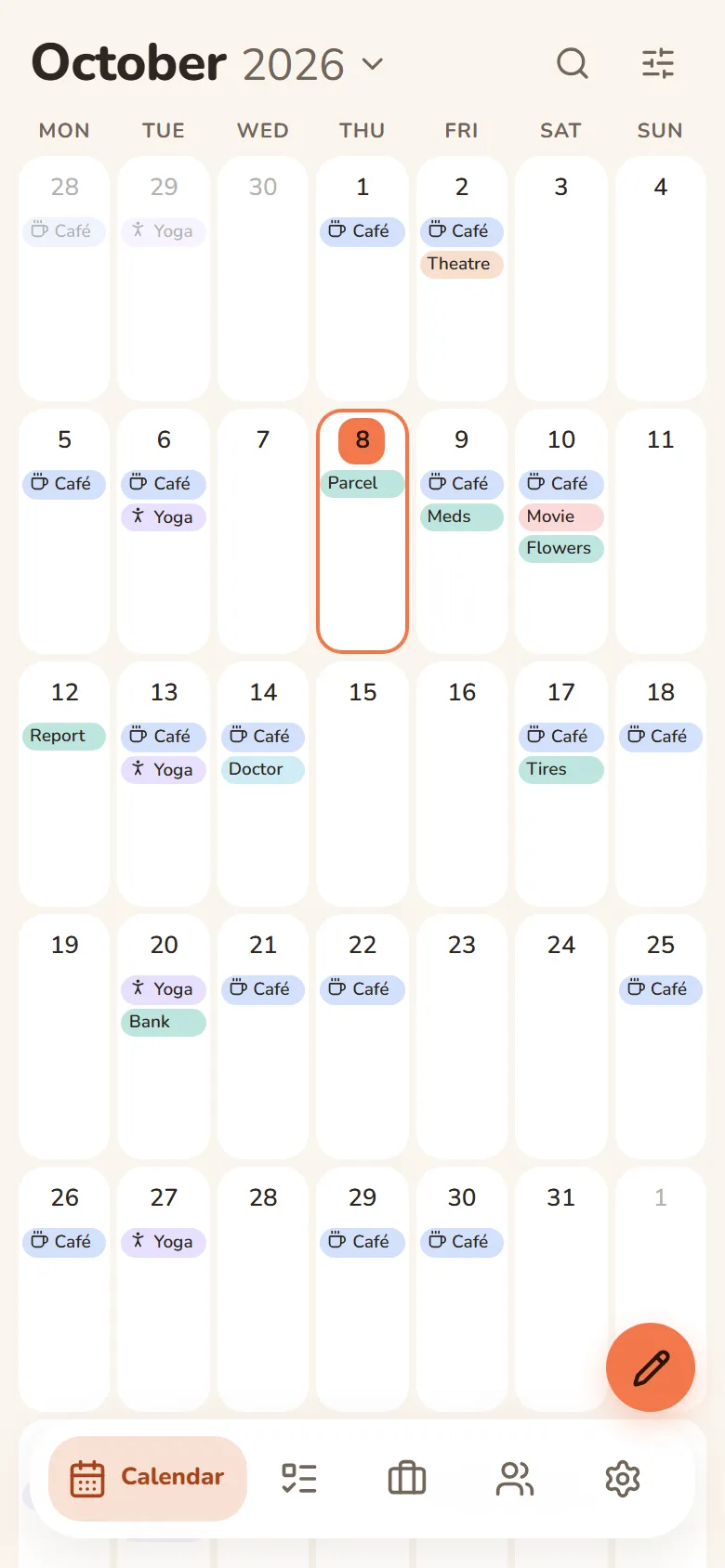
Што ўмее DayHeart
Уключайце толькі патрэбнае — астатняе не замінае.
Tap a section to see more
Calendar
Month, week and day in one place
- Always opens to today
- Shifts, tasks, events and birthdays on one grid
- Repeats: daily, weekly, monthly or yearly
- Search across every section at once
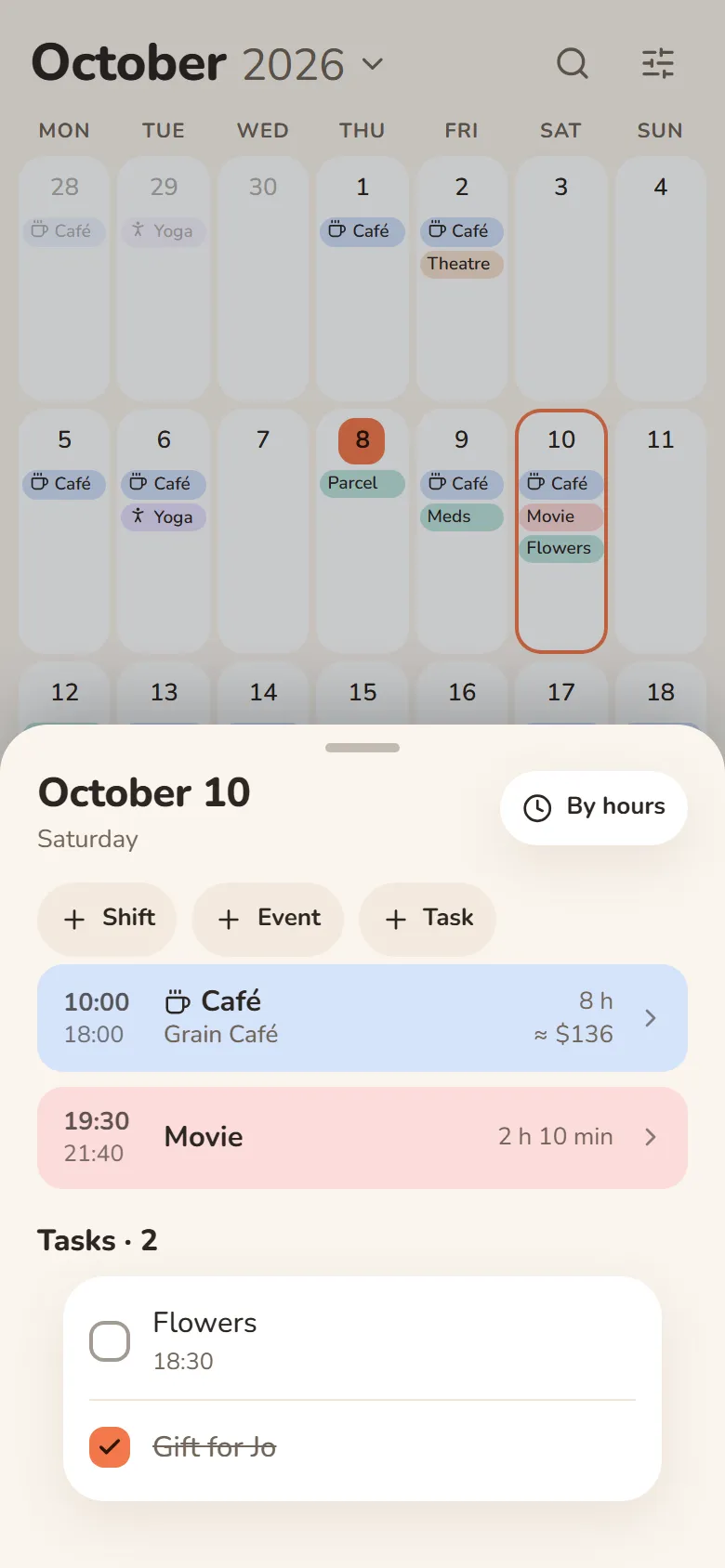
Work & study
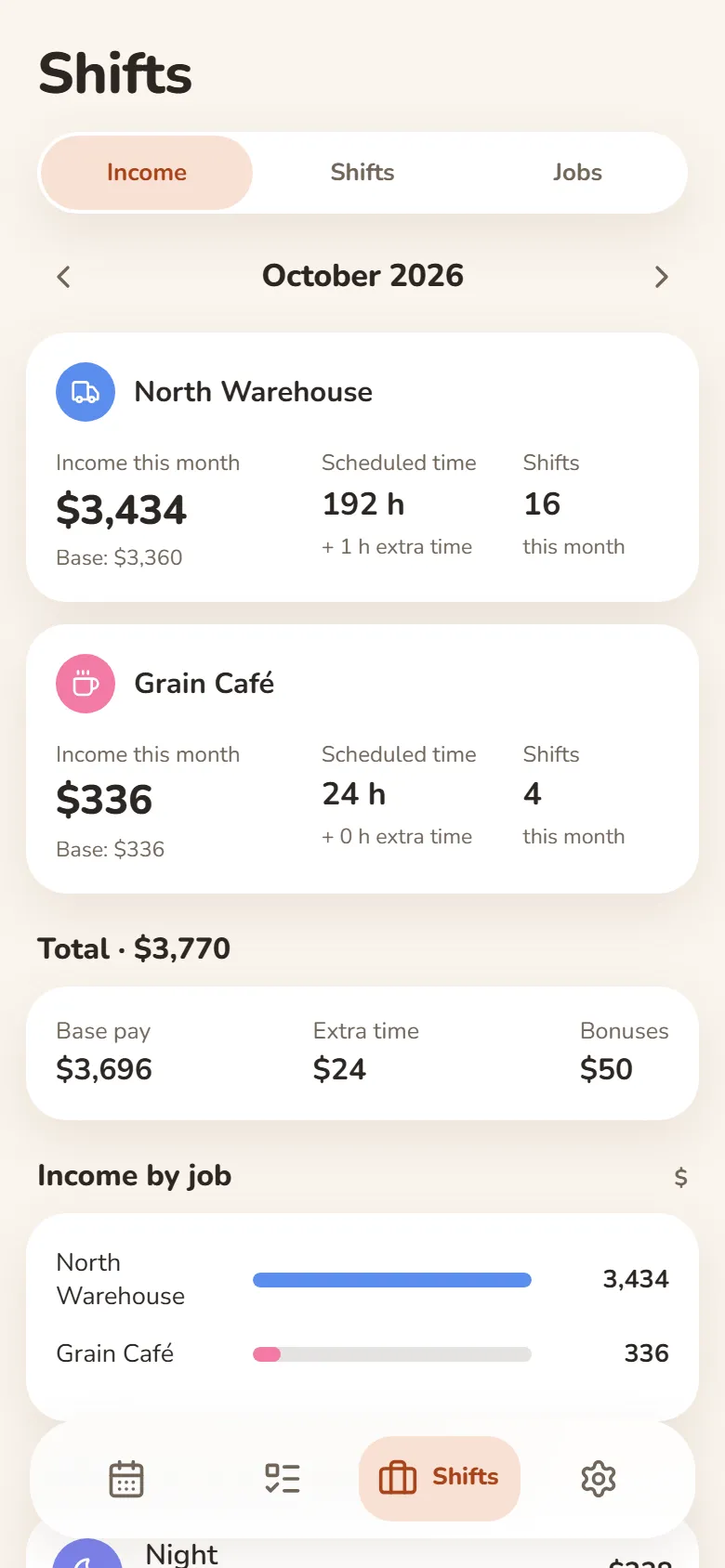
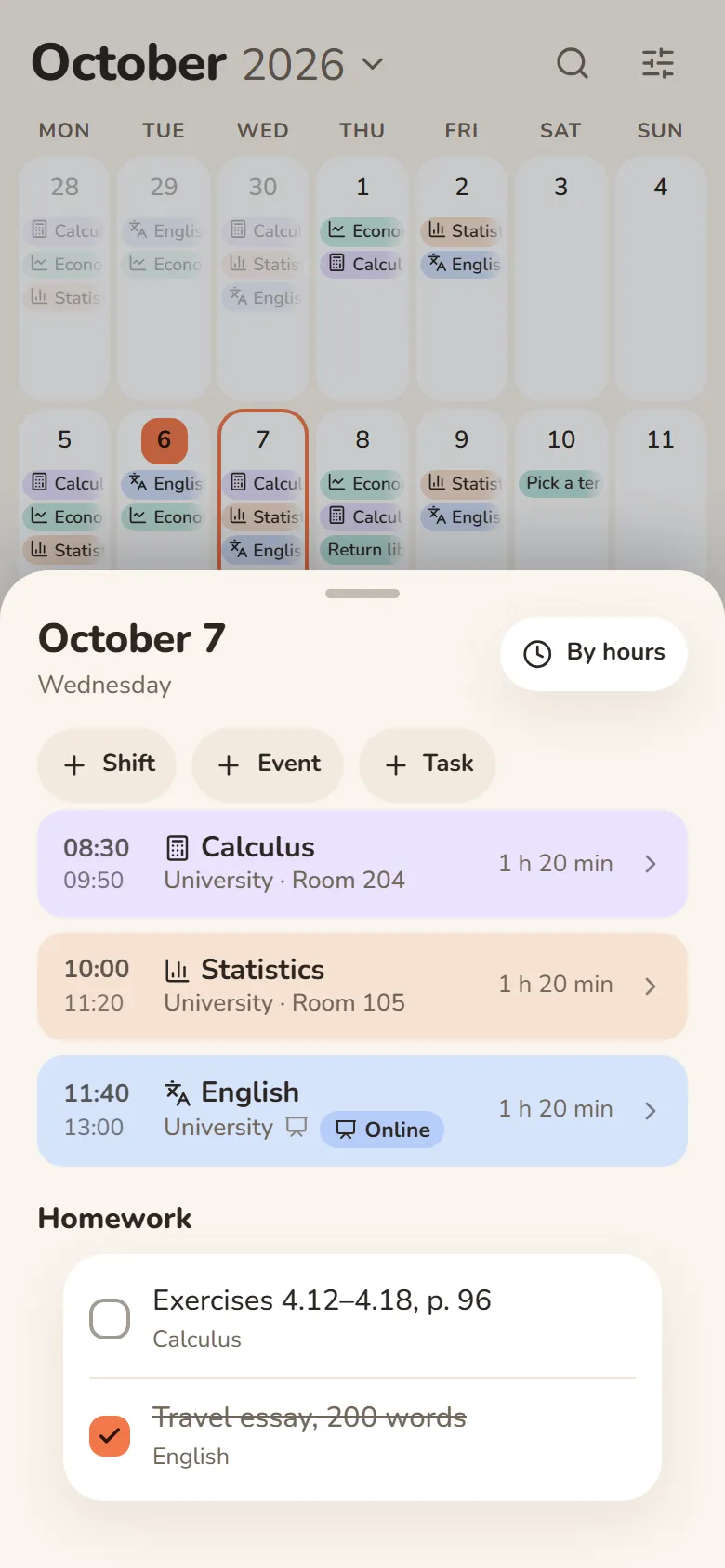
Shifts, classes and earnings
- Pick a shift and tap the days — your schedule is ready
- Hours and earnings add up automatically — breaks, extra pay and bonuses included
- Classes with rooms, lecture links and homework
- Several jobs, and one shared schedule for your class
Змены і заробакВучоба: пары і дамашняе заданнеВучоба і праца
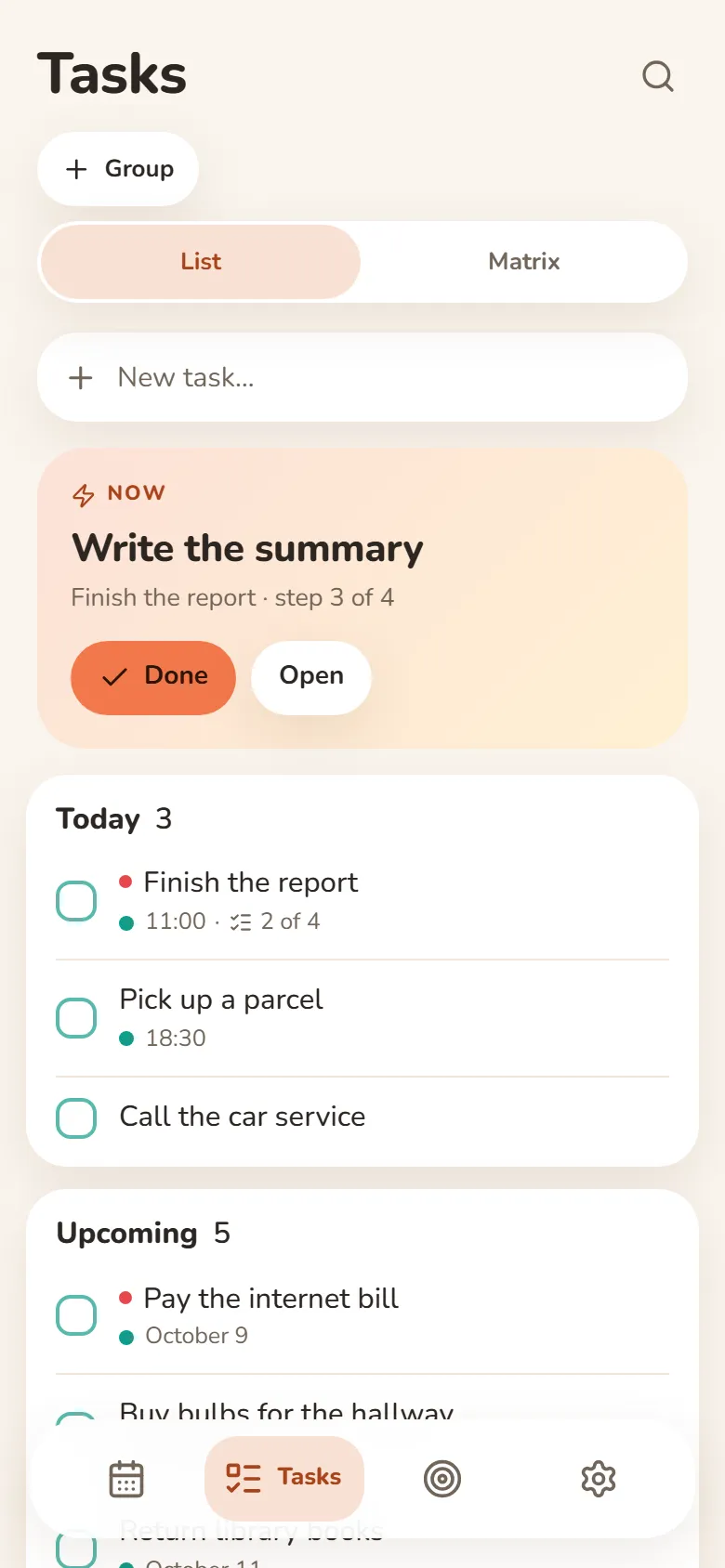
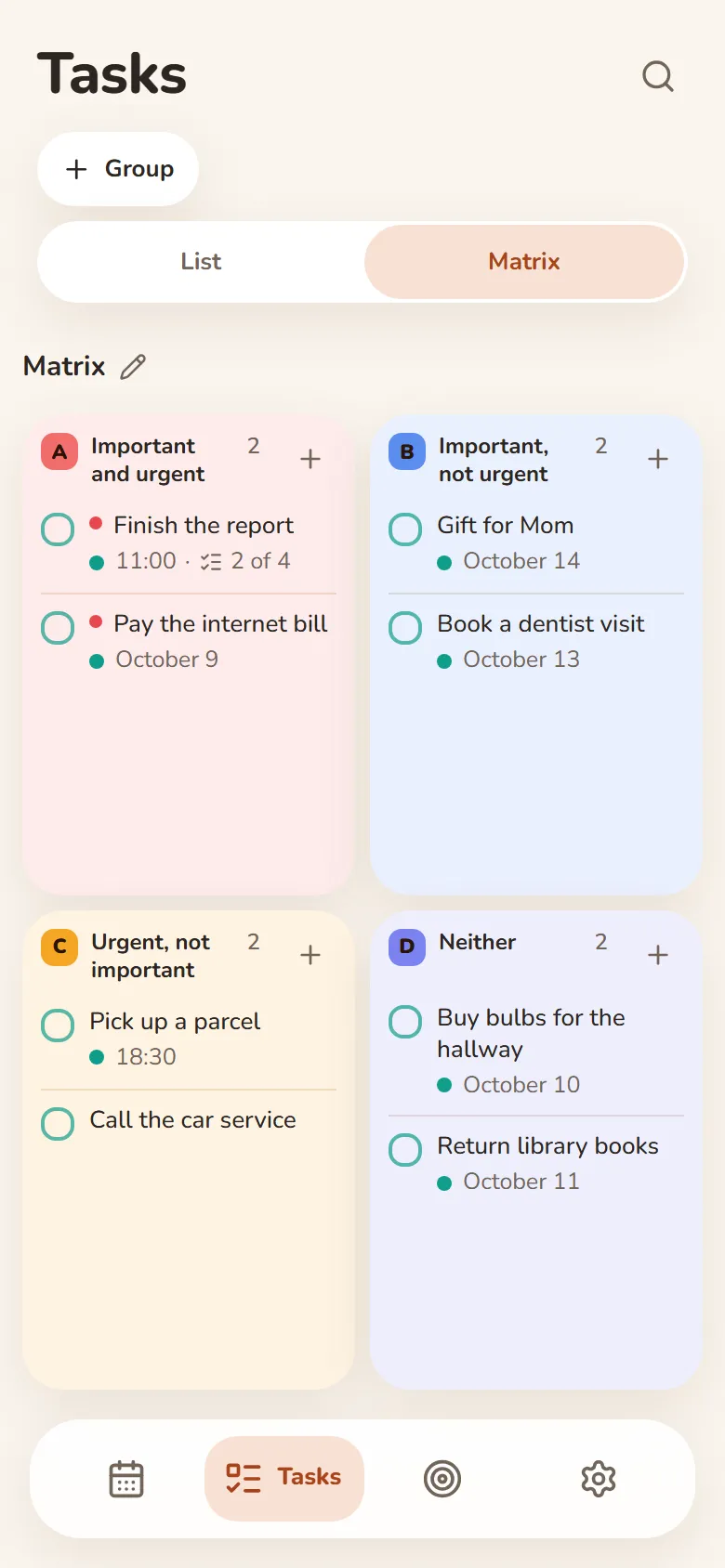
Tasks
Write it down and let it go
- Quick add understands “tomorrow at 3pm”
- Steps inside a task show what’s next
- An urgent–important matrix
- Swipe right — done, swipe left — tomorrow
Finance
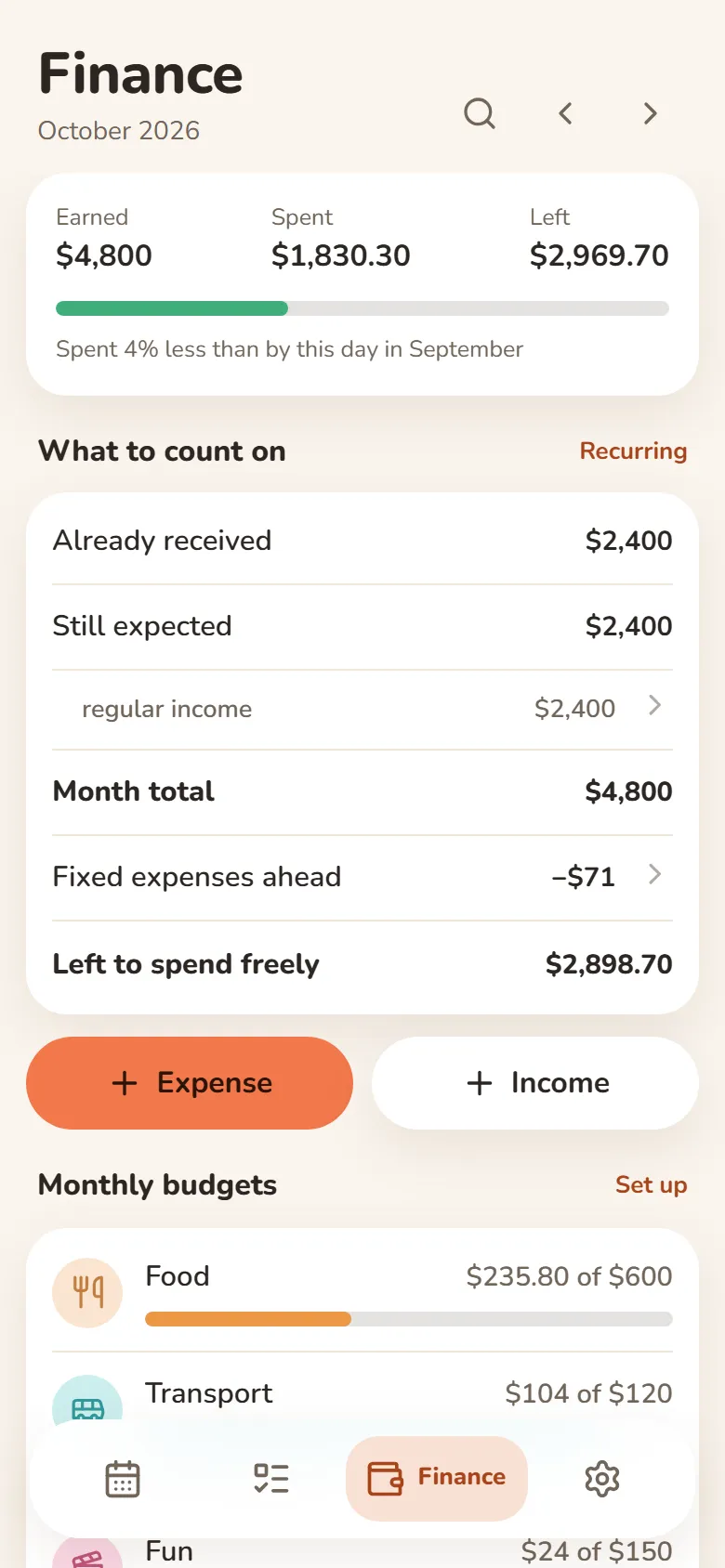
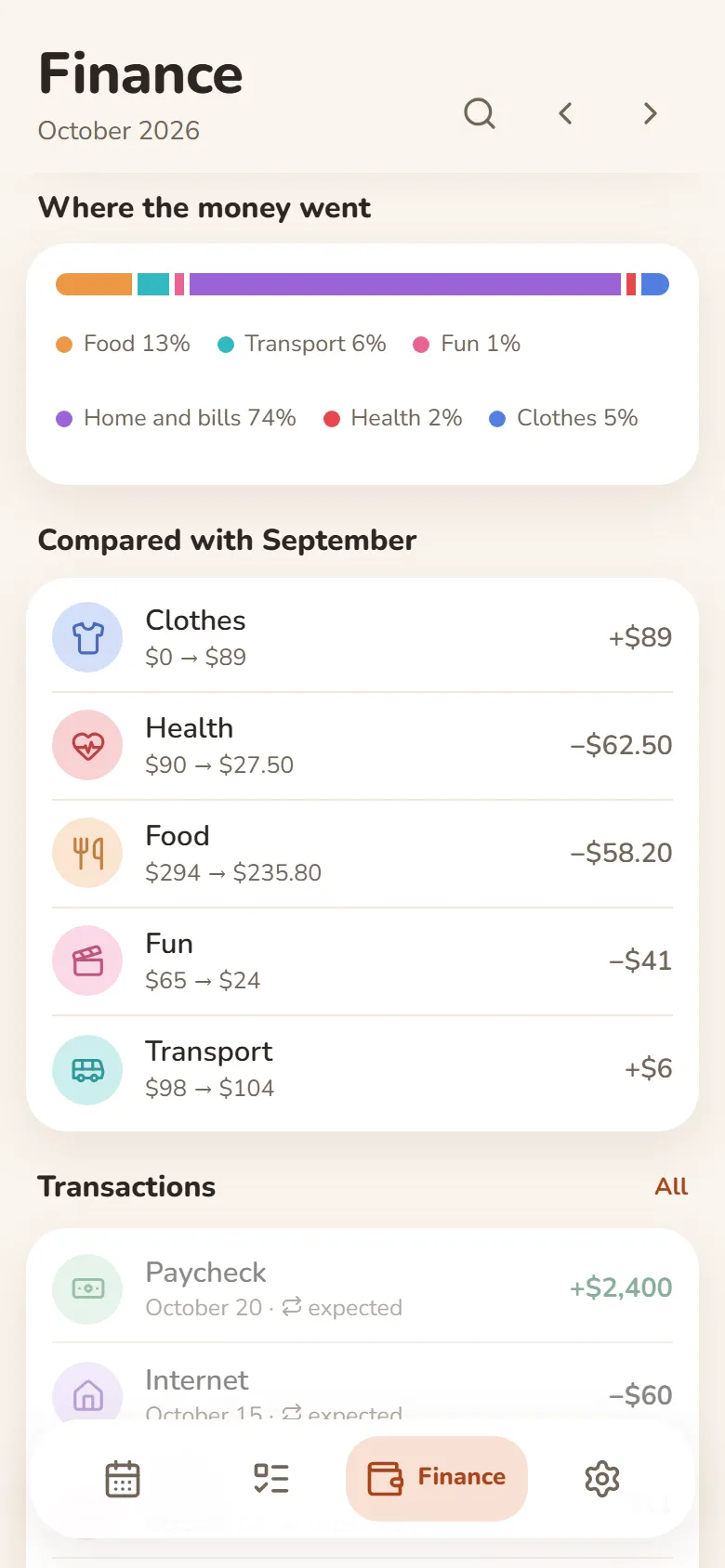
What came in, what went out, what’s left
- Earnings from your shifts come in by themselves
- Category budgets that warn you when you’re close to the limit
- Rent, subscriptions and salary are counted every month automatically
- Import a bank statement (Excel or CSV) and spending sorts into categories
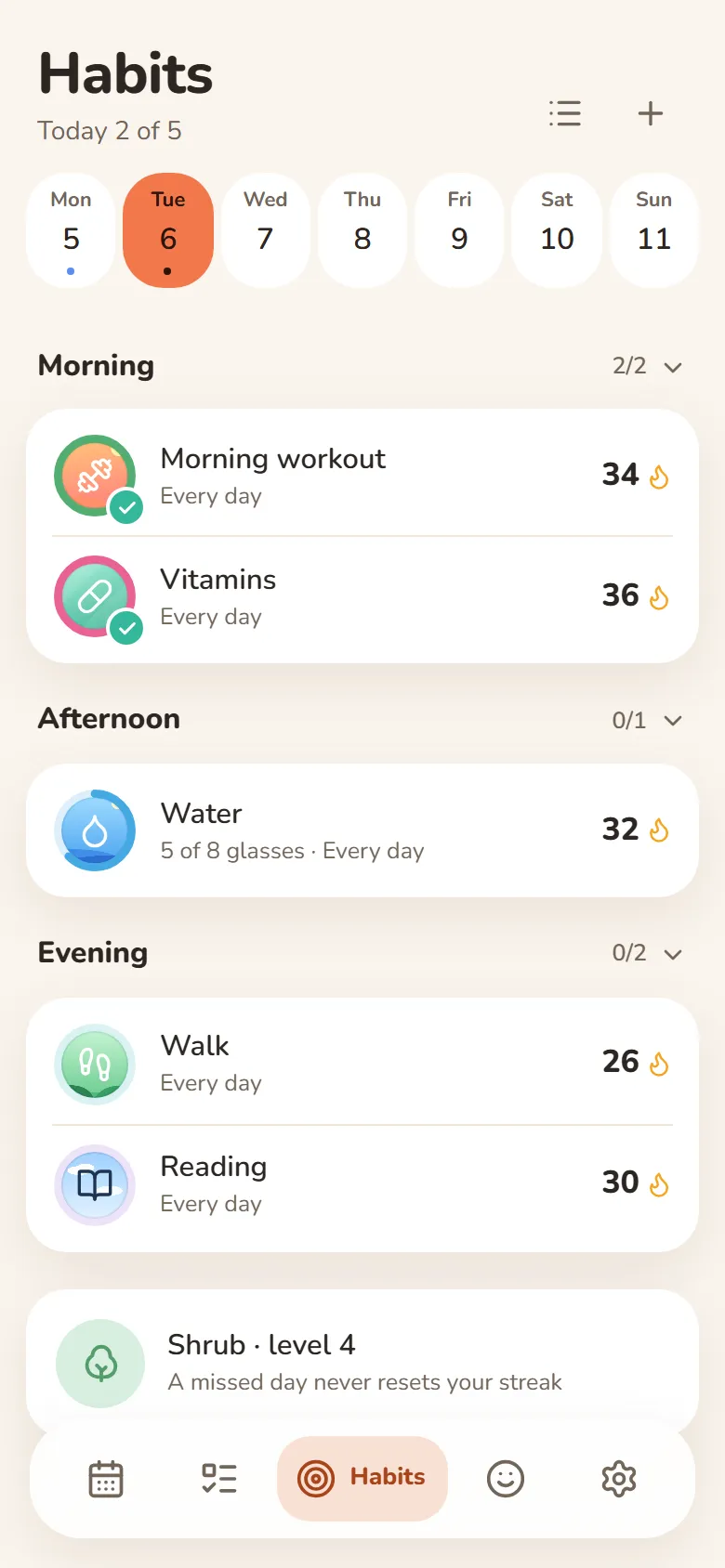
Habits
One tap and it’s marked
- A missed day never resets your streak
- Done or not, or a daily goal — “5 of 8 glasses”
- Morning, afternoon or evening — only on the days you pick
- Telegram reminders you can mark done right from the message
Mood
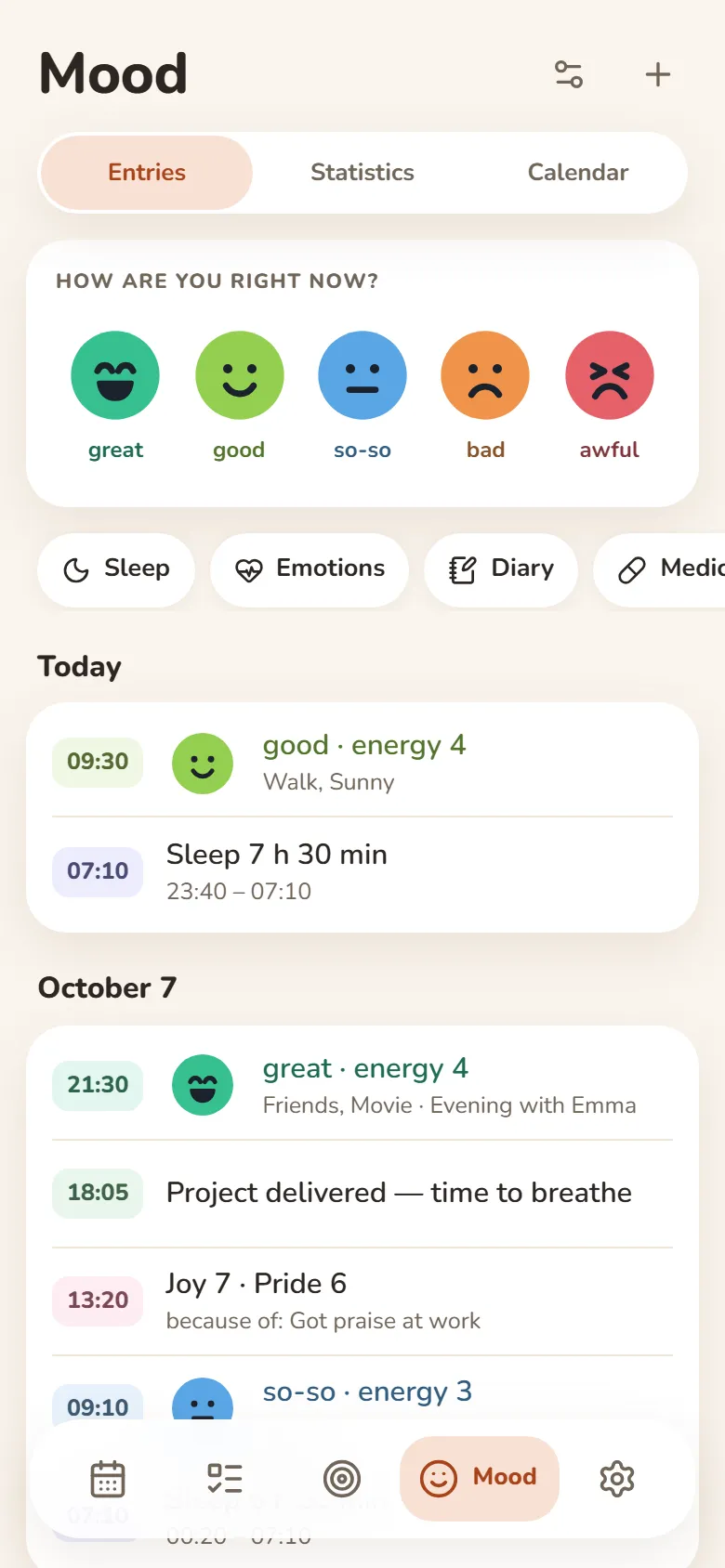
Your mood in a few seconds
- Tap one of five faces and save
- Sleep, energy, emotions and a journal — if you want them
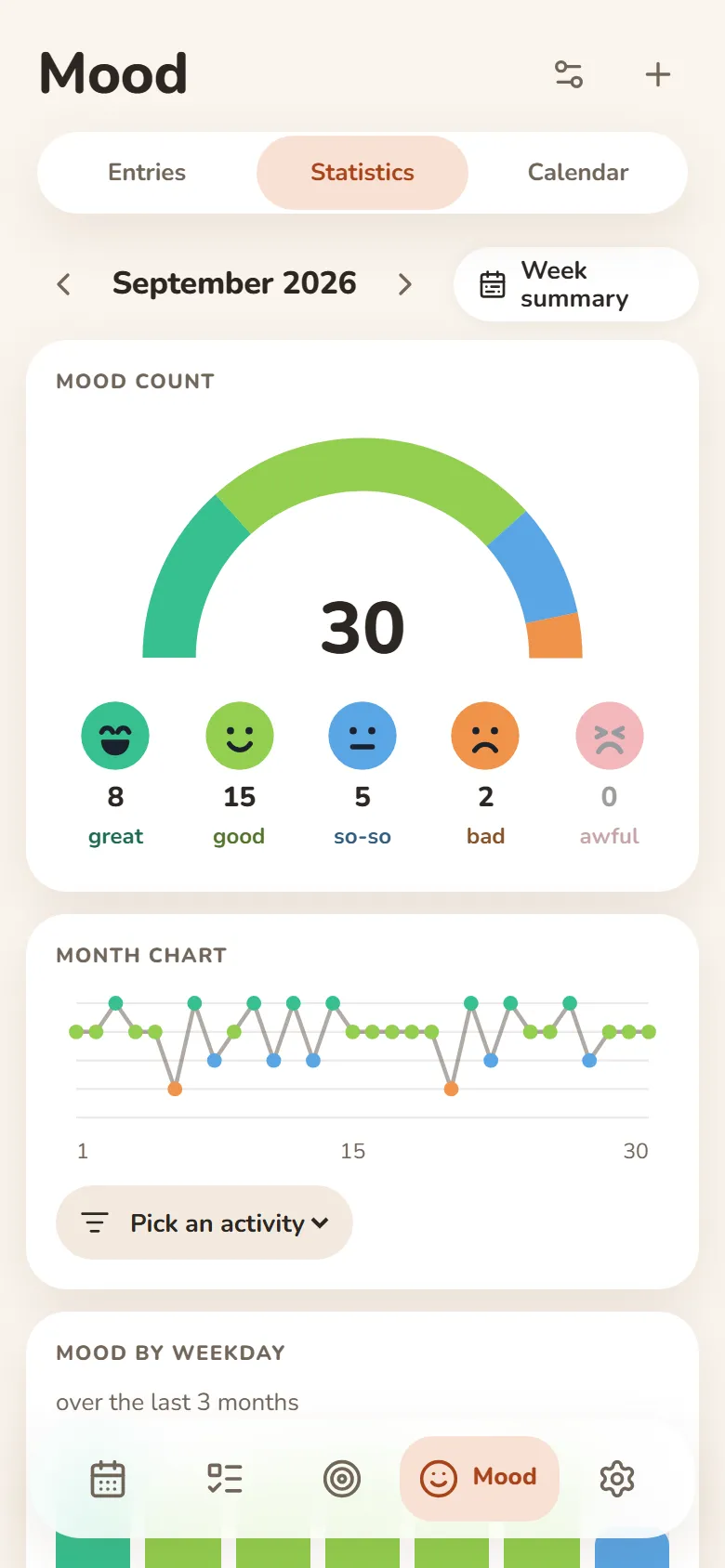
- A weekly summary and a PDF report
- Most entries can be encrypted — then not even we can read them
People
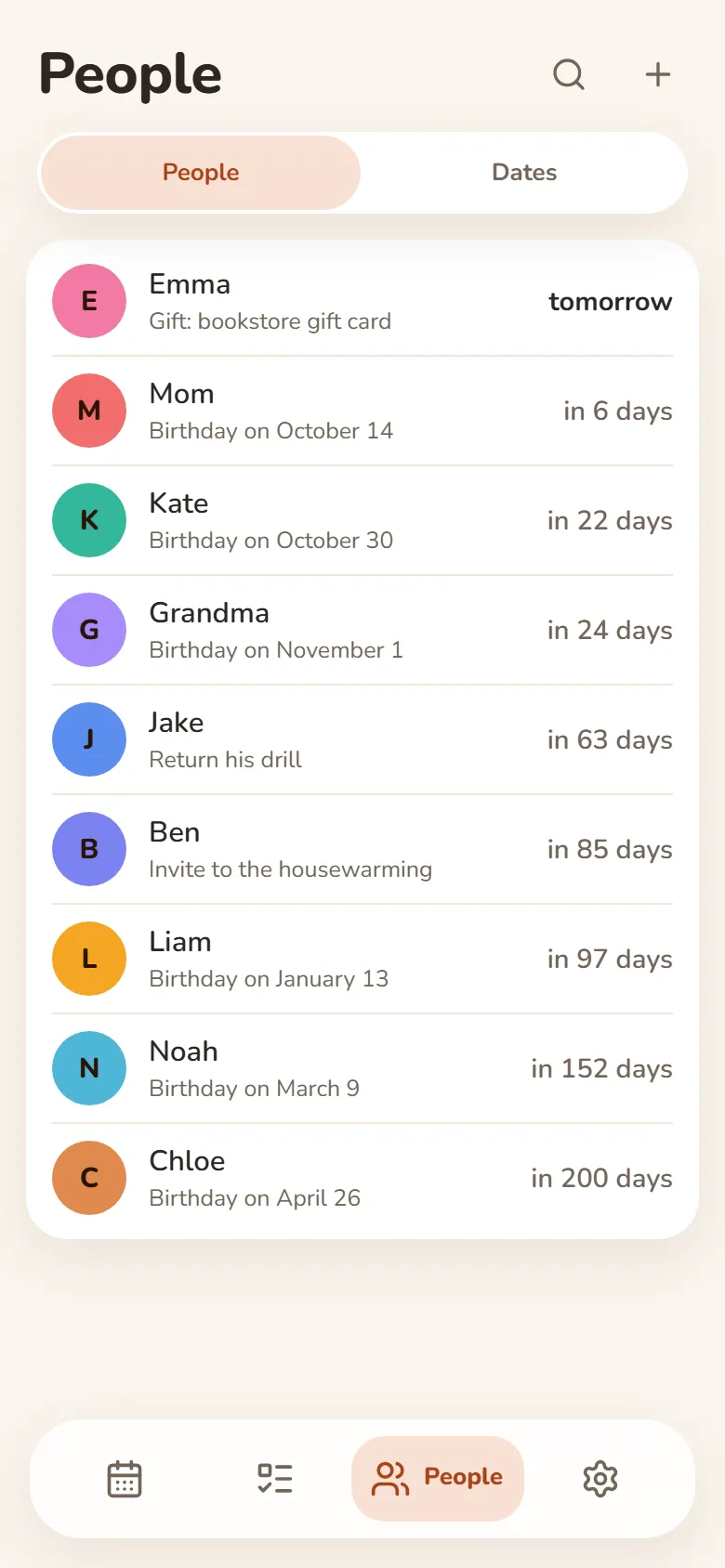
Your people and their birthdays
- Birthday reminders in Telegram — on the day or ahead of time
- Shows how old they’re turning
- Notes: what you promised, what they asked for
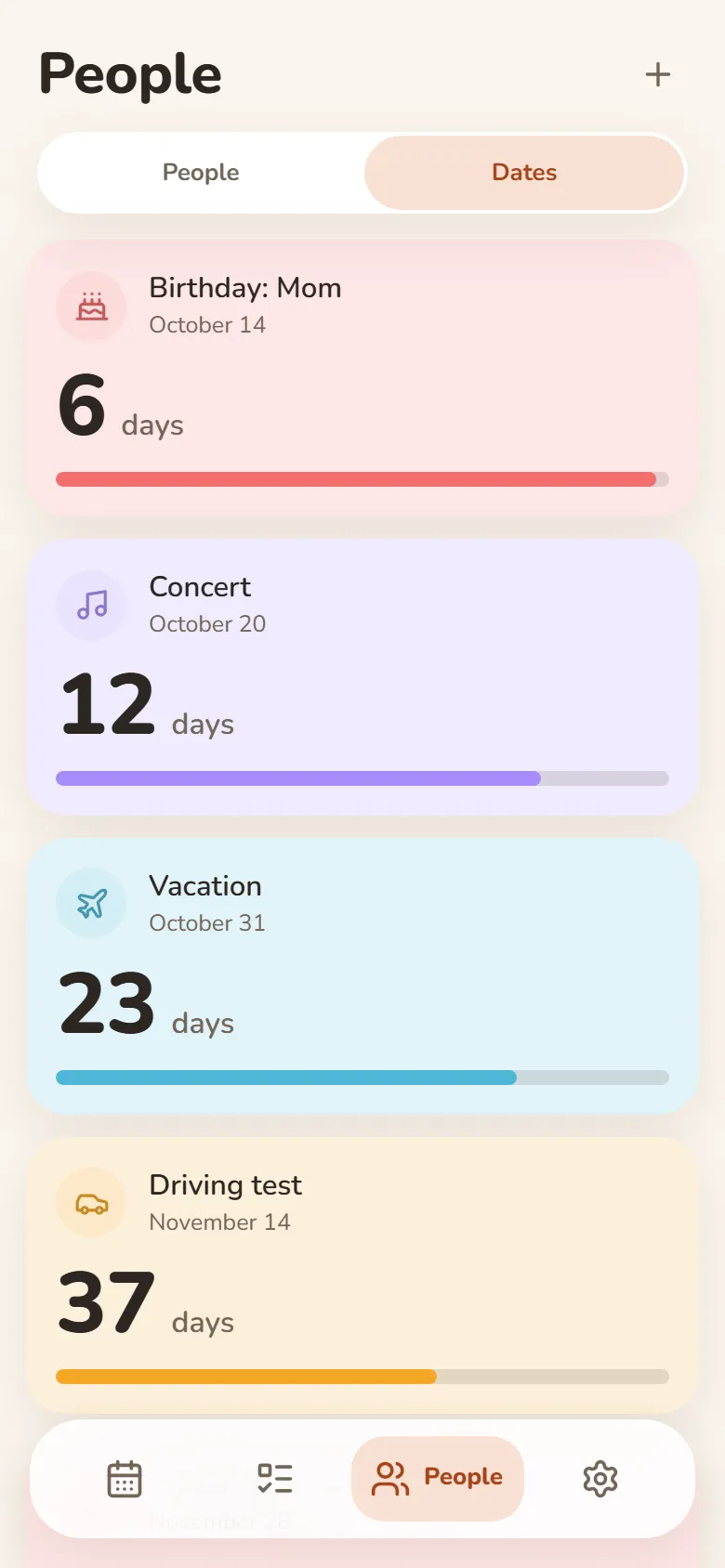
Dates
Days until what matters
- Vacation, exam, concert — counted down in days
- “Every year” for anniversaries and holidays
- Past dates show how long it’s been
- Telegram reminders on the day, a day or a week before
Friends & groups
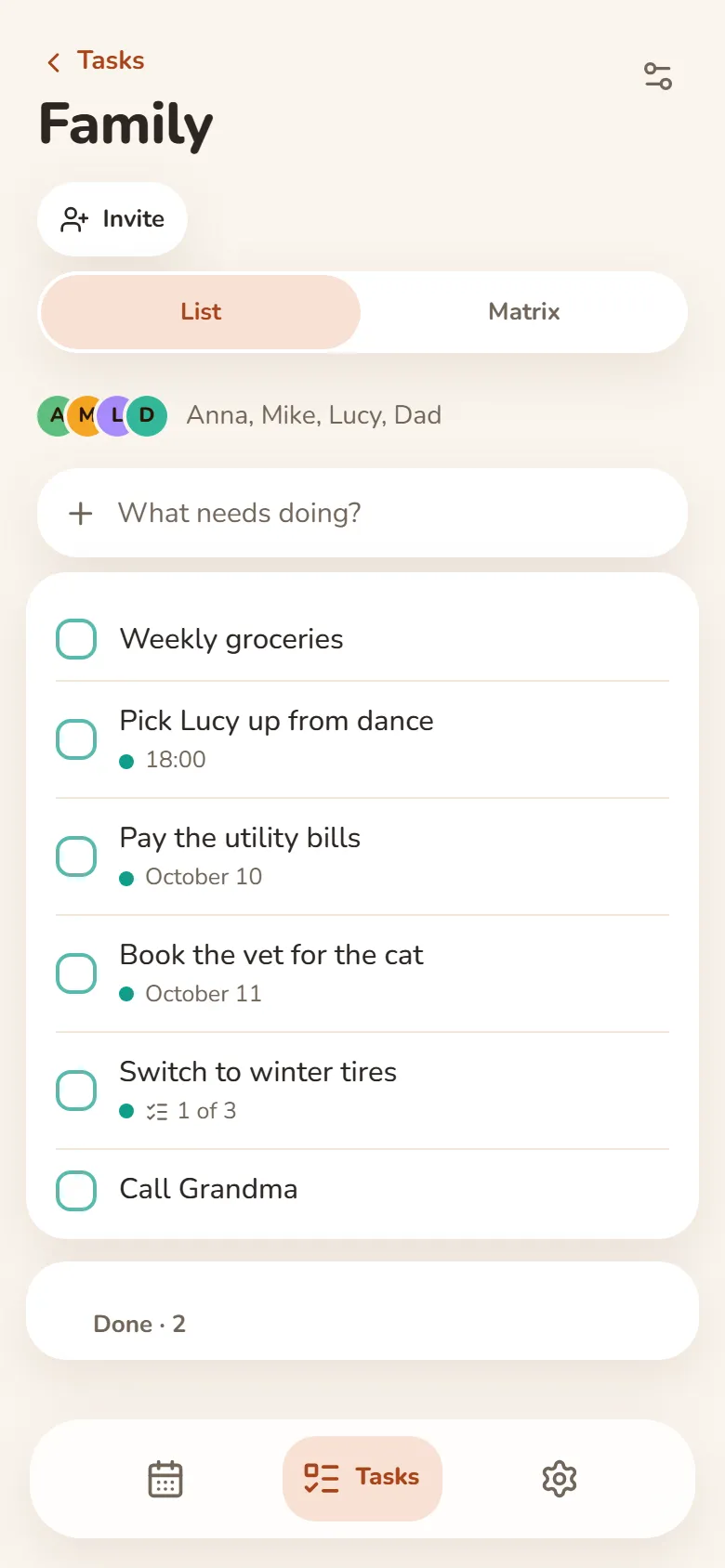
Shared tasks and schedules
- Shared task groups — everyone adds and ticks things off
- One class schedule for your whole group — up to 50 people
- A friend you allow sees your shift times — your earnings stay private
- Invite friends by link after signing in with Telegram or Google
На ўсіх прыладах
Увайдзіце праз Telegram або Google — і запісы будуць на тэлефоне і на камп’ютары. Працуе і без сеткі.
Задачы ў новай укладцы
План на сёння — у новай укладцы браўзера з пашырэннем Bonjourr.
Як усталяваць
Гэта вэб-праграма: ісці ў краму праграм не трэба — дадайце яе на тэлефон або камп’ютар проста з браўзера.
У браўзеры
Нічога ўсталёўваць не трэба — проста адкрыйце на любой прыладзе.
Адкрыць у браўзерыiPhone і iPad
- Адкрыйце DayHeart у Safari
- Націсніце «Падзяліцца» (у iOS 26 — у меню «…»)
- Абярыце «Дадаць на хатні экран»
Android
- Адкрыйце DayHeart у Chrome
- Націсніце ⋮ у правым верхнім куце
- Абярыце «Усталяваць праграму»
Камп’ютар
- Адкрыйце DayHeart у Chrome або Edge
- Націсніце значок усталёўкі ў адрасным радку
Windows
Праграма DayHeart для Windows — з віджэтамі на працоўным стале.
Спампаваць з Microsoft StoreTelegram
Адкрыйце бота @dayheartbot — праграма адкрыецца проста ў Telegram.
Адкрыць у TelegramКрамы праграм — у планах
App Store — плануеццаGoogle Play — плануецца
Вашы даныя
Вашы запісы жывуць на вашай прыладзе, а пасля ўваходу — яшчэ і ў вашым акаўнце, таму яны ёсць на ўсіх вашых прыладах.
Большасць запісаў «Настрою» можна зашыфраваць на прыладзе — тады нават мы не зможам іх прачытаць. Лекі і тое, што патрэбна для абмену настроем з сябрамі, сервер бачыць; ключ з кода аднаўлення з 12 слоў да яго не трапляе.
Без рэкламы. Мы не прадаём даныя і не перадаём іх трэцім асобам, акрамя выпадкаў, апісаных у палітыцы прыватнасці.